noodlemctwoodle
Members
-
Joined
-
Last visited
Everything posted by noodlemctwoodle
-
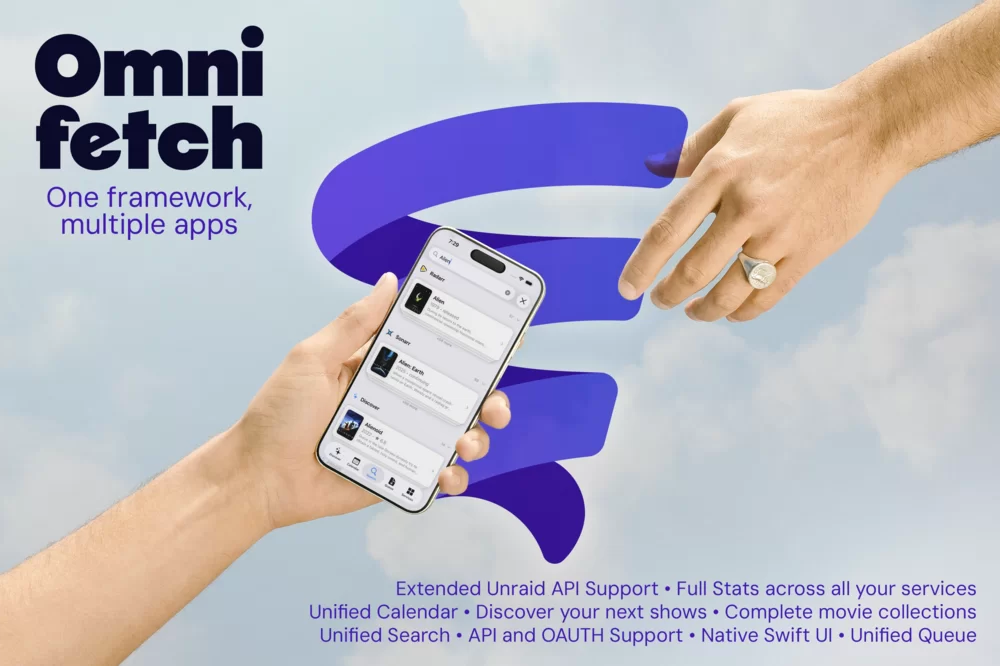
This is OmniFetch, a project that I have been working on day and night for over 14 months. OmniFetch is a native SwiftUI iOS app framework for managing media services like Sonarr, Radarr, Lidarr, Tautulli, Sabnzbd, Unraid with many more in the pipeline. The goal is simple; one app, one unified experience. Inside OmniFetch, you’ll find multiple fully featured modules that connect directly to your hosted services, all from a single pane of glass. We are building out each integration as a fully featured module within OmniFetch. Whether you’re handling user management or requests in Seerr, starting, stopping, or updating containers and VMs on Unraid or seeing what’s playing in Tautulli, all accompanied by complete cross-service statistics. No more switching to the browser because of missing functionality, it's all in one place with OmniFetch. Below is a snapshot of the great things we have built so far. None of this would have been possible without the help of the community members that took a chance and joined the OmniFetch community many months ago. Extended Unraid API Support - Deep integration with Unraid. Our custom Unraid Plugin seamlessly unlocks more capability than the standard Unraid API. Unraid API Full Stats - Consolidated statistics across all connected services Unified Search - Search across all your media services at once Unified Calendar - See upcoming releases in one place Seerr Discover - Find your next shows and movies Complete Movie collections - Manage grouped movie collections API and OAuth Support - Secure authentication options Unified Queue - Monitor downloads across all services Native Swift UI - Built entirely in SwiftUI for a true iOS-native experience We're currently in beta with 60+ testers and preparing for a release in the near future. If you're interested in joining our community, checking out the app or to come and join the development of this framework head over to our website for more information and join links to our Discord server.