Skip to content
View in the app

A better way to browse. Learn more.

Unraid

A full-screen app on your home screen with push notifications, badges and more.

To install this app on iOS and iPadOS
  1. Tap the Share icon in Safari
  2. Scroll the menu and tap Add to Home Screen.
  3. Tap Add in the top-right corner.
To install this app on Android
  1. Tap the 3-dot menu (⋮) in the top-right corner of the browser.
  2. Tap Add to Home screen or Install app.
  3. Confirm by tapping Install.

krh1009

Members
  • Joined

  • Last visited

Everything posted by krh1009

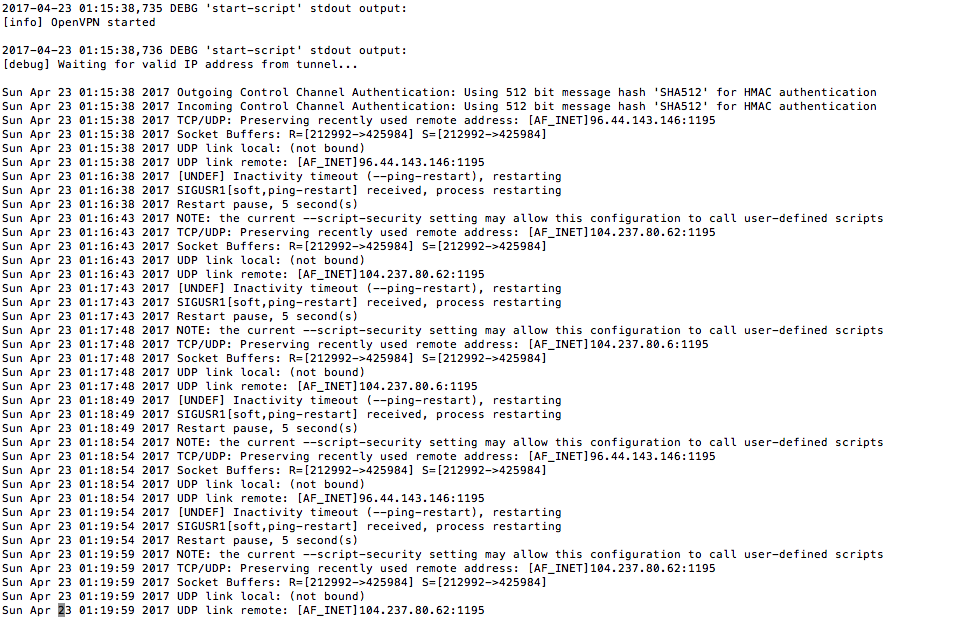
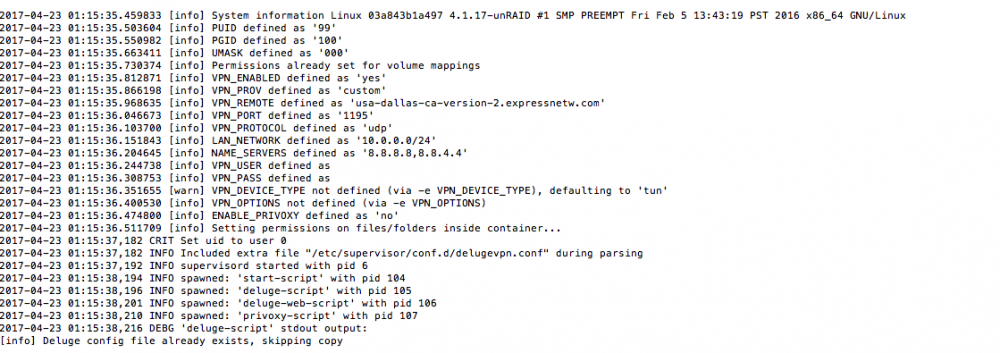
  1. One more question... I had very slow download speeds with pia, so I'm trying to switch to express VPN as a provider. I'm running int a problem, attached are the head and tail of my supervisord.log.
  2. BINGO! Thank you!
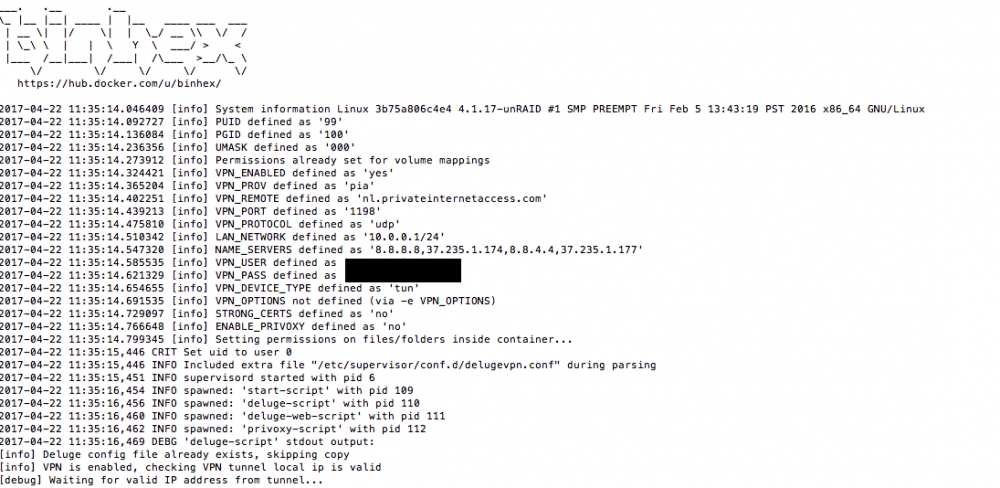
  3. I've just switch from deluge to delugevpn. I've installed the docker and all seams to work well when accessing on using the webui (on local unraid box). I'm having an issue when trying to connect from a deluge client on another machine in my network. I'm using a comcast router that DHCP server issues address as 10.0.0.X. My unraid box is 10.0.0.111 . I took a guess that my LAN_NETWORK value was wrong and changed that...but no go. Screen shot of settings attached. Any suggestions ?
Account

Navigation

Search

Search

Configure browser push notifications

Chrome (Android)
  1. Tap the lock icon next to the address bar.
  2. Tap Permissions → Notifications.
  3. Adjust your preference.
Chrome (Desktop)
  1. Click the padlock icon in the address bar.
  2. Select Site settings.
  3. Find Notifications and adjust your preference.