iamtwan
Members
-
Joined
-
Last visited
-
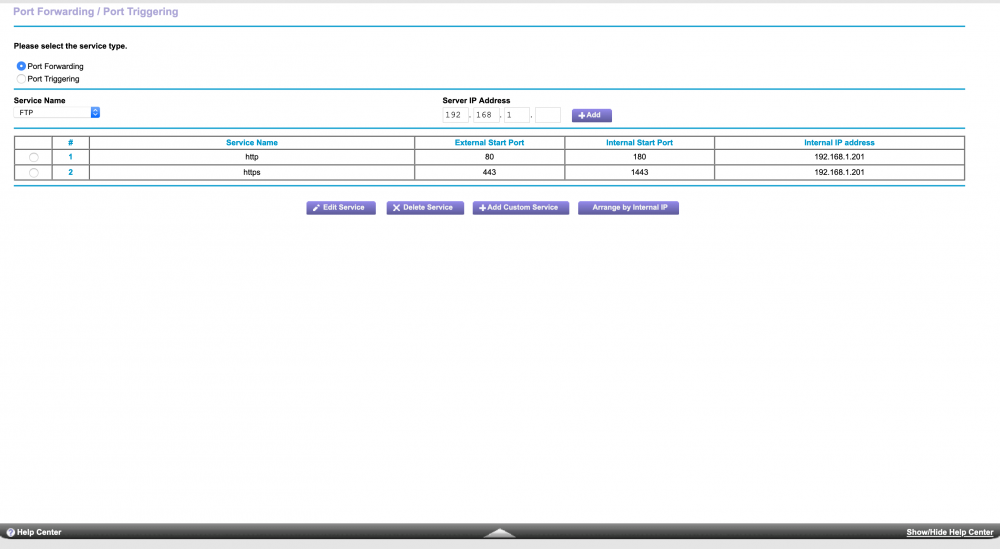
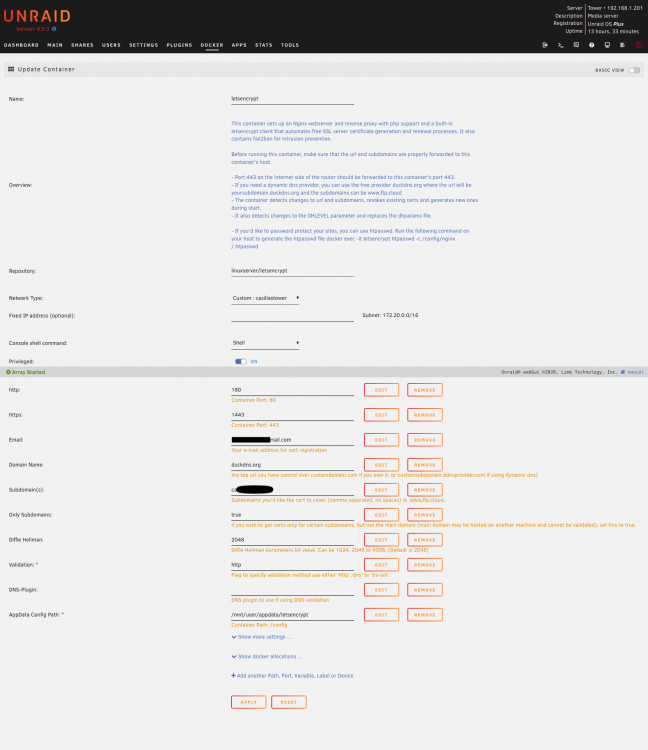
I am aware of the SI videos and im pretty sure up to the point im stuck at is mostly the same info. I guess I havent tried to purchase my own domain to try that option yet. However I have a feeling that is not going to make a difference. Ive completely reset my router settings and am now considering doing a fresh reset of unraid. My network is pretty straight forward, I dont really utilize any intensive network settings outside of statically setting my unraid server ip. I also updated to the latest version of unraid. I tried restarting from the beginning and reinstalling all the dockers.
-
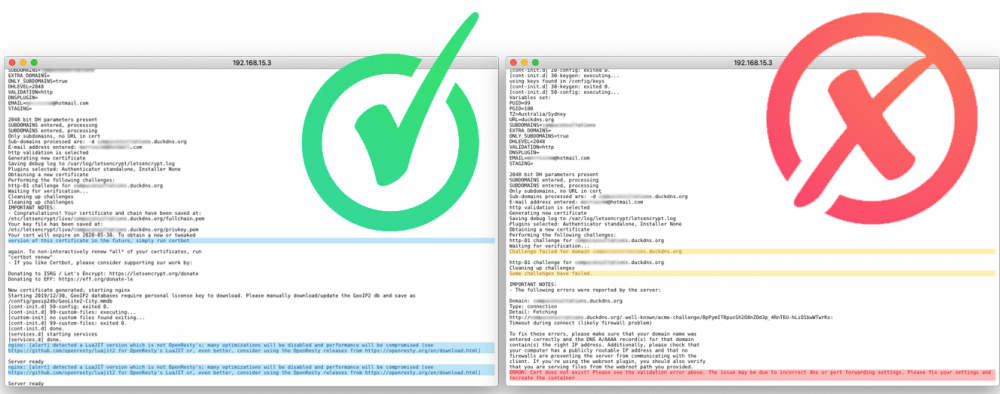
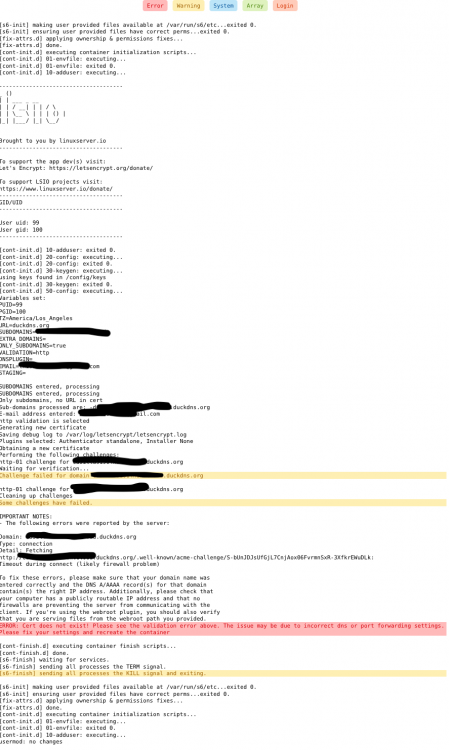
My goal is to setup a Nextcloud for my unraid server. I decided to go with this guide as it seemed relatively current (not that an old one wouldnt be). I'm getting stuck at the portion that requires me to check the logs on the letsencrypt portion. My logs are showing that im getting the cert/validation error the guide warns about. I'm assuming my problem is something with the port forwarding however my networking knowledge is pretty limited. My router firmware is up to date and my unraid firmware is currently 6.8.2. I apologize for my ignorance, but im not really sure where else to start for troubleshooting.