





indy90
Members
-
Joined
-
Last visited
Everything posted by indy90
-
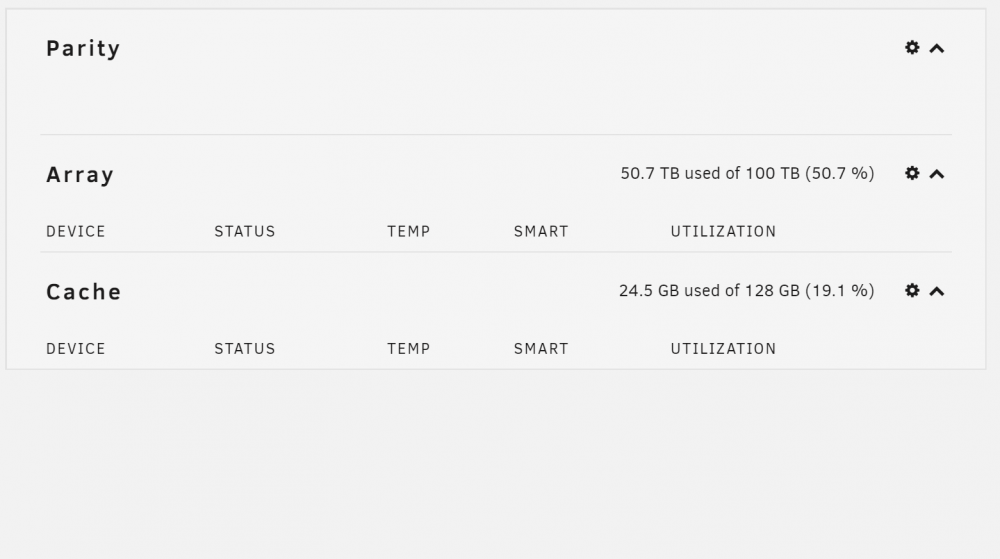
Also they are not listed in the Dashboard Section
-
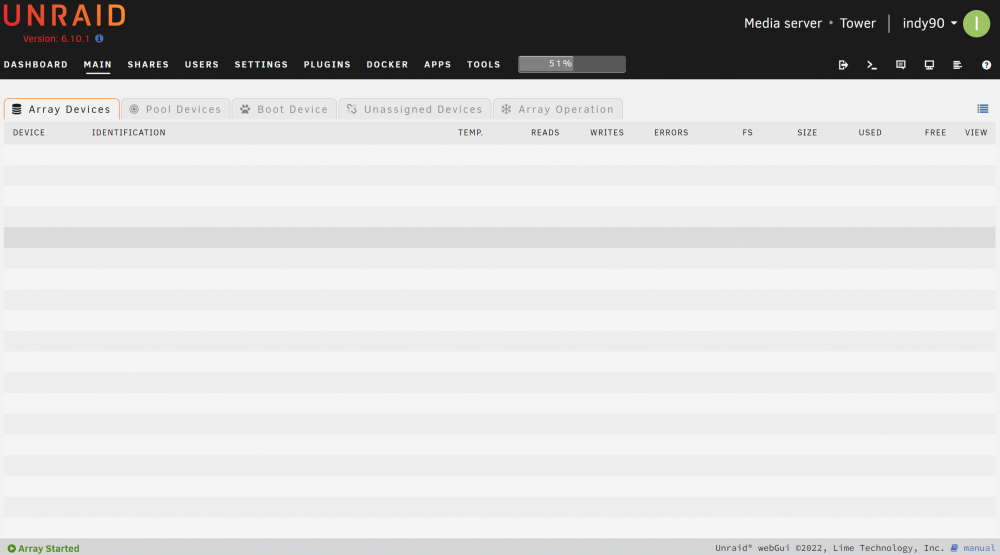
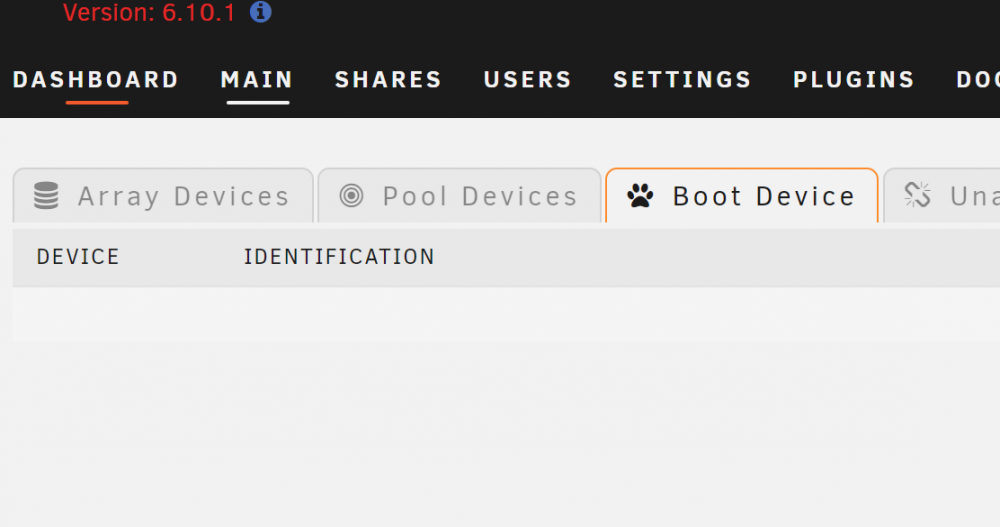
I'm on version 6.10.1 at the moment. I downgraded to it from 6.10.2 before posting here. When I select "Array Devices" or any other tab on the "Main" , there are not devices listed or any thing displayed on the line grid. Other than this, it seems the system is functioning correctly. Any ideas? Not urgent at the momemnt.
-
Thank you. That got me back up and going. I overwrote all the bz* files. Had to boot up in non-gui safe mode, then reboot in my normal gui mode. All seems to be back to normal. I really appreciate the help and advice!
-
Everything was working fine. I had been running up through the RCx versions though the last couple months. Moved to the 6.10 release today. After the update, the reboot will not move beyond the boot option menu. I have selected the different Unraid options with no luck. It come right back to the menu. When I select the Memtest86+, Memtest86+ does start up and work. Any quick tips before I dig in deeper? Any help is appreciated.


