rbigs
Members
-
Joined
-
Last visited
-
@jonathanm Hey Jon great questions, I'm not an Android developer so getting into that could take some time to put out. As of now I can confirm it works 6.6+ but I need some testers for earlier builds. I put the TestFlight out there if people can give me feedback that would be great. I have done the tedious task of digging through the webGui to see where they are pulling data from and gathering it from there so unless things get changed internally the system should not break. About me: I've been using Unraid for about 2 years now on a IBM x3650 M5 with 16 cores, 384 GB ram, and 42TB of storage. Running the usual dockers such as Plex, OpenVPN, and others. Running a Mac OS VM for CI development and a Windows VM for some testing.
-
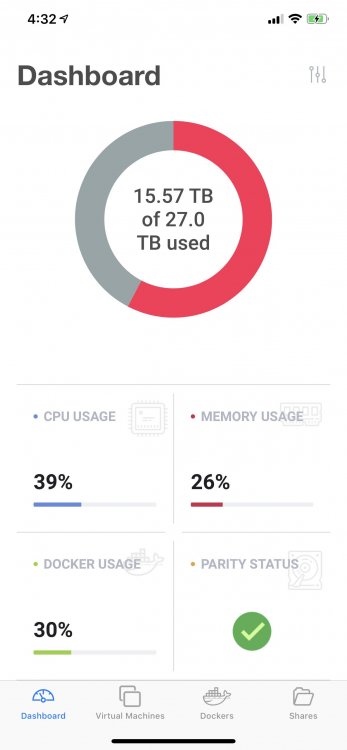
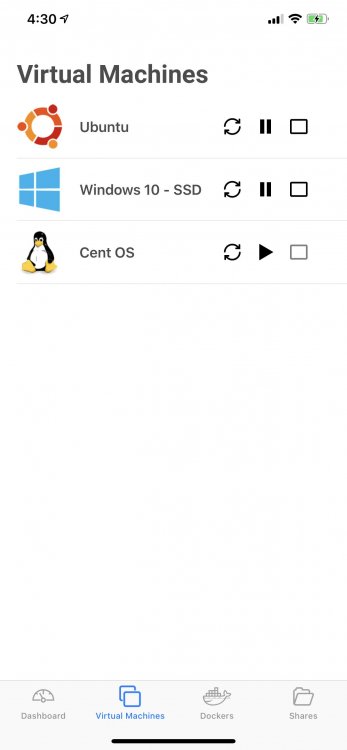
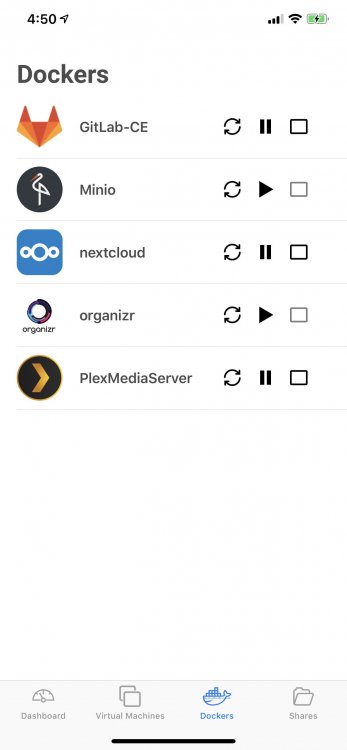
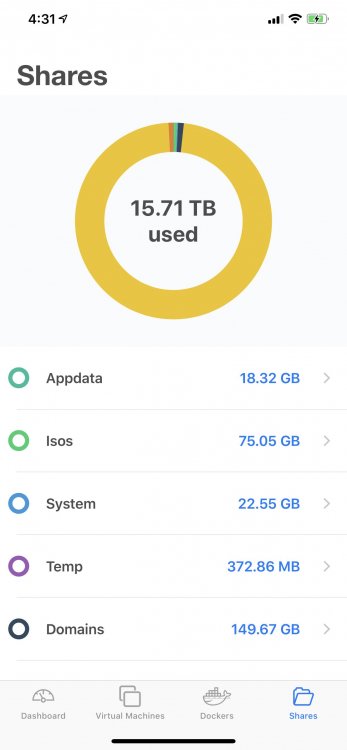
Supervisor – Unraid Controller (iOS) Supervisor is a new and natively built Unraid controller for iOS. Here are some of the key features: - Monitor system information. - View cpu information at a thread level. - Start and stop array. - Start, stop, and restart virtual machines. - Start, stop, and restart dockers. - Download, upload, view, edit, files from your SMB shares. - Start and stop a parity check in addition view current and past parity checks. - Reboot and shutdown the server. - View disk information including smart data, temperature, read, write and error counts AppStore: http://appstore.com/SupervisorUnraidController I am also looking for some people to become testers for new features and bug fixes, if interested you would get the application for free. All that I ask that you provide feedback about the bugs that arise. You can sign up through TestFlight link below, thank you in advance. TestFlight: https://testflight.apple.com/join/s42xUXv7 Screenshots: