k2exoman
Members
-
Joined
-
Last visited
Everything posted by k2exoman
-
cfm21 - You are a wizard. That worked and solved my issue. Thank you so much for replying!
-
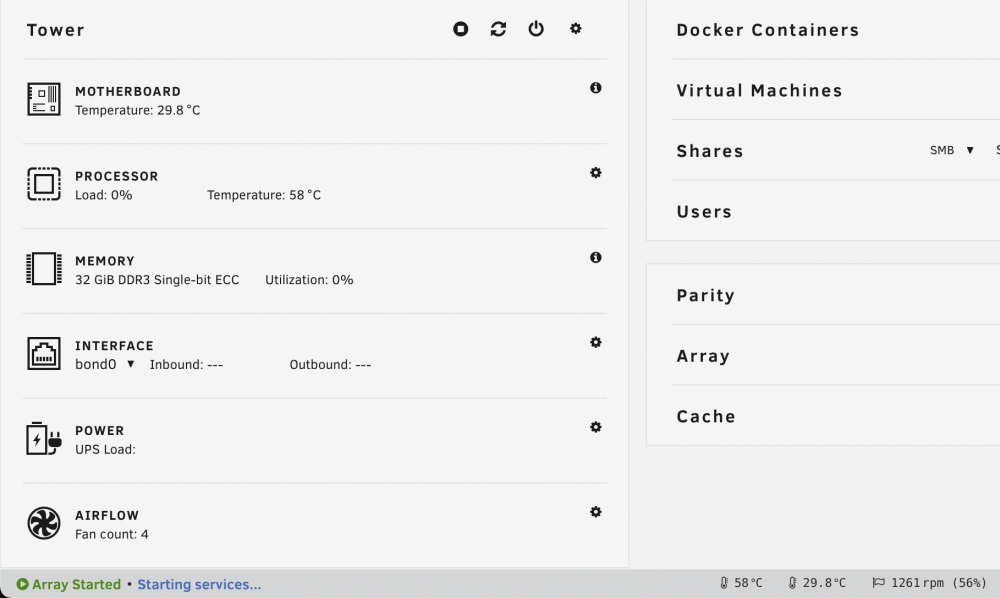
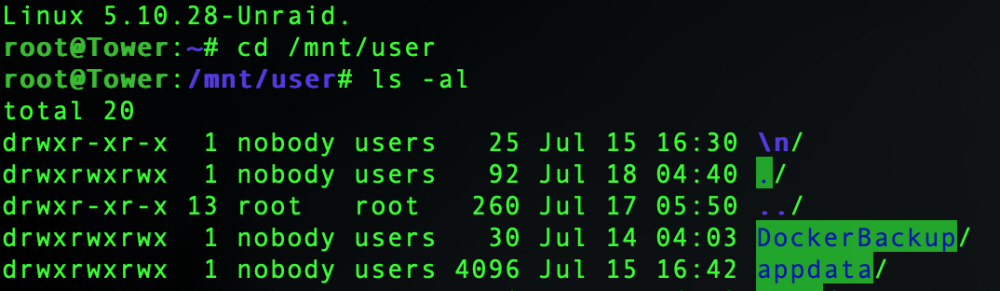
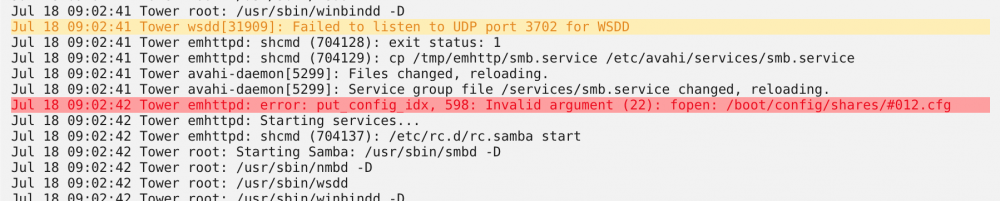
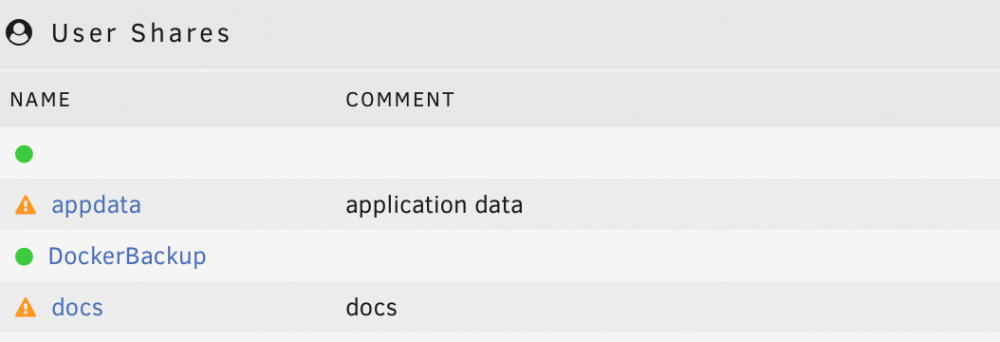
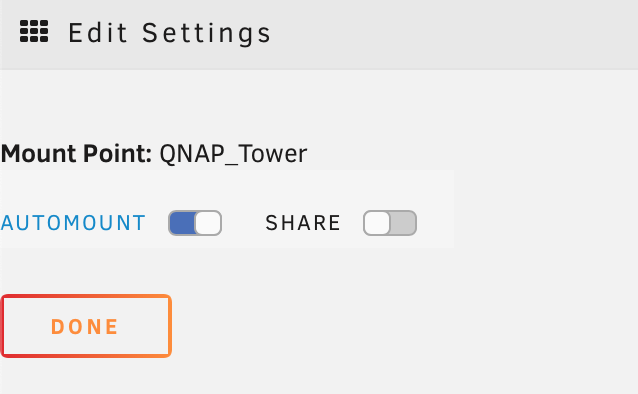
I've searched the forums/internet, but had no luck finding a similar issue so I apologize if this is a repeat. This is on version 6.9.2 and I've attached screenshots, and diagnostic logs. I had a blank SMB share name (that I did not create) appear after mounting a remote SMB share via the CA plugin. The mount was successful, and remote share is unchecked, however, there appears to now be a blank share at /mnt/user. The dashboard doesn't seem to initialize and rebooting the array has not resolved the issue either. Due to the escape character in the share name, I cannot browse the share via SSH. Browsing via the GUI shows it's a recursive mount, clicking the user folder just goes to the user folder. SMB will not start, 'Starting Services' shows every couple seconds at the bottom of the web browser. I receive warnings (from the 'Fix Common Errors' plugin) that the log dir is full after ~1 day, and I seem to be unable to remove the share. The #012.cfg file referenced in the log also does not exist. How can I remove this blank share and resolve the issue so I can reshare files again? tower-diagnostics-20210718-0901.zip