xxgrahvityxx
Members
-
Joined
-
Did a little digging and got it figured out. The boot.cfg file was missing under /boot/config/pools. Was able to create a new one, then select the drives in the boot menu in the UI.
-
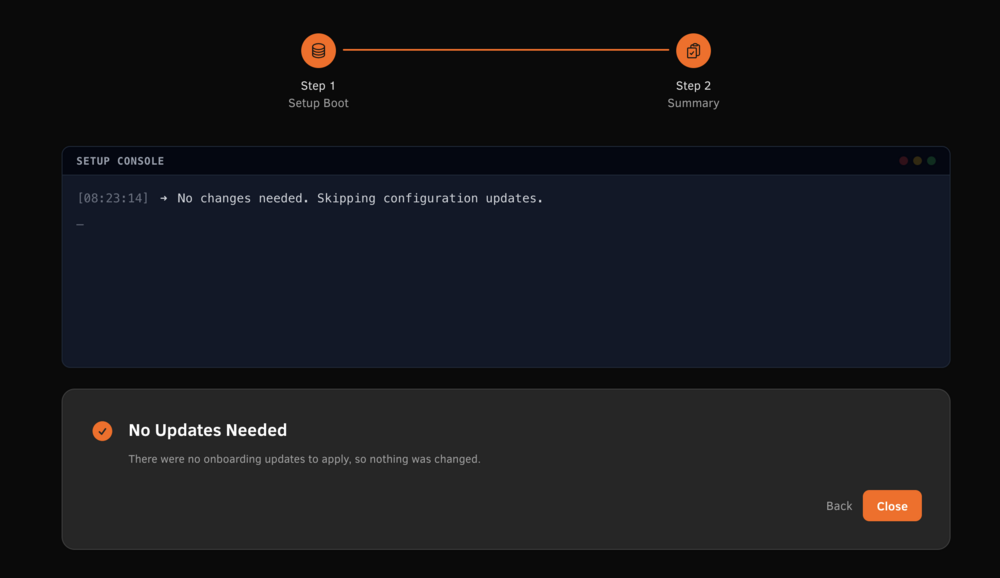
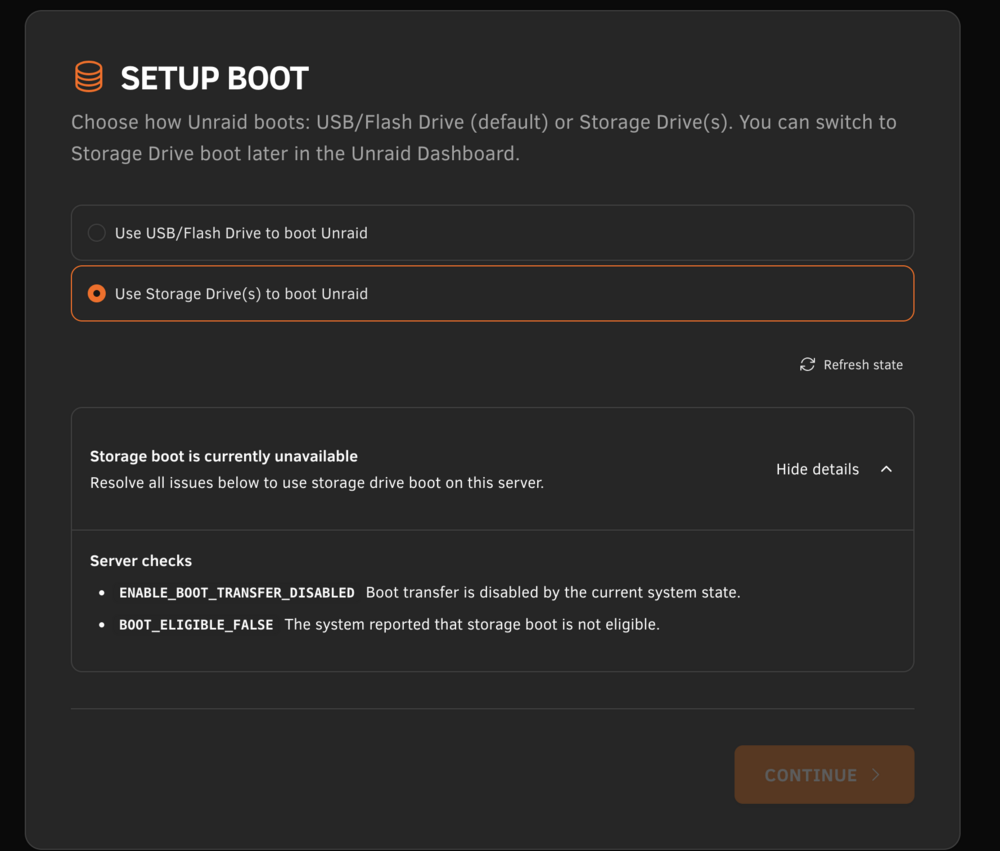
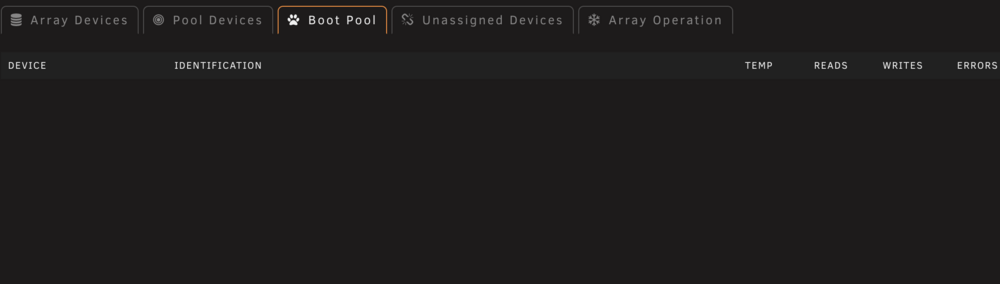
Diag was from the internal boot, I believe the screenshots were from internal boot as well but I see the exact same thing when I tried swapping back to USB. Would diagnostics from USB boot help? I can get those pretty quick Diag from USB boot attached tank-diagnostics-20260523-0846.zip
-
Hi everyone, I upgraded to 7.3.0 and swapped to internal boot and the webui does not show a boot drive now. The system still boots (off the internal drive). I've tried loading into safe mode and still don't see anything. I tried creating a new USB off the backup, booted off of that and still don't see anything. The internal boot wizard does not allow me to do anything either. tank-diagnostics-20260523-0752.zip