





Hamilcar
Members
-
Joined
-
Last visited
-
I ended up switching the motherboard and cpu for another model. The system is now stable, thanks for the help.
-
Thanks a lot for the guide. I do have a question, when steaming outside my network my stream shows as not secured in Tautulli, do you know if that’s something that can be ignored ? When changing the setting secured connections in plex to required I can no longer access Plex Media Server. I also disabled remote connections in the settings.
-
No the first time the issue happened wasn’t during a parity check. The system was running smoothly for a week. Schould I just give up with those 14th gen, maybe I have a bad mobo/cpu combination ?
-
Managed to get the log after a kernel panicpatricksnas-diagnostics-20250926-1320.zip
-
Hi, The crashes started to happen again so I'm reopening the thread, I've included logs.patricksnas-diagnostics-20250926-0328.zip
-
I have been able to run the system for a few hours today with a new 14900k. No errors. Thanks for the help !
-
Yeah, also there was a recent microcode update included with the latest asus bios for my motherboard. I’ll try with another CPU and come back to the thread !
-
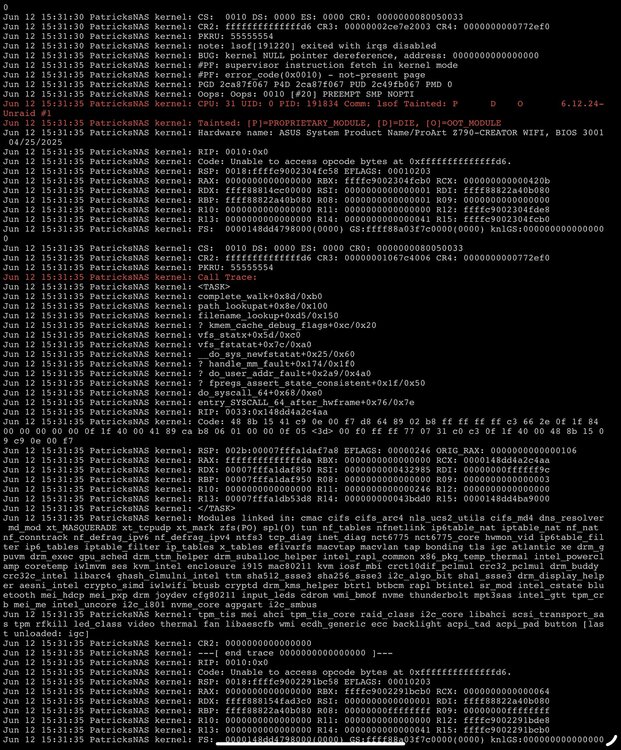
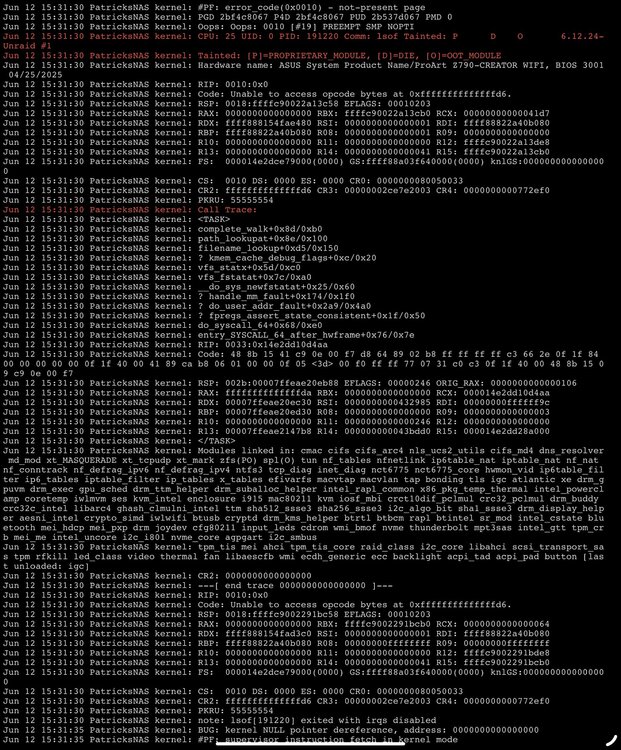
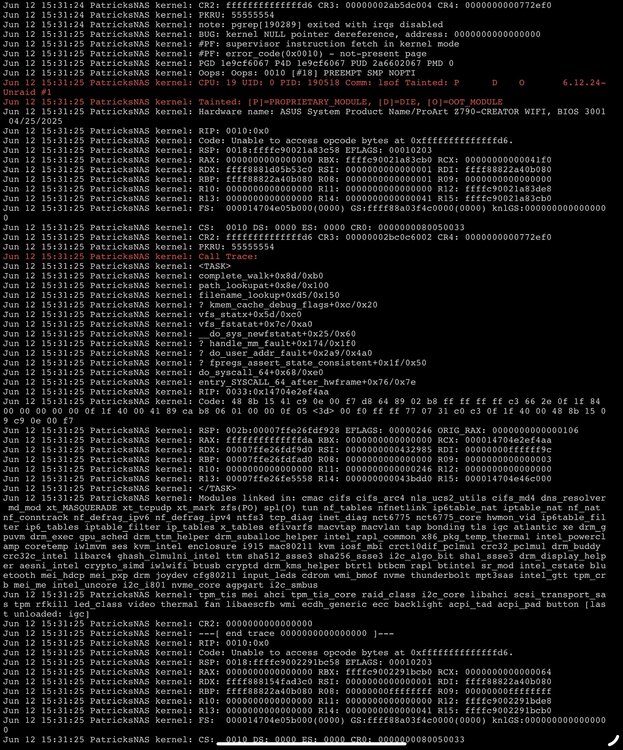
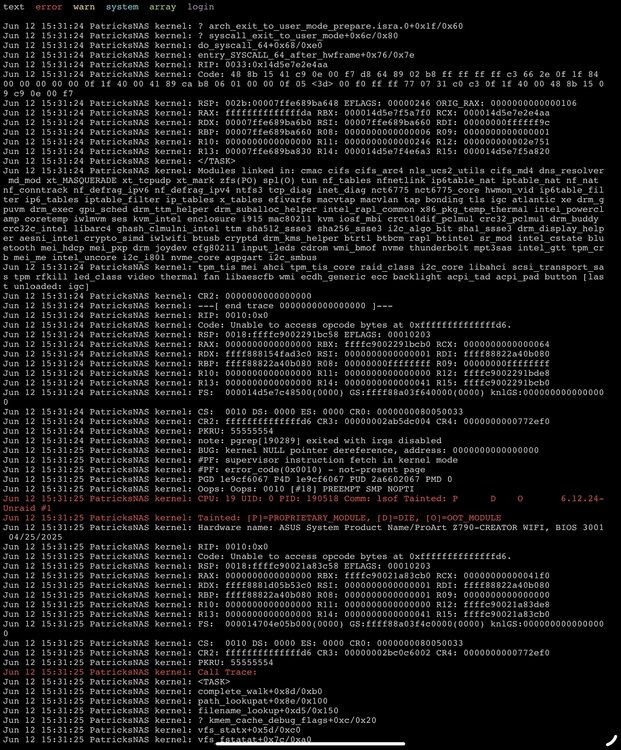
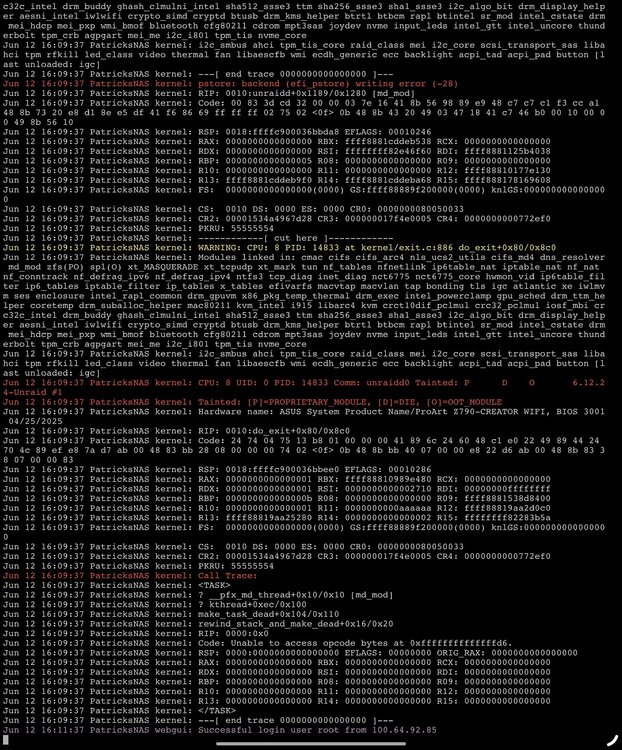
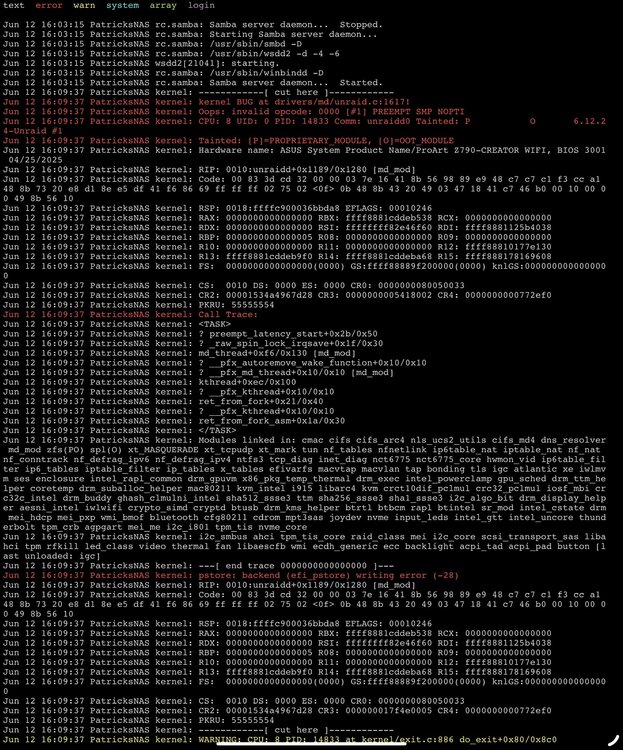
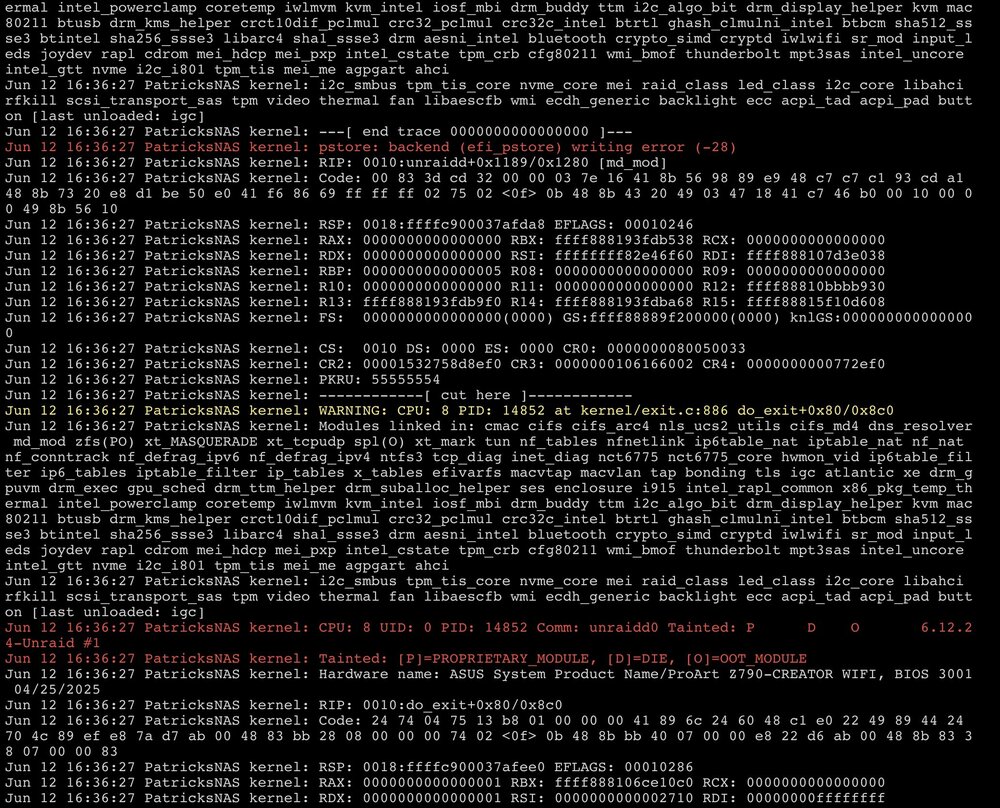
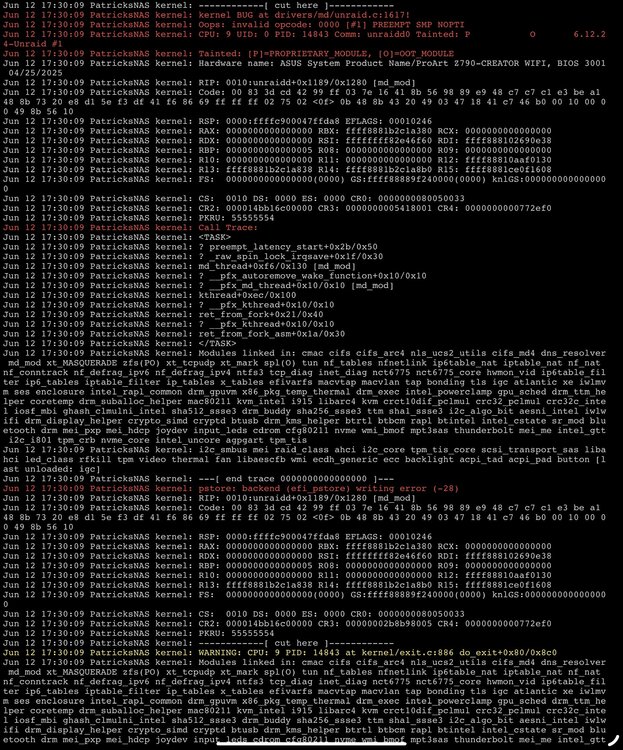
I tried the sticks one by one, same result every time: start to see a kernel panic after a few minutes after the boot starting a parity check or not doesn’t matter. I tried to include what I could see in the logs every time.
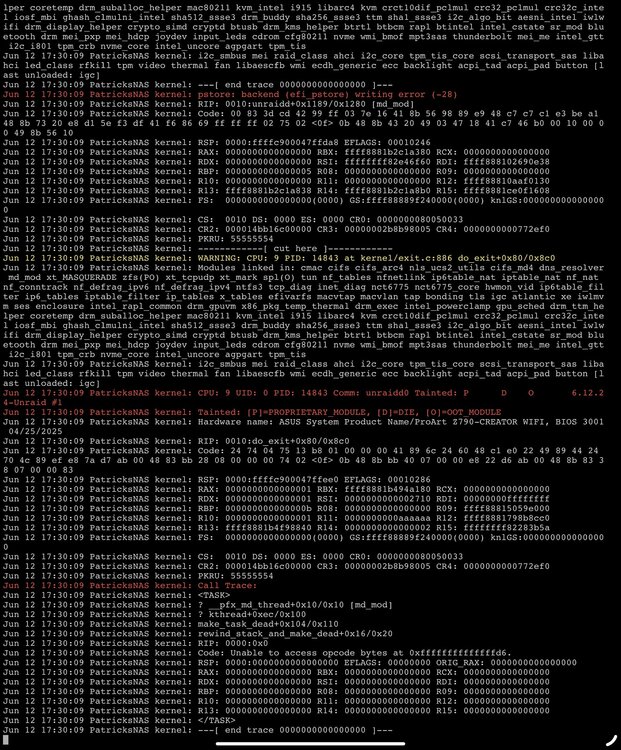
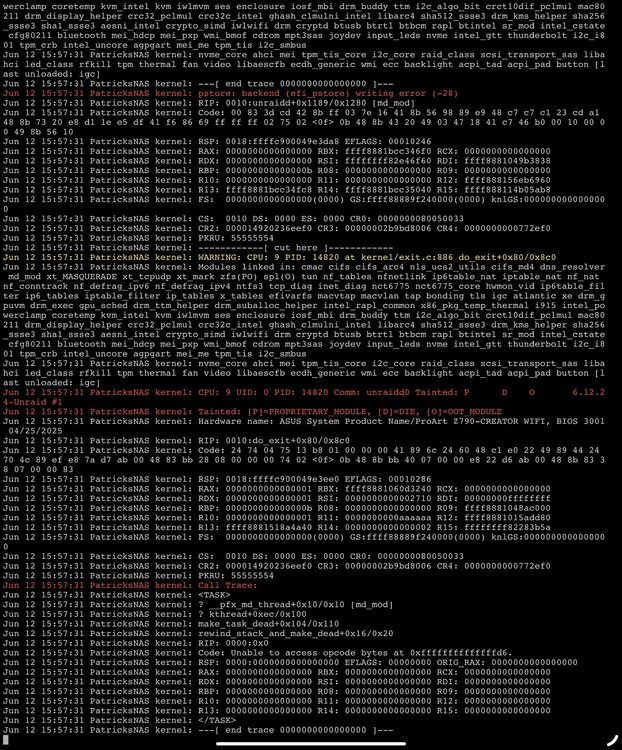
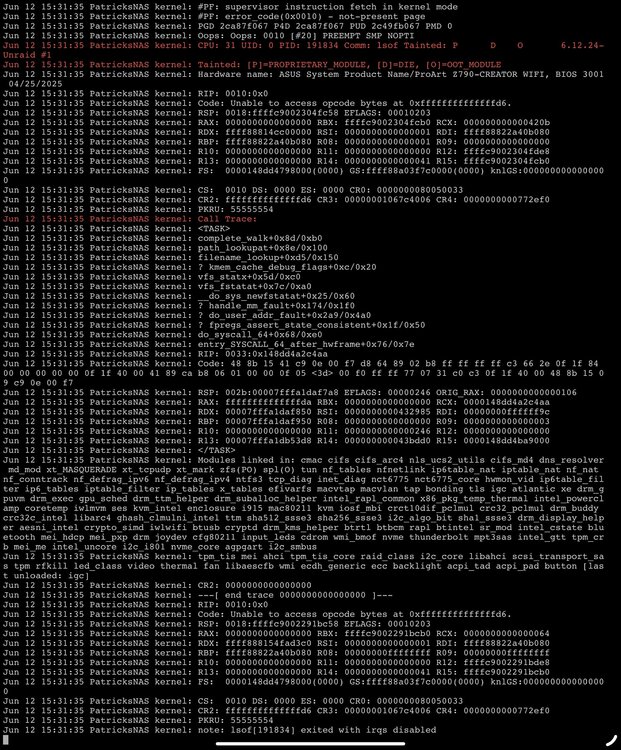
-
I’ve already changed the cpu twice, could it be something else ? The ram has also been changed and is new is it worth it to run a memtest ?
-
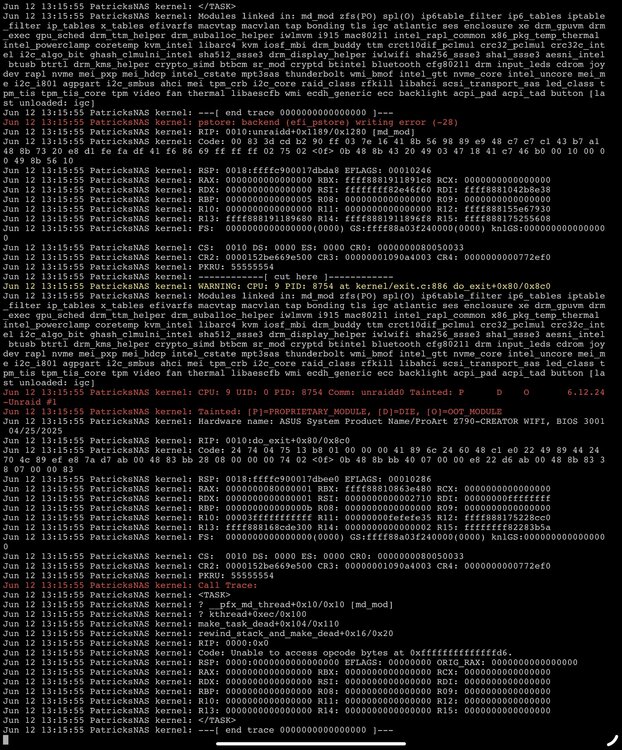
I tried running a parity check in safe mode, issue still appears.
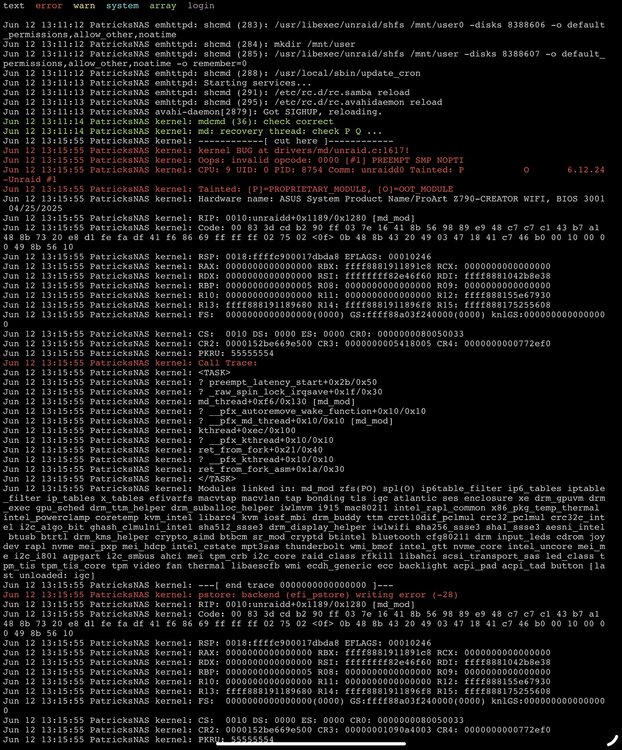
-
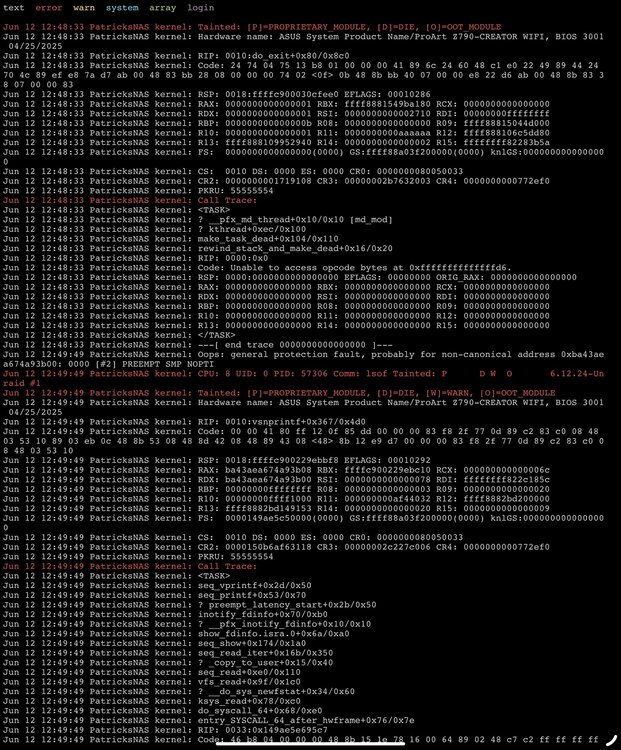
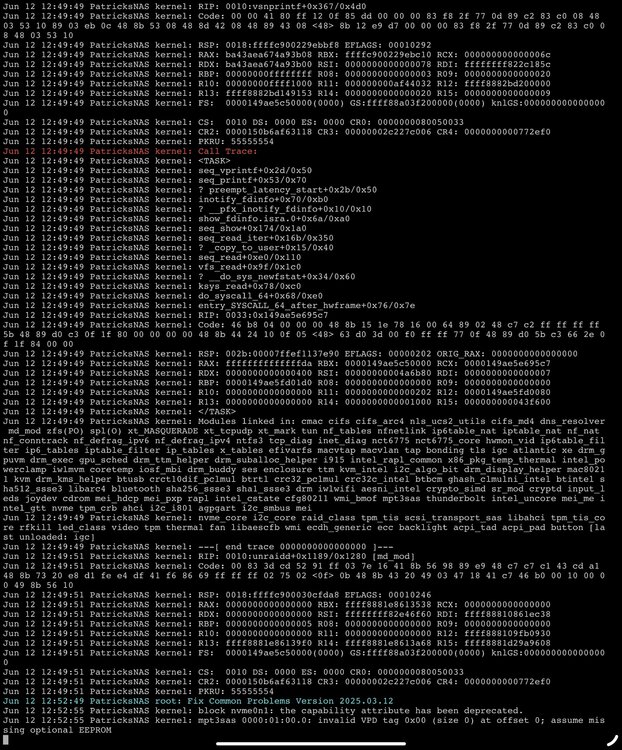
Hi, After a while, the server becomes unresponsive. The issue can be reproduced by triggering a parity check. The chassis is a supermicro sc846 with dual PSU. I’ve already tried: Swapping CPU Swapped RAM Swapped LSI HBA controller Swapped motherboard Last thing would maybe be the backplane ? Already thank you for your help patricksnas-diagnostics-20250612-1252.zip
-
It might be related to the instability issues reported on intel's 13th and 14th gen CPUs. I've updated my BIOS with the 0x129 microcode and RMA'd my CPU.
-
Updated BIOS. Did a memtest: 0 errors. Let's see if the system is stable.
-
It’s now crashing after half an hour of rebooting. Almost all containers were off. I’ll try updating the bios and simple things like that first, no idea how to detect a hardware failure.
-
Thanks for looking into it, I’ll give it a try when I have more time.



