Septimus Heap
Members
-
Joined
-
Last visited
Everything posted by Septimus Heap
-
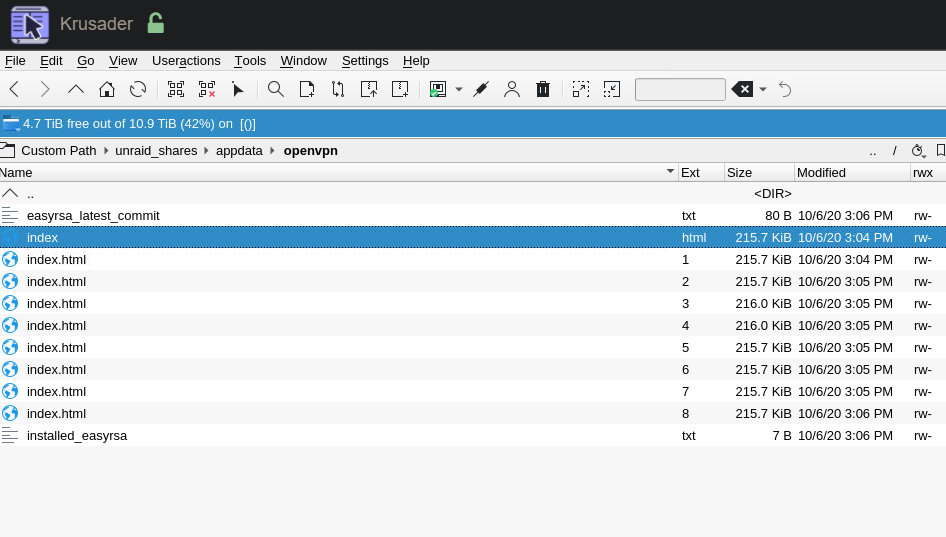
Hi Peter, I just configured my second Unraid Server, and so far everything worked. I changed the Cert and Misc Settings and saved them. But now, when I want to Install Easy RSA it seemingly does nothing, and the page just reloades. And then it still says I have to download easy rsa. But when I check the openvpn folder, there are just index.htmls appearing every time I press install... then I just deleted these and copied the easy rsa folder from the working unraid server, and then I got all the 3 checkboxes green. But when I now press on the start the server button, again, it just reloads and nothing happens... I have absolutely no Idea why its not working... they are Identical in regards to the specs and the settings... I hope you can help me! Best regards Septimus