pankleks
Members
-
Joined
-
Last visited
-
Thank you @user2352 it also helped me. Good stuff!
-
Thanks, here is xml. vm.xml
-
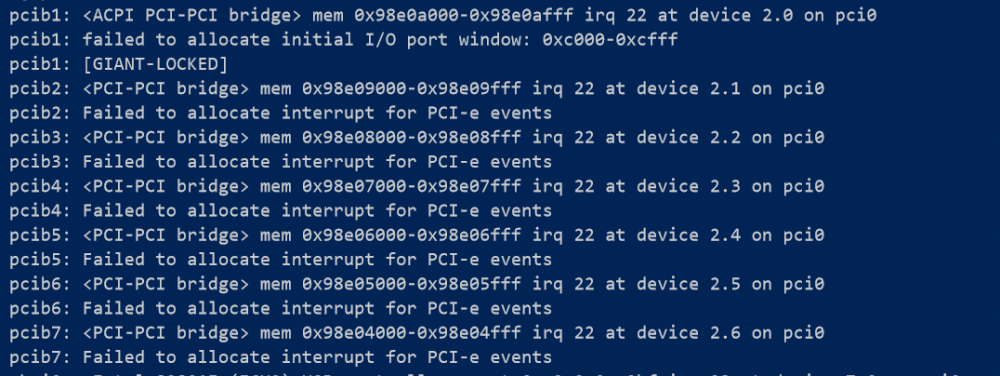
I changed previous Intel card to newer Intel card (I350 quad port) - which is listed in supported devices for `pfSense`, but this did not helped. Still VM is seeing only one port I lunched `dmesg` in VM and only suspicious things I see: and: and: Any ideas? Thanks!


-
Yes, I actually changed slot in first place to achieve good IOMMU group split without forcing override flag.
-
Thanks, I used this exact tutorial, since I had issues, I watched it several times ... I think I did not missed anything.
-
No, only mother board NIC - which is not used as interface into pfSense. 4-Port card is disabled for UNRAID in settings, with: vfio-pci.ids=8086:10e8
-
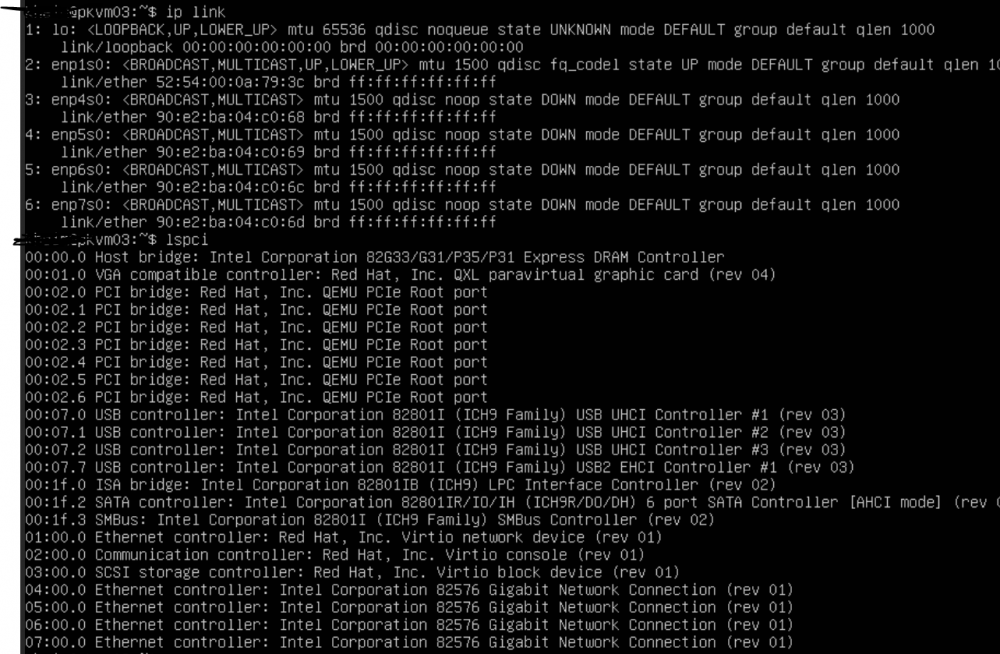
just tested on Ubuntu 18.04 VM, passthrough NIC's also seems to work, so I think it's more related to pfSense itself rather than passthrough:
-
pankleks changed their profile photo
-
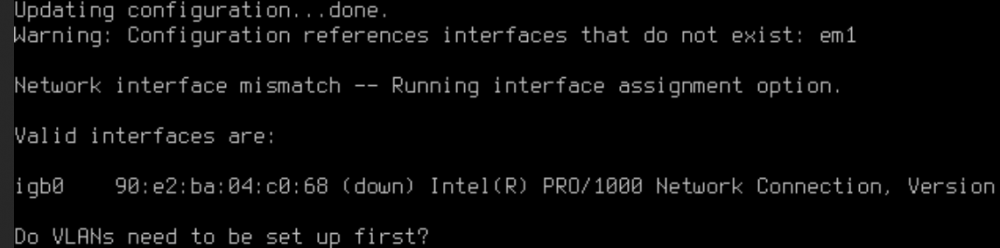
Hello and thanks in advance for help. I'm trying to run pfSense in VM on UNRAID. I have Intel 4-port PCI-E card, which is seen in 2 separate IOMMU groups as: Card is also removed from UNRAID usage in config with `vfio-pci.ids=8086:10e8` All 4 NIC's are passed to VM: But after running pfSense it sees only single NIC: Interestingly, when I create Windows 10 VM and passthough all 4 NIC's, all of them are visible and usable under Windows VM. I'm running UNRAID 6.8.0 on Ryzen 5 2600 with ASRock B450m Pro4-f. pfSense VM runs on QEMU64 due to: I'm kind of lost, any thoughts? Can I provide some additional data to help investigating? Thanks!