Skip to content
View in the app

A better way to browse. Learn more.

Unraid

A full-screen app on your home screen with push notifications, badges and more.

To install this app on iOS and iPadOS
  1. Tap the Share icon in Safari
  2. Scroll the menu and tap Add to Home Screen.
  3. Tap Add in the top-right corner.
To install this app on Android
  1. Tap the 3-dot menu (⋮) in the top-right corner of the browser.
  2. Tap Add to Home screen or Install app.
  3. Confirm by tapping Install.

stuntman83

Members
  • Joined

  • Last visited

Everything posted by stuntman83

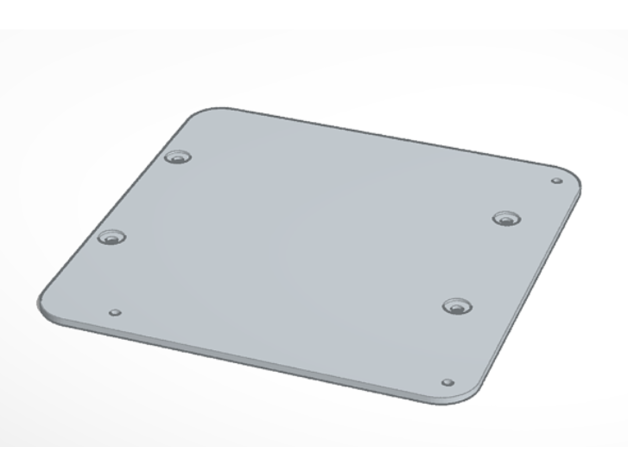
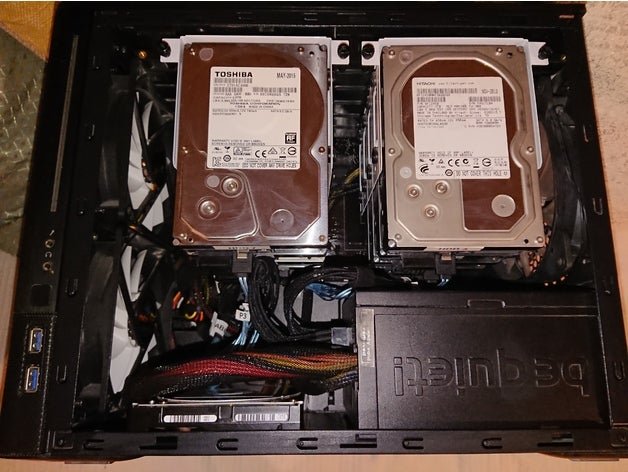
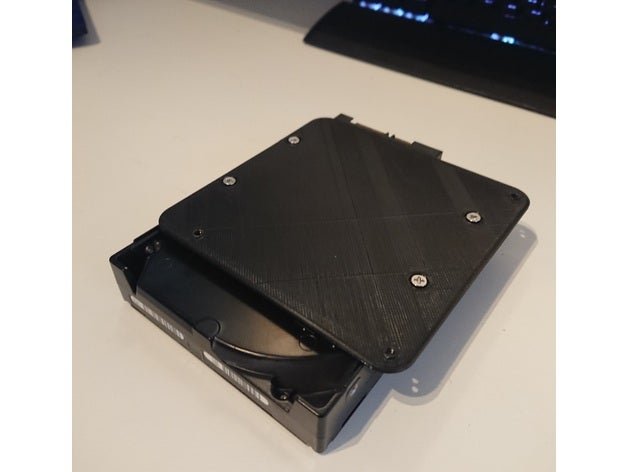
  1. Hi I needed room to add a 2nd parity drive, as unraid at the time of my build did not have the dual parity feature. I squeezed the extra hdd in behind the psu, and made a custom 3d printed bracket to screw in to the holes used by the velcro. It's available on thingiverse thing:4095147 (https://www.thingiverse.com/thing:4095147) if this is still of interest to anyone 😀
Account

Navigation

Search

Search

Configure browser push notifications

Chrome (Android)
  1. Tap the lock icon next to the address bar.
  2. Tap Permissions → Notifications.
  3. Adjust your preference.
Chrome (Desktop)
  1. Click the padlock icon in the address bar.
  2. Select Site settings.
  3. Find Notifications and adjust your preference.