baoziking
Members
-
Joined
-
Dear UNRAID Community, I hope this message finds you well. I am reaching out to seek assistance with an issue I've encountered while using the CONNECT plugin on UNRAID. After installing and configuring the CONNECT plugin, I attempted to use the "Flash Backup" feature. However, regardless of how many times I've tried, I consistently receive the following error message: "Failed to sync flash backup." I have thoroughly reviewed the documentation and checked all settings, but the issue persists. I have attached relevant log files as an attachment to provide more detailed insights into the root cause of the problem. You can find these log files in the attached documents. I am using UNRAID version 6.12.4 and the CONNECT plugin version is 2023.09.08.0637. I am uncertain if anyone else has encountered a similar issue, but I would greatly appreciate any suggestions or guidance on how to resolve this problem. Thank you for your assistance! logs.gz
-
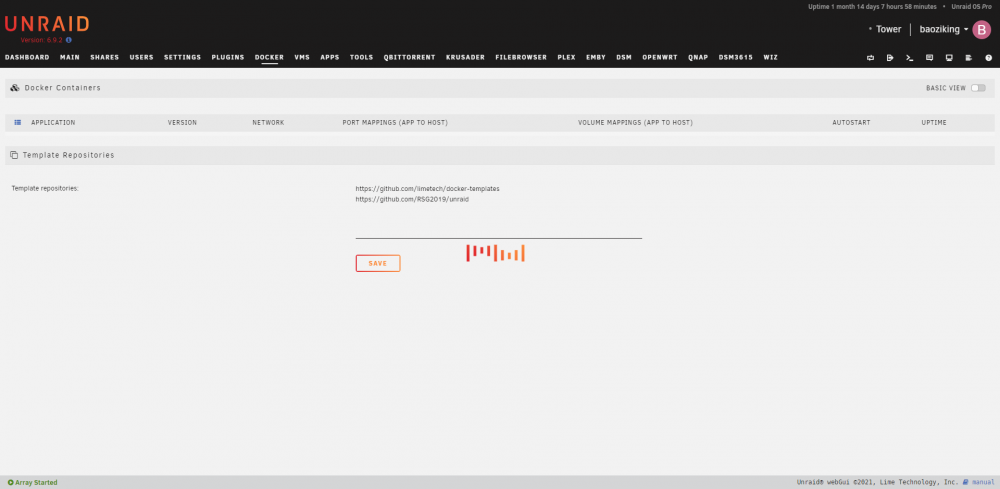
From morning I found I can't open the docker page, How to deal with such a situation? tower-diagnostics-20210811-1105.zip