Genide
Members
-
Joined
-
Last visited
Everything posted by Genide
-
That did the trick. Removing the port number in lychee.subdomain.conf fixed it. ☺
-
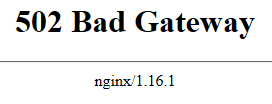
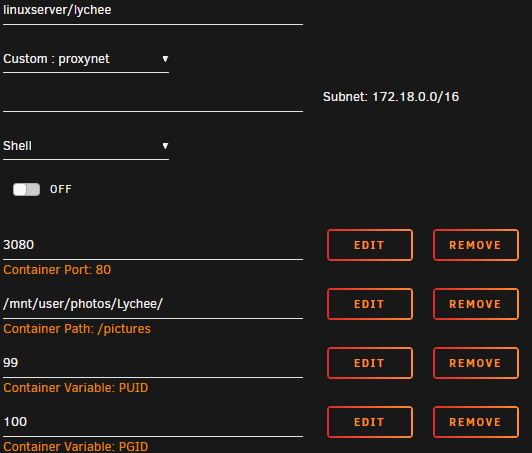
I'm trying to make my Lychee website open to the public via LetsEncrypt and reverse proxy. I've got the Lychee docker container using port 3080. I've modified the existing lychee.subdomain.conf file to include a port number. server { listen 443 ssl; listen [::]:443 ssl; server_name lychee.*; include /config/nginx/ssl.conf; client_max_body_size 0; # enable for ldap auth, fill in ldap details in ldap.conf #include /config/nginx/ldap.conf; location / { # enable the next two lines for http auth #auth_basic "Restricted"; #auth_basic_user_file /config/nginx/.htpasswd; # enable the next two lines for ldap auth #auth_request /auth; #error_page 401 =200 /login; include /config/nginx/proxy.conf; resolver 127.0.0.11 valid=30s; set $upstream_lychee lychee; proxy_pass http://$upstream_lychee:3080; } } But when I try to access the page, all I get is a 502 error. Does anyone know what is going on?