





journeyman25
Members
-
Joined
-
Last visited
-
No change
-
No change fractal-plex-diagnostics-20250930-1720.zip

-
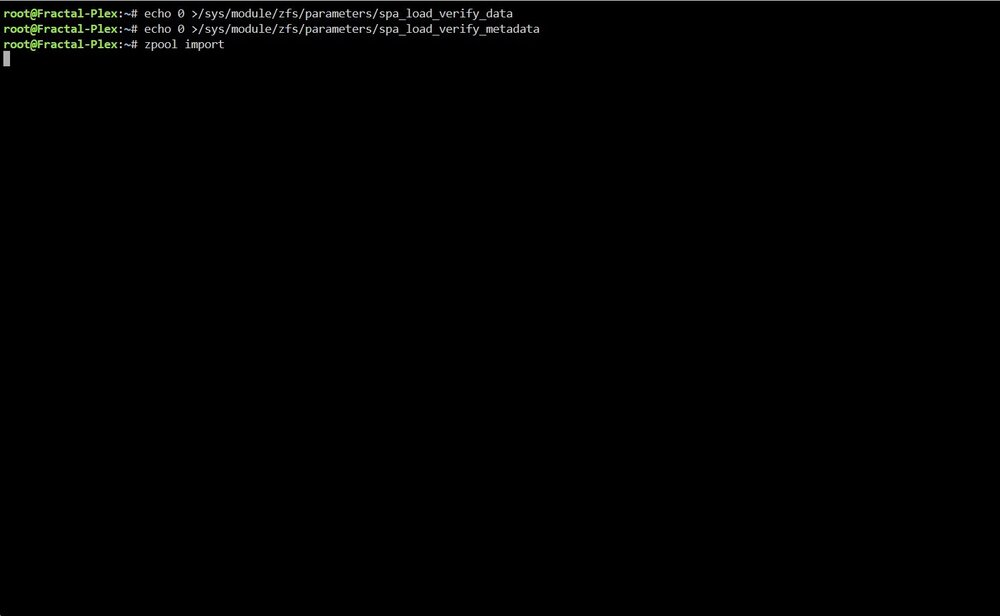
It won’t complete, it stays blank.Unfortunately it did not work. I was looking at my boot sequence and noticed the line “no zpool”. I think my zpool has been deleted somehow. zpool status shows nothing.Here is the diagnostic file. Also, despite looking it up I can't find a means to put my disk 1 in Read Only. What steps do I need to take to make that happen? fractal-plex-diagnostics-20250928-1754.zipSo I don't know much about Unraid even though I use it as a storage and plex server so I struggle any time a fault arises most times. In this case my server will boot, I log in and the first drive will stay frozen as "mounting" and do nothing else. Multiple resets did nothing to change this, and it does the same thing in Safe Mode. My cache drive, app data, and plex data drives that I had on individual SSD's were blanked out and I was forced to clear them and reformat. This changed nothing. So what I am trying to do is find some way to get my drives to mount and get the array to start. 1644 is the syslog prior to starting the array, 1648 is the syslog after starting the array fractal-plex-syslog-20250927-1648.zip fractal-plex-syslog-20250927-1644.zip I have run smart checks on all my drives and no errors were detected.


