scsujay
Members
-
Joined
-
Last visited
-
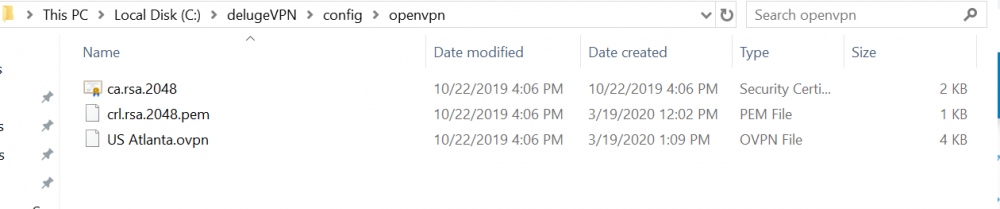
So I'm getting the No OpenVPN file error as well. I downloaded the zip file and included only 1 .ovpn file as well as the Cert file and PEM file. I'm not sure why it is not coming up. Been messing with this for 24 hours. Feel so close now. Brand new to Docker. Thanks! version: "3" services: vpn: image: binhex/arch-delugevpn container_name: delugevpn restart: unless-stopped ports: - 8112:8112 - 8118:8118 - 58846:58846 - 58946:58946 environment: - VPN_ENABLED=yes - VPN_USER=****** - VPN_PASS=****** - VPN_PROV=pia - STRONG_CERTS=no - STRICT_PORT_FORWARD=yes - ENABLE_PRIVOXY=yes - LAN_NETWORK=192.168.3.0/24 - NAME_SERVERS=209.222.18.222,84.200.69.80,37.235.1.174,1.1.1.1,209.222.18.218,37.235.1.177,84.200.70.40,1.0.0.1 - DELUGE_DAEMON_LOG_LEVEL=info - DELUGE_WEB_LOG_LEVEL=info - DEBUG=false - UMASK=000 - PUID=0 - PGID=0 volumes: - /DelugeVPN/:/data - /DelugeVPN/:/config - /etc/localtime:/etc/localtime:ro cap_add: - NET_ADMIN