





schnub
Members
-
Joined
-
Last visited
Everything posted by schnub
-
I´ll try that now. and keep ya´ll updated
-
Now i have the same Problem again... something must be defective. Please help! In the Root Console Everything is there: But webui if not accesable. Can´t pull a new diagnostics file.

-
It´s working atm. What i did. i started the array in "Maintenance" Mode then stopped it. Then started it normally. Now its not "buggy". i´ve added the new diagnostics file. best regards schnub bronas-diagnostics-20210706-1135.zip
-
I´ve sorted that issue out. It was a faulty cache drive. This can now be closed. Thanks !
-
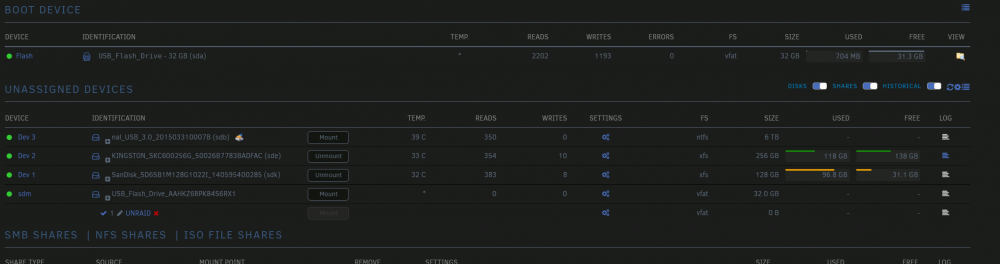
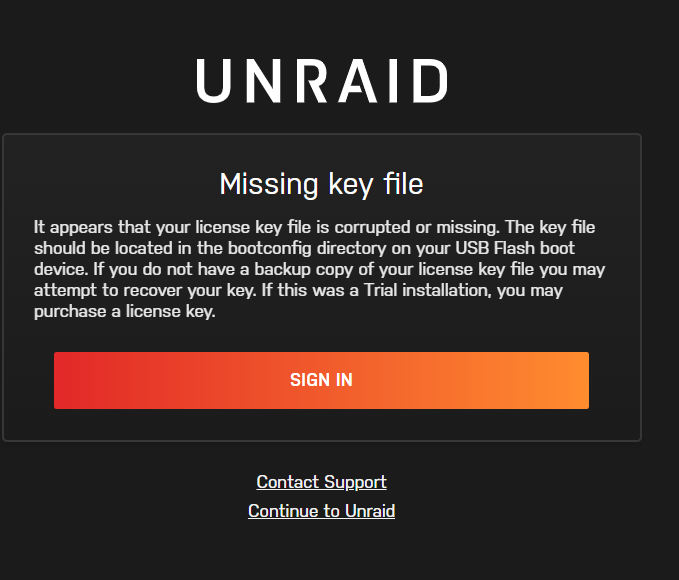
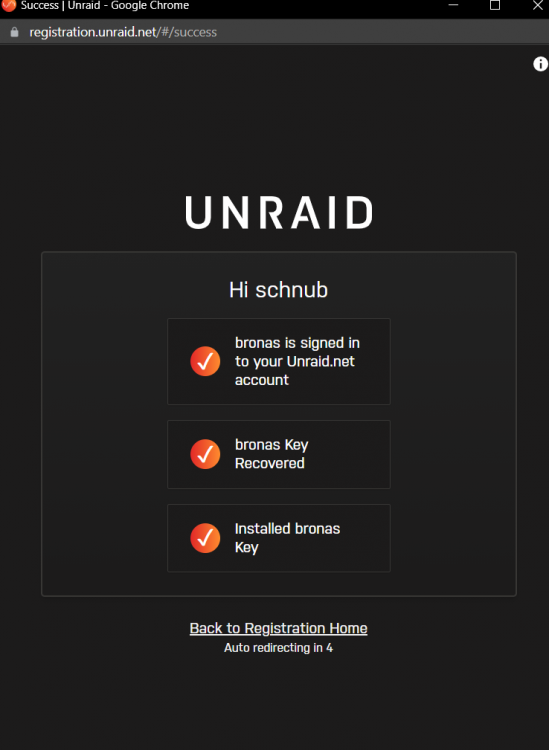
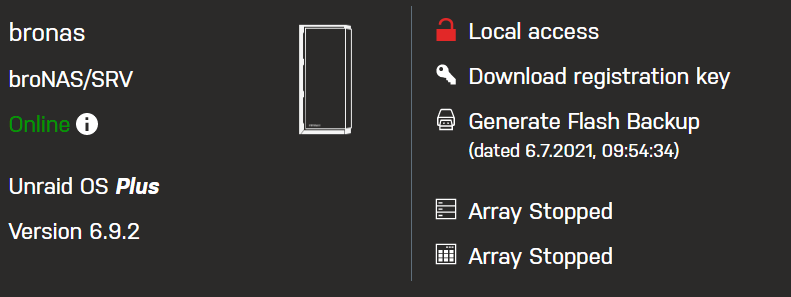
EDIT: It looks like the Unraid USB Stick is getting mounted! I saw warning in the upper right corner with NO FLASH in red. Then the missing key showed up. I didn´t change anything. How to prevent the UNRAID OS Stick from getting mounted in unassigned devices? Dear Community, after i tried to log me in to my unraid system this morning i was greeted by a different style of dashboard and a blank white screen with the warning "Missing Key file". Everything was running (VM,DOCKER,etc.) but no way to show it in the browser. i tried different browser to double check. nothing. Then i tried to recover the licence which failed. or it says it has done the magic and the the same screen again. First this: Then this is shown: What i observerd after a "powerdown -r" in via the shell, that the server starts fine and no key error shows until i start the array. if i then change to e.g. the docker section the white screen with the misssing key is shown. but i was stay with one tab on the Main Tab, then i saw something strange. The 32GB Stick from unraid was shown at "unnasigned drives". Maybe the stick is faulty? or something is messed up? I got the unraid beta backup plugin running. What would be the best path to start with a new usb stick? i also got a backup from 4 days ago which should be fine. (no idea how to download it and if it must be the same stick or could be a new one) sorry im from Germany maybe my sentences doesn´t make any sense best regards schnub PS: The diagnostics file is after the reboot. Because i cant get the diagnostics file after the array is started. bronas-diagnostics-20210706-0952.zip

-
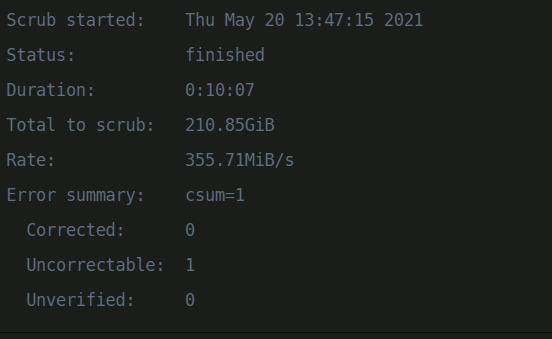
Ok so now, the corrupted file on the cache is gone. But the parity check should have wrote the corrections to the array (not the cache array), am i correct? Is there a place where i can see that the parity drives are all fine now?
-
Scrub finished:
-
Dear Community, i´ve got 2 12TB Parity Drives. One Parity drive lost power and became faulty / out of sync. So i´ve rebuild the parity on the drive and checked the parity again. now it say that the parity got "some" errors. The checkbox "write corrections to parity" was checked. my diagnostics file is attached. Thank you! best regards schnub bronas-diagnostics-20210520-1325.zip





