Jcslim
Members
-
Joined
-
Last visited
Everything posted by Jcslim
-
Thanks I was hoping I could do it now then licence it once it was fully installed
-
Hi I know in the past installing UNRaid into Hyper-v has had lots of problems with usb pass through but with the new version is that now possible. I have look through the forums but can't seem to find this question if it has already been posted please point me in the right direction and I'll close this post. I may have misread the new version detail but I think it is saying it will now work as it can be installed fully to a drive an no longer need the usb If it won't install that way but can be set not to need the USB I may try creating a server then converting the disk to a hyper-v compatible version. Many thanks in advance if anyone has tried this or has seen a guide on how to do it. J
-
Thanks I'll try that later on. I'm just about to do migrate from my old hardware to Microsoft Hyper-v once I work out how to install 7.30 in there now I see it's compatible. Thanks again
-
Hi This may have already been answered and if so I would be really grateful if you can point me in the right direction I am currently running the below UNRaid Version: 6.12.6 I have several Dockers. I am looking to make a new UNRaid on version 7.30 I want to move all the dockers to the new server but I can't seem to find any simple instructions. From what I have read I can create a new UNRaid install the dockers then I need to stop them on both servers then I need to copy some folders from old to new but I'm not sure which folders would need copying. If anyone has already done this it would be amazing to get some advice. Thanks very much for any and all help J PS if this is in the wrong area please tell me where to move it.
-
Thanks I'll be doing that later on upgrade and set to 0 or delete Thanks again
-
Ok I just downgraded my Unraid back to 6.12.6 and the array etc is all back up and running Has anyone else had this issue? Thanks very much
-
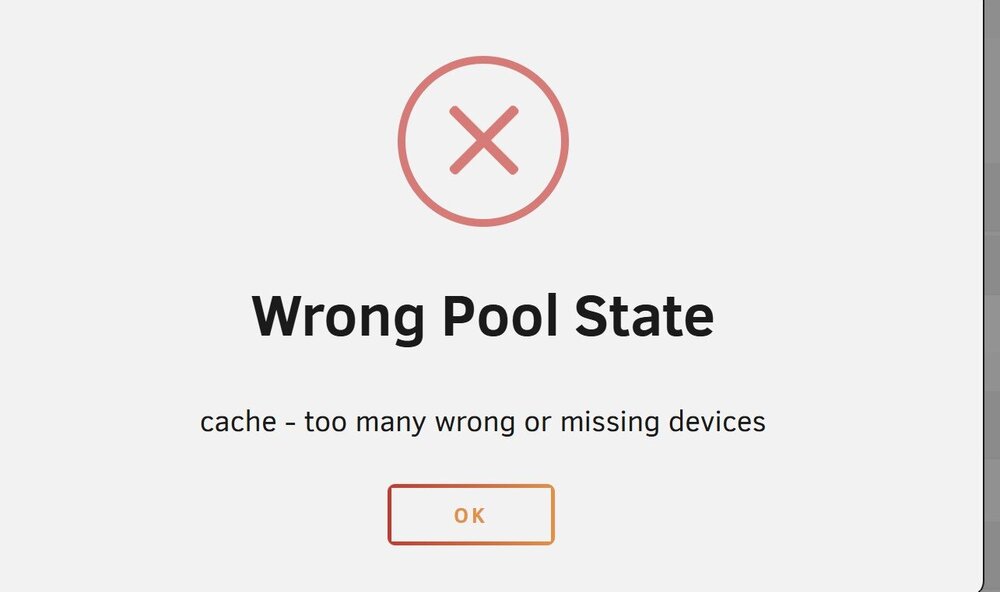
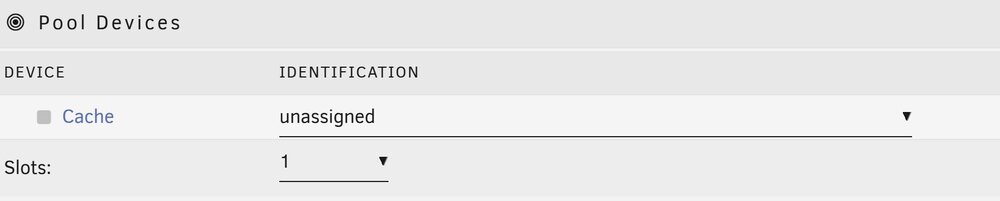
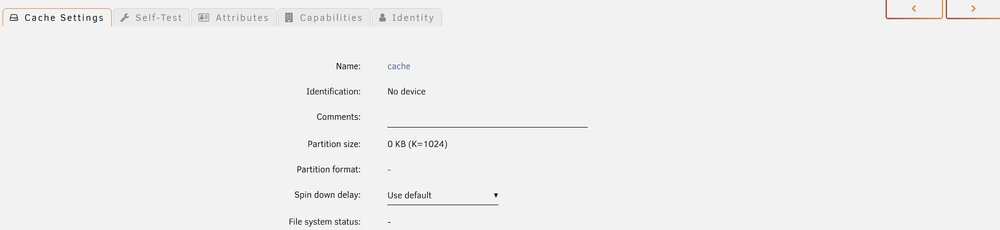
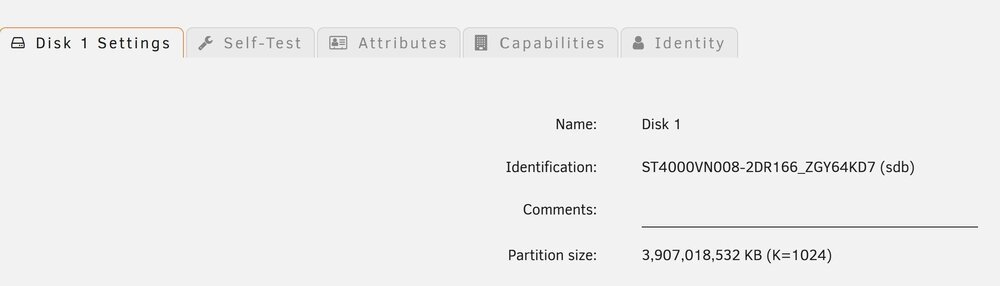
Hi all So as the title says the Array will not start and I get the error "Wrong Pool State cache too many wrong or missing devices". (Error1.jpg) On the "Main" tab the Pool Devices - cache - Identification is Unassigned. Error2.jpg If I click on Cache the drive doesn't show till I use the arrows at the top of the page then it appears. Error3 and 4 I have read about removing the drives from the pool but how can I do that without losing the data on them. If someone knows and can give me idiots guide that would be amazing. If I don't need to do that any idea would be amazing