Skip to content
View in the app

A better way to browse. Learn more.

Unraid

A full-screen app on your home screen with push notifications, badges and more.

To install this app on iOS and iPadOS
  1. Tap the Share icon in Safari
  2. Scroll the menu and tap Add to Home Screen.
  3. Tap Add in the top-right corner.
To install this app on Android
  1. Tap the 3-dot menu (⋮) in the top-right corner of the browser.
  2. Tap Add to Home screen or Install app.
  3. Confirm by tapping Install.

Lithium

Members
  • Joined

  • Last visited

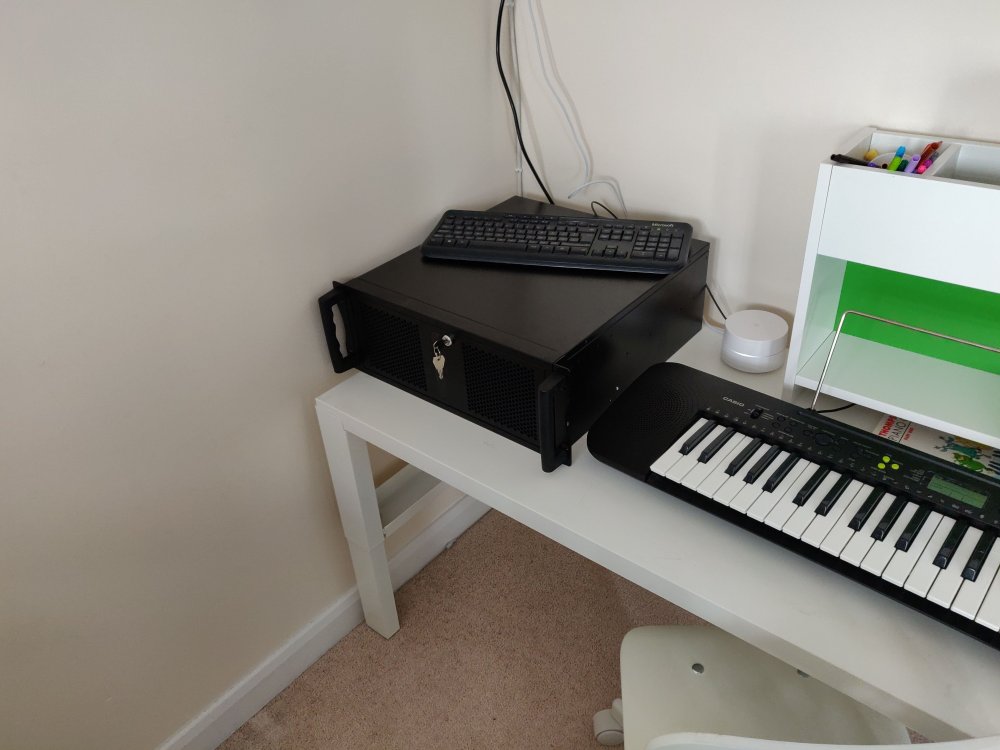
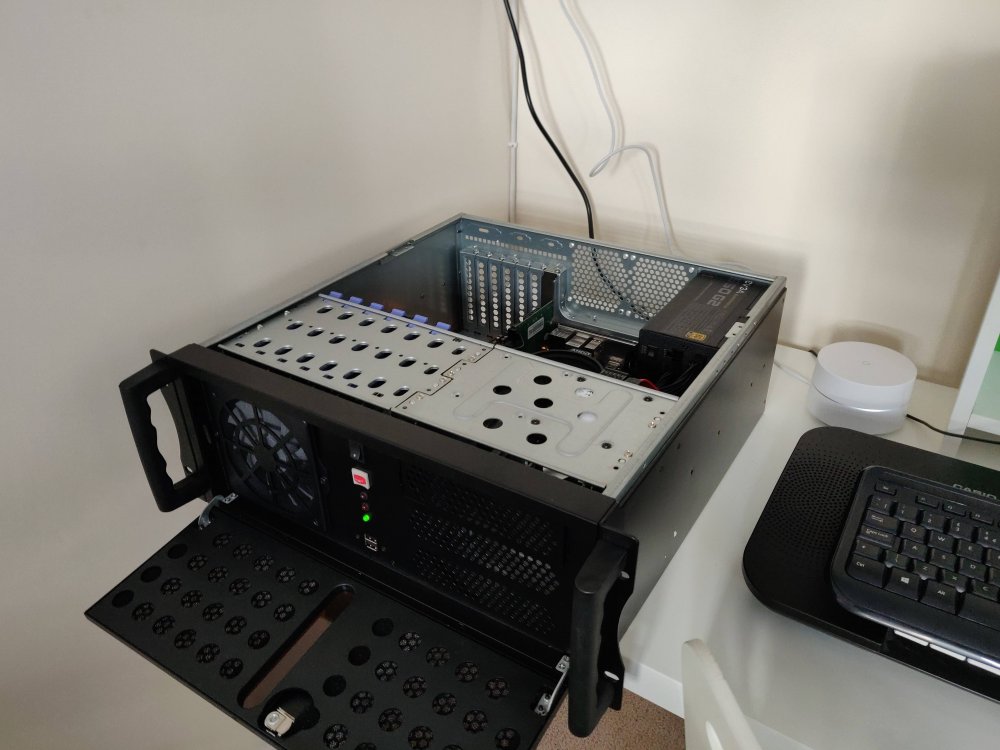
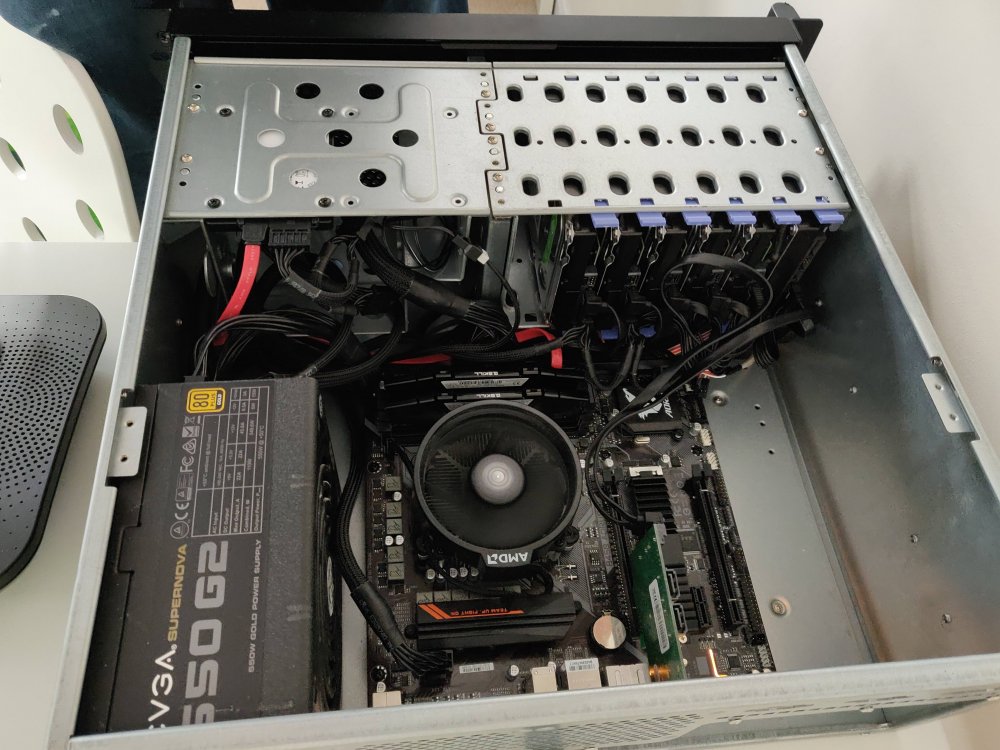
  1. I bought a Codegen V2 500mm the other day and it worked out great for my needs. It's got 9x3.5" bays and can fit a regular ATX motherboard. In the attached pictures, I've currently got a mATX motherboard. The fan it comes with isn't great and has a molex connector so I'd recommend purchasing a separate one. I've also got 2x80mm fans on order for the back. Please forgive the fact that it's plugged into a Google Wifi router and is sitting in my son's room, this isn't its final place - I'm looking for a small rack (9-12U) that will just fit this case and isn't too much longer - any suggestions? Edit: the parts originally started life in an old rig and evolved into the slight mess you see here. I'll be ordering some better components when I work out which ones I need.
Account

Navigation

Search

Search

Configure browser push notifications

Chrome (Android)
  1. Tap the lock icon next to the address bar.
  2. Tap Permissions → Notifications.
  3. Adjust your preference.
Chrome (Desktop)
  1. Click the padlock icon in the address bar.
  2. Select Site settings.
  3. Find Notifications and adjust your preference.