





pieman16
Members
-
Joined
-
Last visited
Everything posted by pieman16
-
New issue. I run unraid 6.9.0. When your container brings the file in to my media folder for instance /plex/movies (does the same for tv.) it turns it in to root access only. Only the root member can make changes to this file. Only way to fix this is to run unraid's new permissions.
-
Okay so I updated to 0.8.6. Looks like you fixed the file name but now the folder says 3WHVWY~G for the movie name.
-
Thank you. Love the container.
-
Sound like he is just running a normal Plex server. Nothing fancy.
-
I’ll ask right now
-
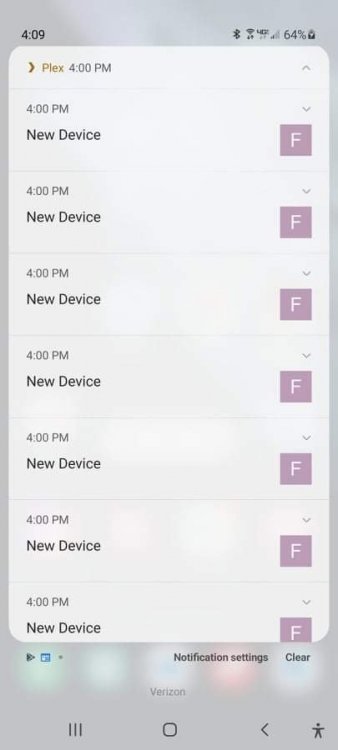
Friend of mine is showing plex ripper connecting to his sever multiple times on it's own when it is not downloading at all.
-
Thank you for your great container. There have been shows my friends have that I can’t find. This helps a lot. Thanks again.
-
Looking at the downloaded file. I noticed once the file is downloaded it gives the file a weird name. Not the name of the file that was downloaded. I asked my friend why this file is named weird. He told me it’s not. I showed him he told me that’s not the filename on his side. Is that normal?


