bluer
Members
-
Joined
-
Last visited
Everything posted by bluer
-
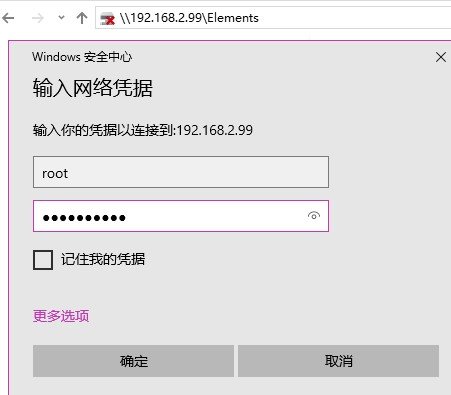
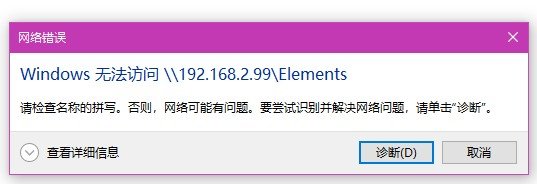
I visit the path \\Tower\ShareName, and a pop-up window prompts for username and passwords. after that it reminds me that Windows cannot visit \\Tower\ShareName.
-
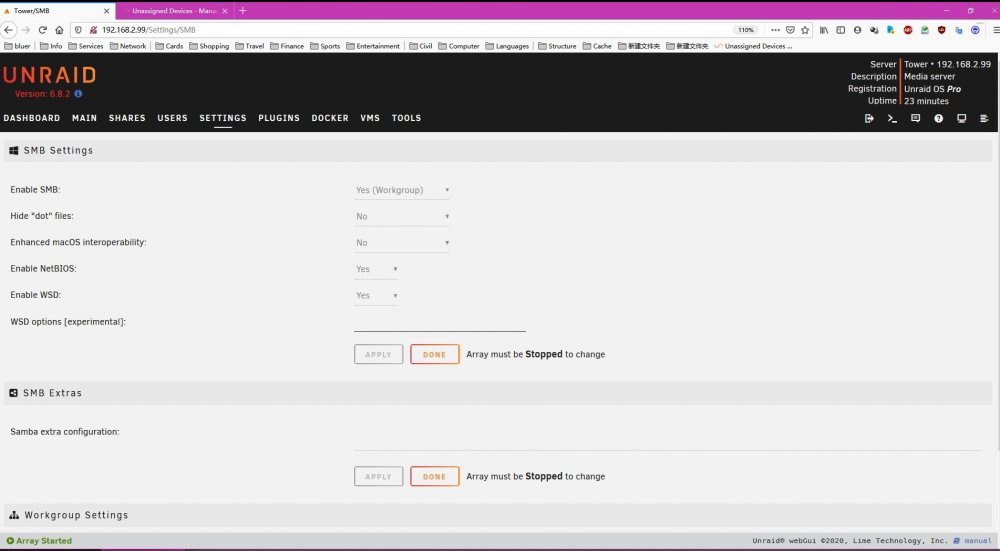
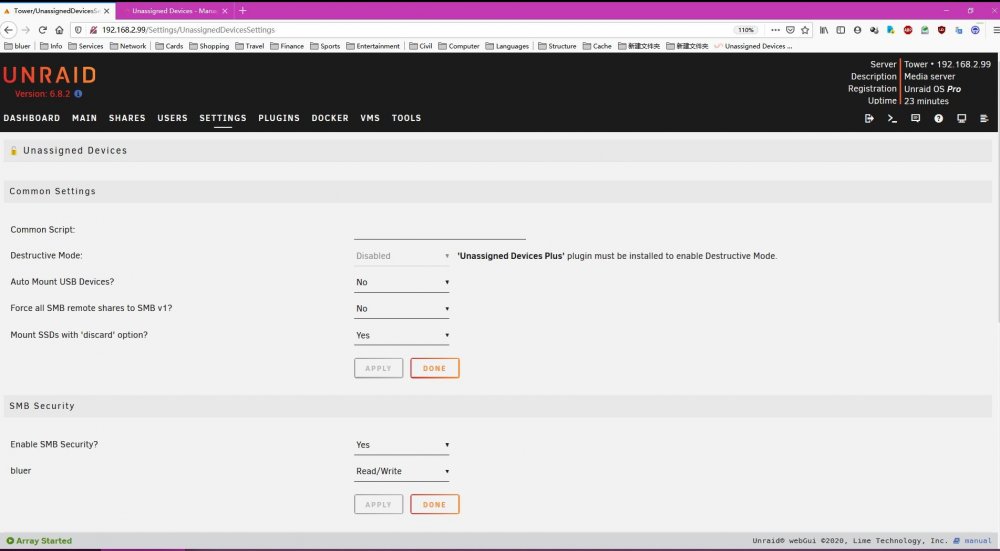
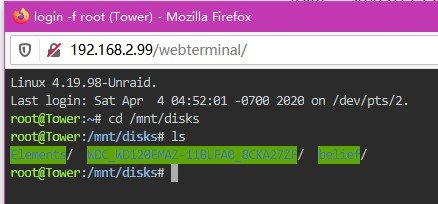
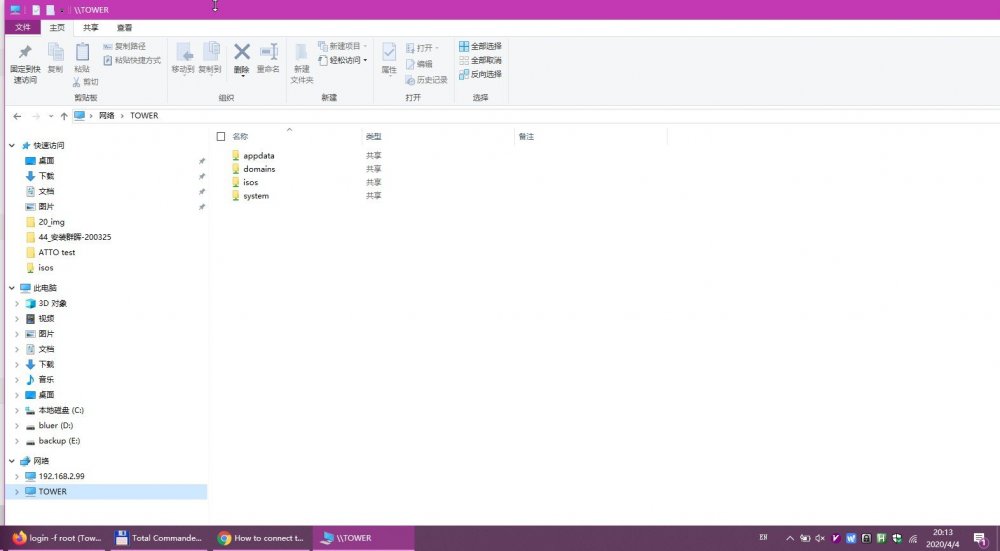
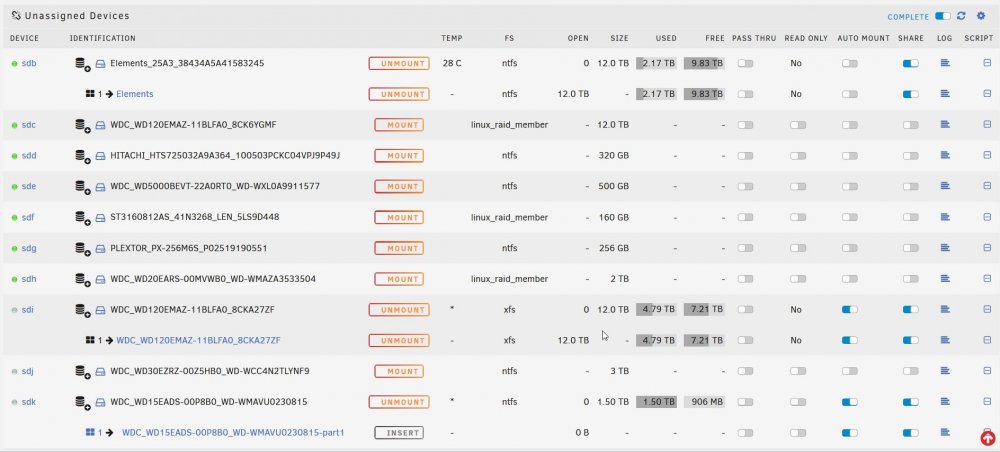
I did what you told me, and visit \\Tower use the username "bluer", but I still cannot see those mounted disks. Below are my setting: System Samba setting: UD setting: UD disks: mounted disks: samba share in Windows 10 (log in with username "bluer") Thank you very much.
-
Sorry for not clarifying the problem. I want to visit the paths from Windows 10, just like the other Unraid shared folder: \\Tower\{disk name}.
-
Yes, I did, but it doesn't seem to make any difference. I even reinstalled Unraid before, and it's the same. So I wonder if I need to config somewhere. I also mounted a NFS foler, they were all mounted to paths like this: /mnt/disks/192.168.x.x_{directory name} /mnt/disks/{disk name}
-
Thanks for your reply. I really don't know what to do with UD device configuration. I just re-installed UD, and it remains the same. I did not set a mount point, I even don't know where to set. It came to /mnt/disks/{disk name by default. Sorry for the troubles.
-
I have tried to set "Enable SMB Security" to "No" or "Yes", but it seems to be no difference. And also, when I change the settings, some warning came out.
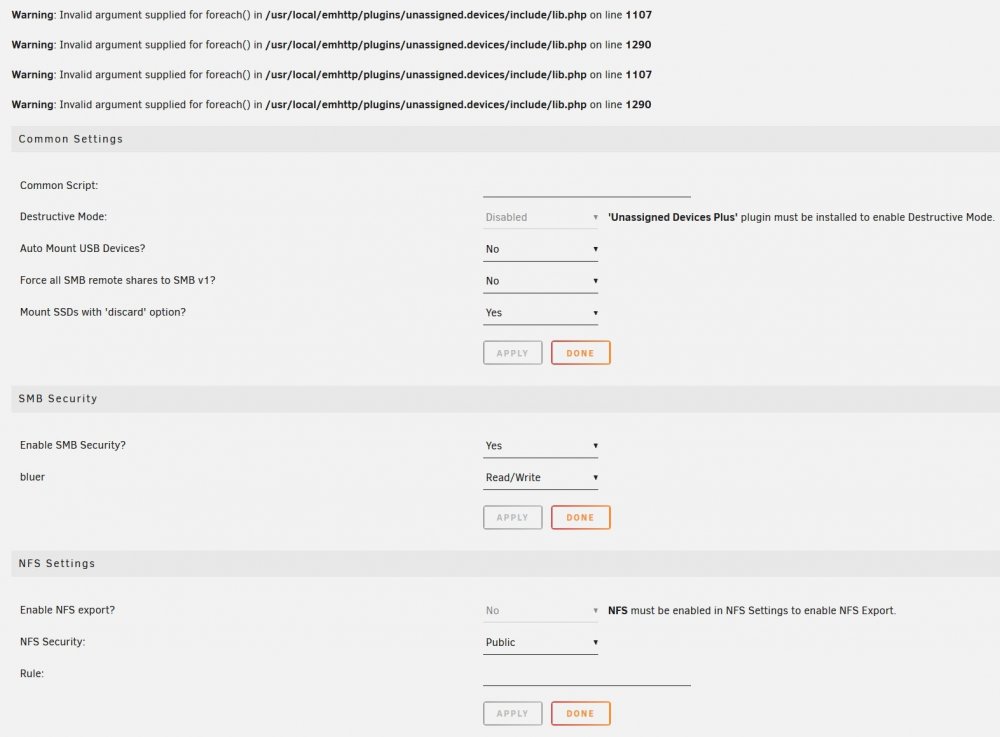
-
Hi, I am new to Unraid and UD. I found UD very useful, but I encounterd two problems. These two problems have bothered me for two days. My system is Unraid 6.8.2, and UD is the latest version 2020.03.28. 1. I have mounted a disk, and I can visit the disk from /mnt/disks/, but I cannot see the disk on Windows 10 with the path \\Tower. I have searched a lot, but I still don't know where to config. 2. To solve the first problem, I uninstalled and reinstalled UD over and over again yesterday. At last, I found some warnings on the Main page: Warning: Invalid argument supplied for foreach() in /usr/local/emhttp/plugins/unassigned.devices/include/lib.php on line 1107 Warning: Invalid argument supplied for foreach() in /usr/local/emhttp/plugins/unassigned.devices/include/lib.php on line 1290 So I reinstalled Unraid today, after that I installed UD, but the warning remain there. I have completely no idea what to do now. Any help would be greatly appreciated. tower-diagnostics-20200402-0021.zip