



Skip to content
View in the app

A better way to browse. Learn more.

Unraid

A full-screen app on your home screen with push notifications, badges and more.

To install this app on iOS and iPadOS
  1. Tap the Share icon in Safari
  2. Scroll the menu and tap Add to Home Screen.
  3. Tap Add in the top-right corner.
To install this app on Android
  1. Tap the 3-dot menu (⋮) in the top-right corner of the browser.
  2. Tap Add to Home screen or Install app.
  3. Confirm by tapping Install.

randdsec

Members
  • Joined

  • Last visited

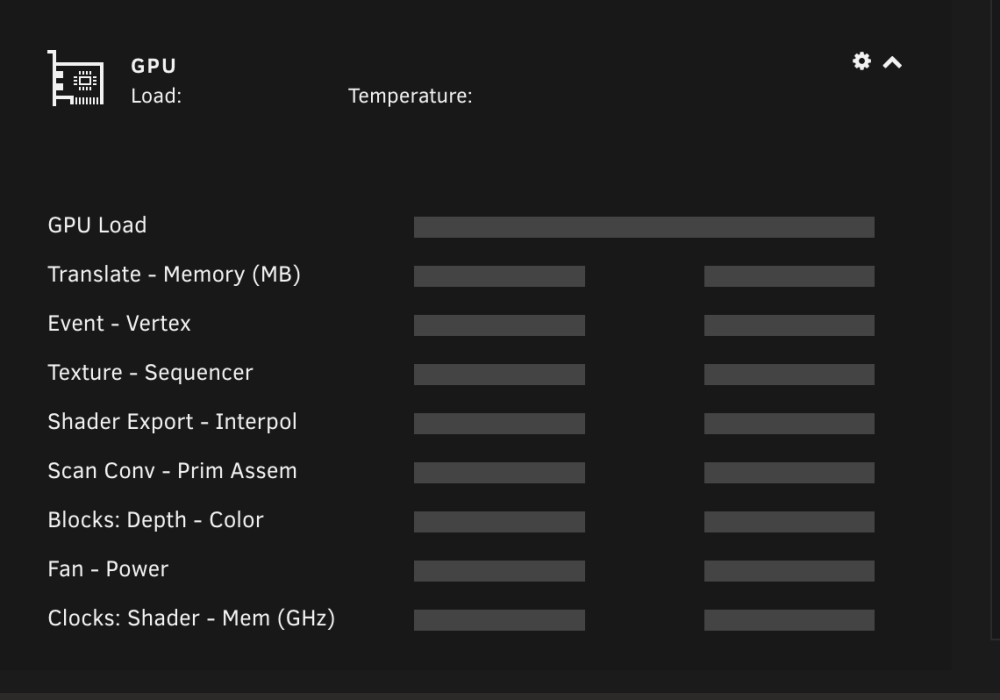
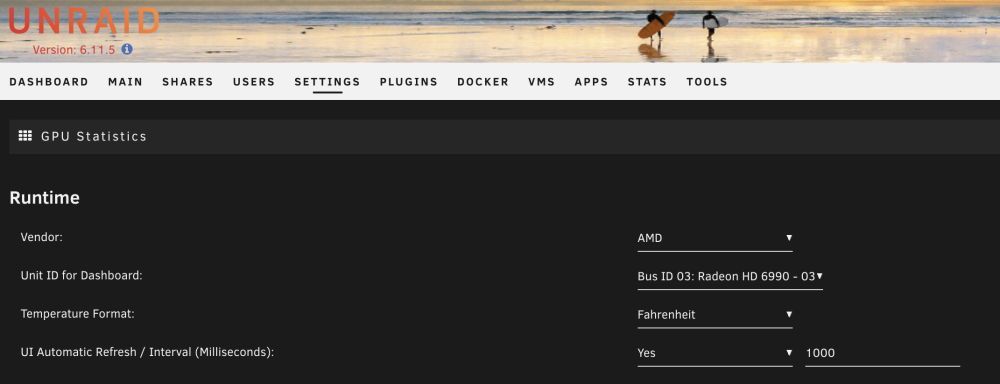
  1. Hello Currently running into a similar problem as other have listed where my gpu stats are not populating as well Here is the list of steps i have done: - uninstalled and reinstalled gpustat and Radeon Top - restarted the tower after the uninstalls - attached the results of the results of commands listed on page 1 as per the notes - used the github links for the gpustat app for a manual install: >>https://raw.githubusercontent.com/b3rs3rk/gpustat-unraid/6cf1b1e96bc8cd5c1cf7ac8fefea1271d8891e26/gpustat.plg >> https://raw.githubusercontent.com/b3rs3rk/gpustat-unraid/master/gpustat.plg please let me know if anything else is needed thank you for your time! gpustat.cfg gpustatus.php radeontop_cmd_output.md
Account

Navigation

Search

Search

Configure browser push notifications

Chrome (Android)
  1. Tap the lock icon next to the address bar.
  2. Tap Permissions → Notifications.
  3. Adjust your preference.
Chrome (Desktop)
  1. Click the padlock icon in the address bar.
  2. Select Site settings.
  3. Find Notifications and adjust your preference.

