DivideBy0
Members
-
Joined
-
Last visited
-
I do have an UDM-SE and I am telling you that it does not work as I tried it. Thanks for all the hard work.
-
This does not work with UDM-SE ?
-
Good for you LOL. And thanks much. What the heck am I doing wrong? I will boot up my cold standby and try on that one since is an exact replica. Just different hardware.
-
Correct Sir, their own IP
-
How about dockers on the same Unraid box? I have same issue
-
yes on the same br0
-
I am running few dockers and VM's and I can ping them locally. For instance my Unraid IP is 192.168.0.13 and one of my VM is .15. I can ping it from anywhere on the network but not locally from the Unraid terminal or CLI? Why is that?
-
Yes Jorge I do. So it looks like I have to play with the thresholds in the IPMI plugging fan settings as I think they're to aggressive.
-
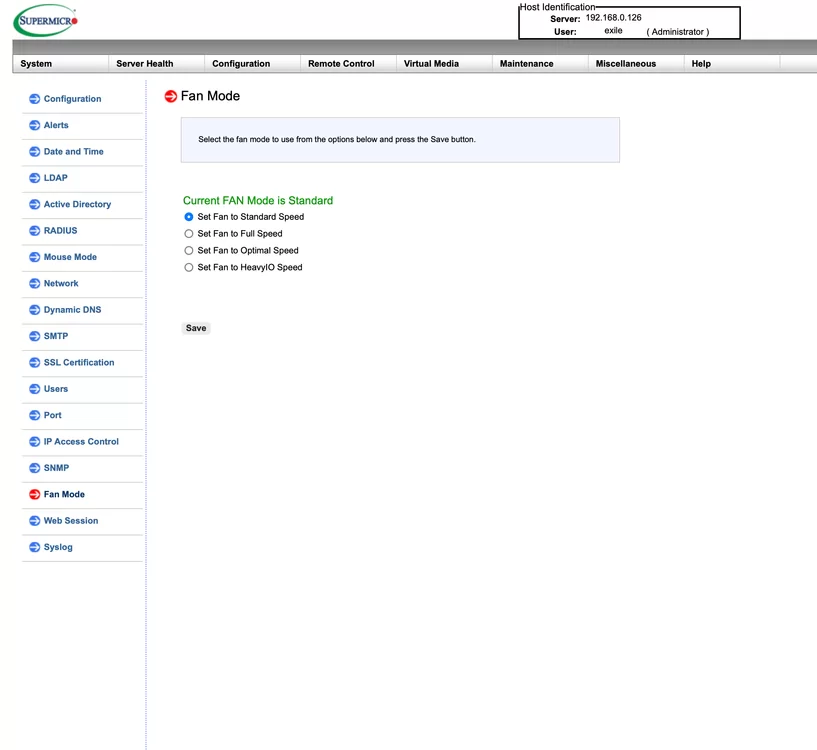
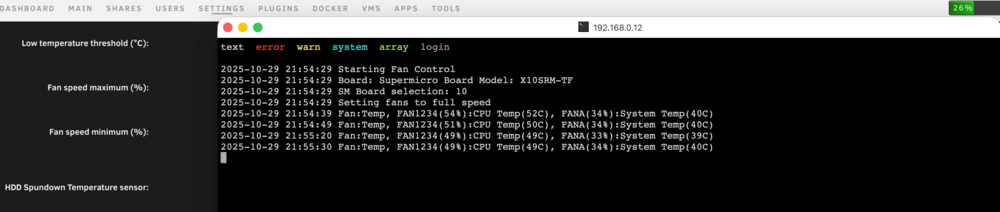
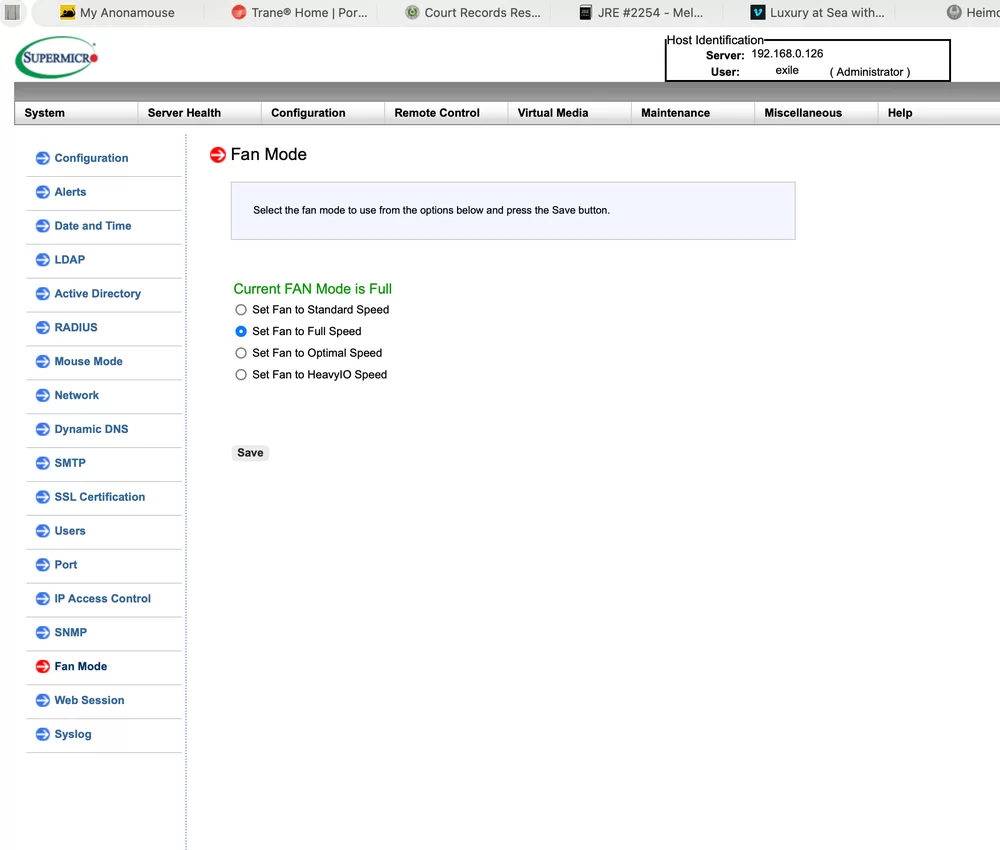
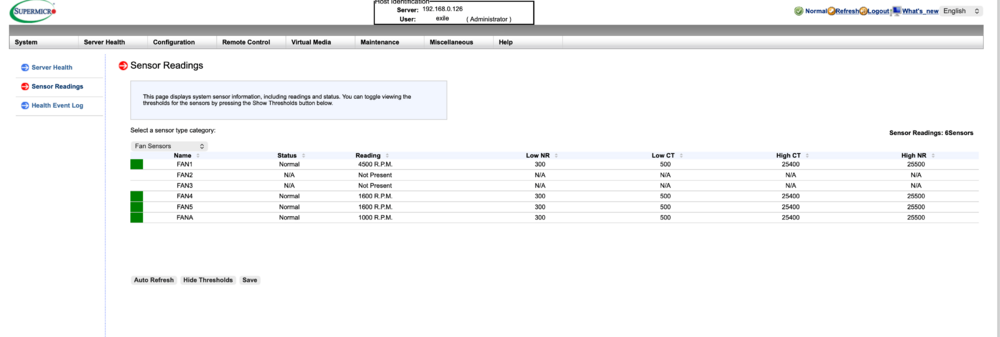
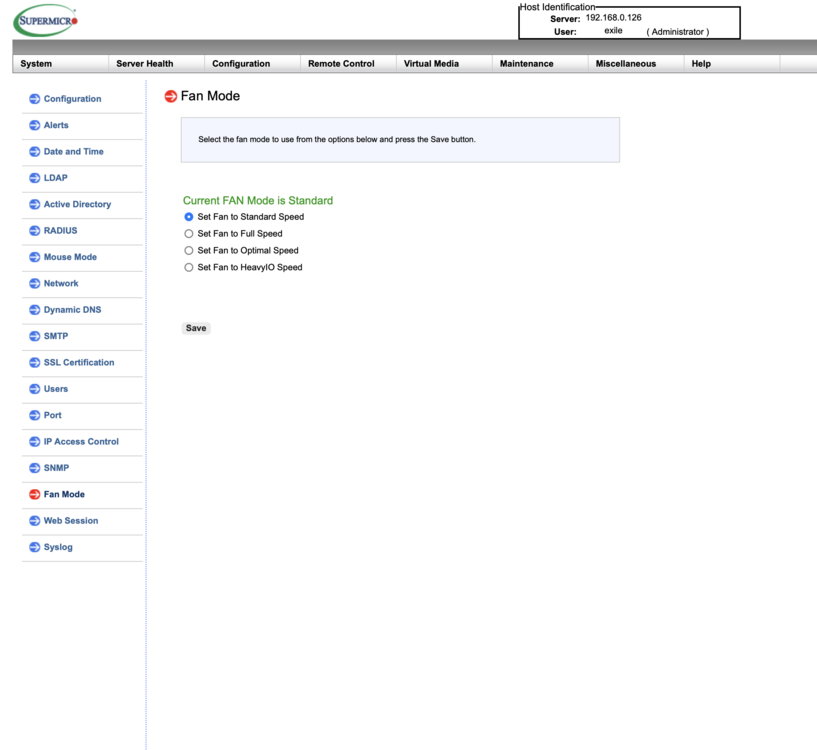
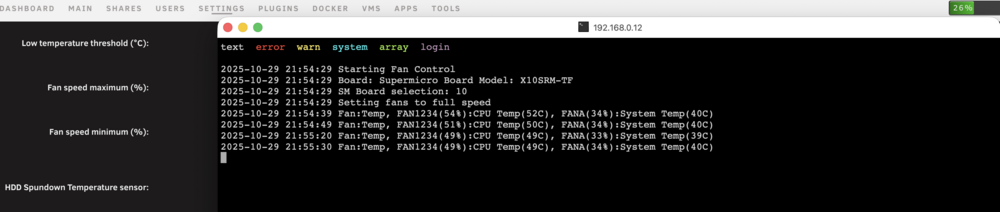
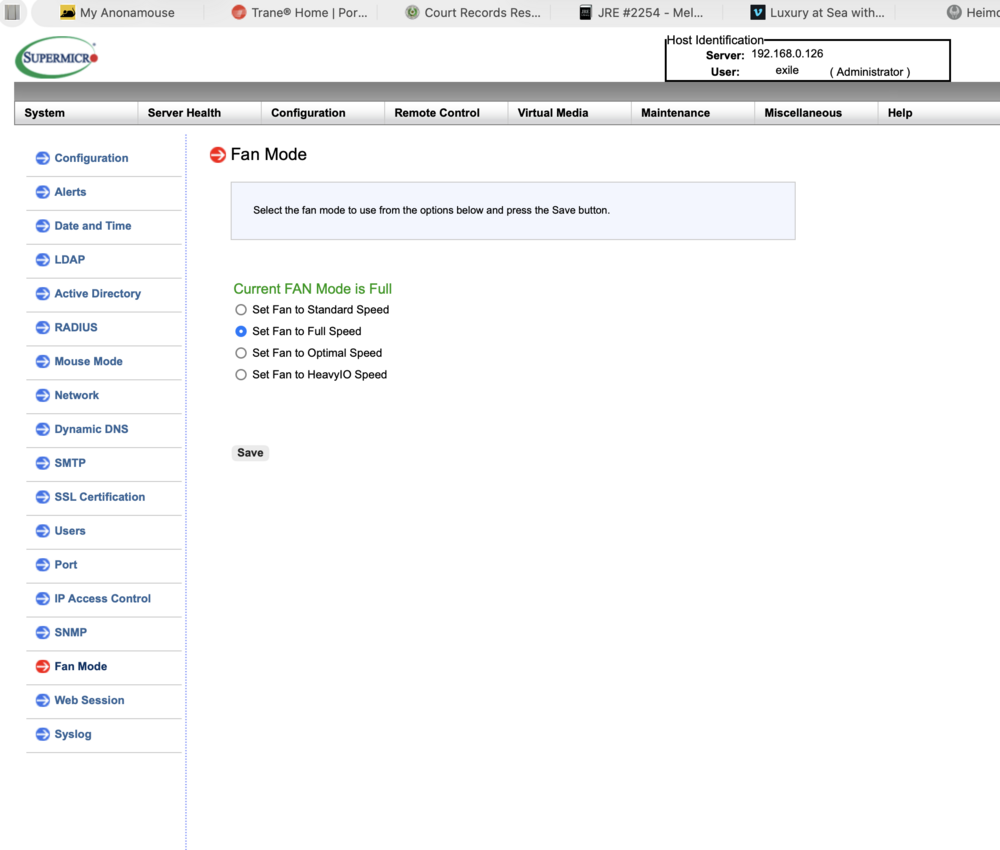
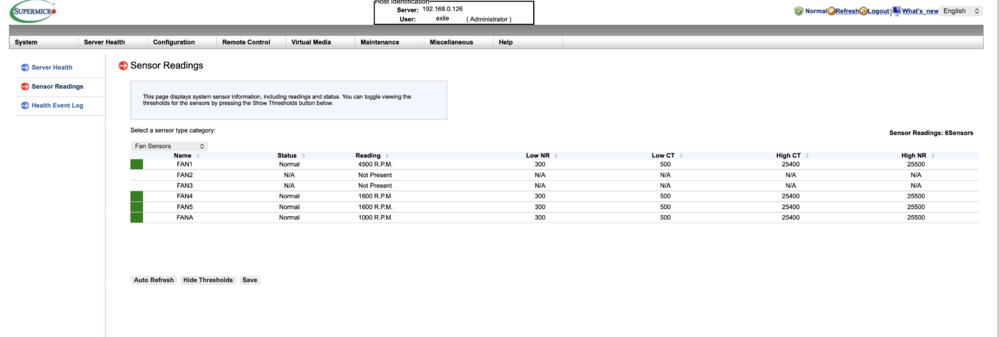
IPMI plugin forcing my Supermicro FAN Mode to Full Speed What am I doing wrong here? In my Supermicro BMC settings I have my FAN Mode setup at "Standard Speed" and as soon as the Unraid boots I think the IPMI setting overwrites the fan mode settings from standard to "Full Speed" which will crank up the fans at max speed. I see no settings in the IPMI plugin for the Fan Mode. I really need to stay at Standard Speed. Any ideas?
-
What am I doing wrong here? In my Supermicro BMC settings I have my FAN Mode setup at "Standard Speed" and as soon as the Unraid boots I think the IPMI setting overwrites the fan mode settings from standard to "Full Speed" which will crank up the fans at max speed. I see no settings in the IPMI plugin for the Fan Mode. I really need to stay at Standard Speed. Any ideas?
-
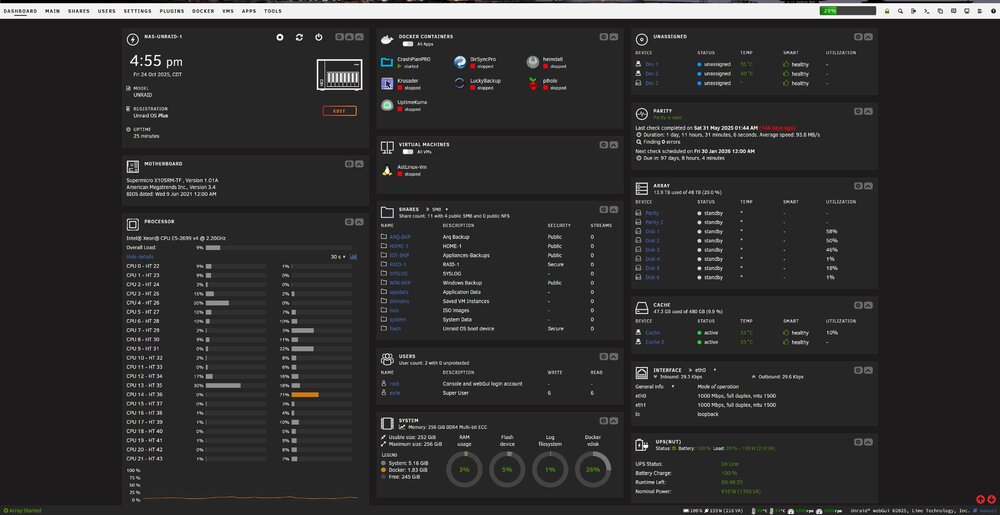
Unbelievable BEAUTIFUL. Literally plug-and-play. Is so nice to have a cold stand by NAS box. Literally, swapped the USB boot drive, the 8 SAS drives and the 2 cache drives and up in running in less than 5 minutes. SIMPLY BEAUTIFUL.
-
@JorgeB when you say RAID controller. On the new box I have a Dell HBA 330 in IT mode which is different than what I have on the original NAS. The 8 drives will connect to this Dell 330. Is this considered the RAID in your statement and is this something I need to worry about it? I could easily move the HBA with the drives from my original box to the new box as well.
-
Thanks Jorge. Nope, just the SAS/SATA HBA card which is in IT mode.
-
My current NAS, 8 drives took a dump this morning :( I have a cold stand-by NAS box with similar hardware, not the same but similar. I have two questions around the drives/arrays and the cache drives. I plan to boot the new system with the same USB drive from the original system and config. If I move my 8 drives from the failed system to the new systems, the array should come up just fine correct? as the drives ID will be recognized by the new system. I also have a Dell HBA 330 in IT mode so the drives should come up just fine, right? Same goes for the cache drives, I plan to move them to the new system and the dives ID should follow and come up just fine? I am just making sure I am not missing anything and I really appreciate the guidance.
-
Got it, thanks. Slapped my spare 8TB and re-doing the parity as we speak. Easy Peasy