Helmbaek
Members
-
Joined
-
Last visited
-
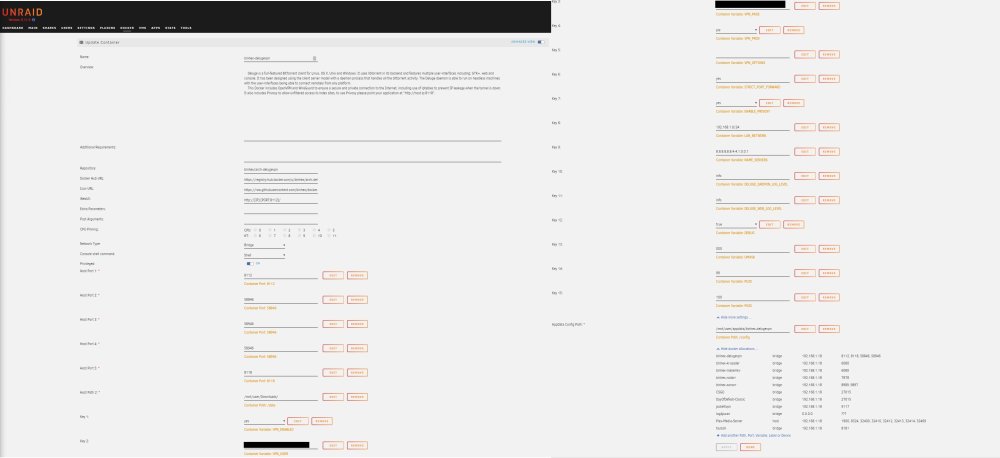
I have an issue with DelugeVPN, it seems that the application has some issues after I restarted my server - no changes happened to my setup prior to this. WebUI doesn't work Attached Unraid setup settings Debug log info (FYI I cleaned the token for obvious reasons) 2023-01-08 16:39:23,663 DEBG 'start-script' stdout output: [debug] Valid gateway IP address from tunnel acquired '10.11.112.1' 2023-01-08 16:39:24,648 DEBG 'start-script' stdout output: [warn] Unable to successfully download PIA json payload from URL 'https://10.11.112.1:19999/getSignature' using token 'CLEANED' [info] 12 retries left [info] Retrying in 10 secs... 2023-01-08 16:39:34,824 DEBG 'start-script' stdout output: [warn] Unable to successfully download PIA json payload from URL 'https://10.11.112.1:19999/getSignature' using token 'CLEANED' [info] 11 retries left [info] Retrying in 10 secs... What should I do to correct this? Let me know if you need more logs or data to assist my issues. Appreciate your time - thanks!