




-
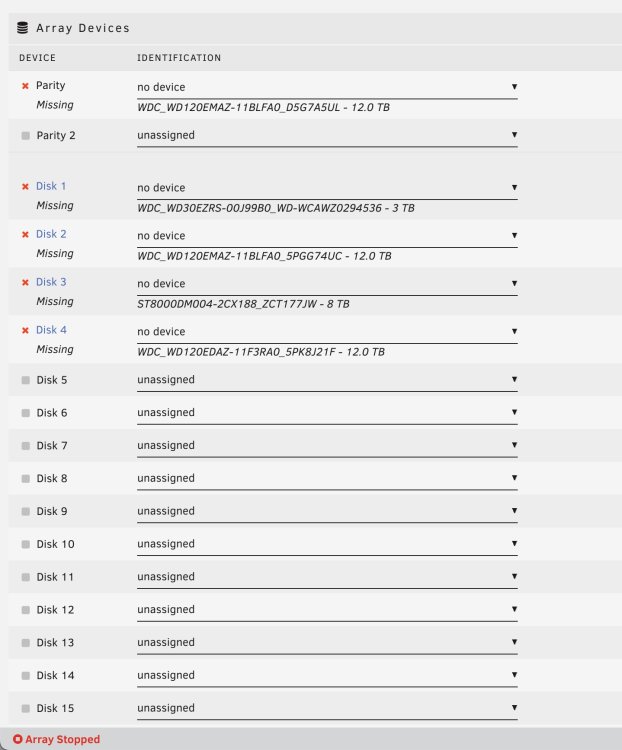
every single drive is not showing up now. only the boot USB stick is working. could ALL my drives have died? or is this an issue w/ my supermicro?
-
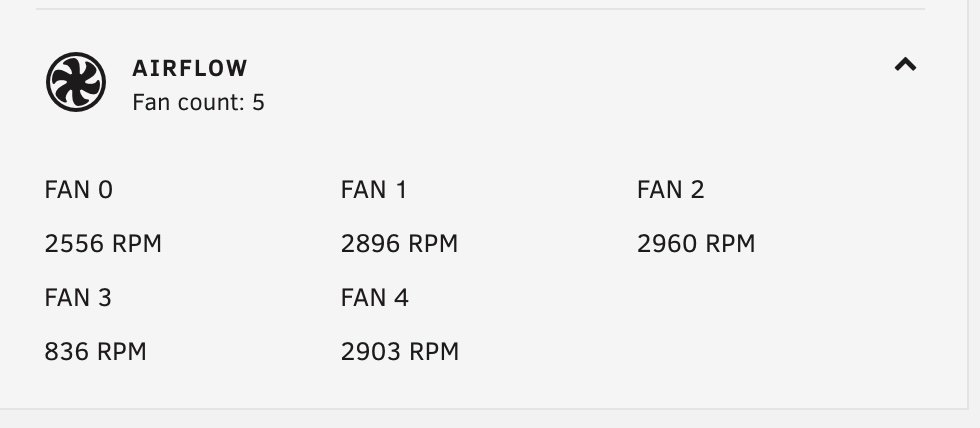
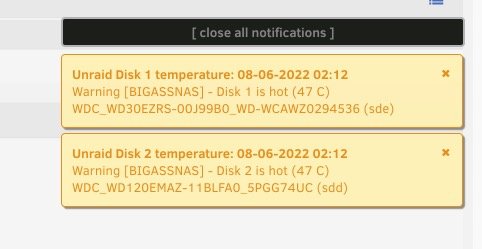
well, i had the top lid off the supermicro? maybe that messed up the airflow? all 5 fans are running. seems to be ok now w/ the lid closed. so far it is not overheating again.
-
i mean, it was added to the array? i used to have 18TB free. now i have 5 something? it's a 12tb drive. it's brand new. i just bought it a couple months ago. sealed. thank you for your help! i'm not sure what to do about the drive. i can't click on the check filesystem status button b-diagnostics-20220609-0105.zip
-
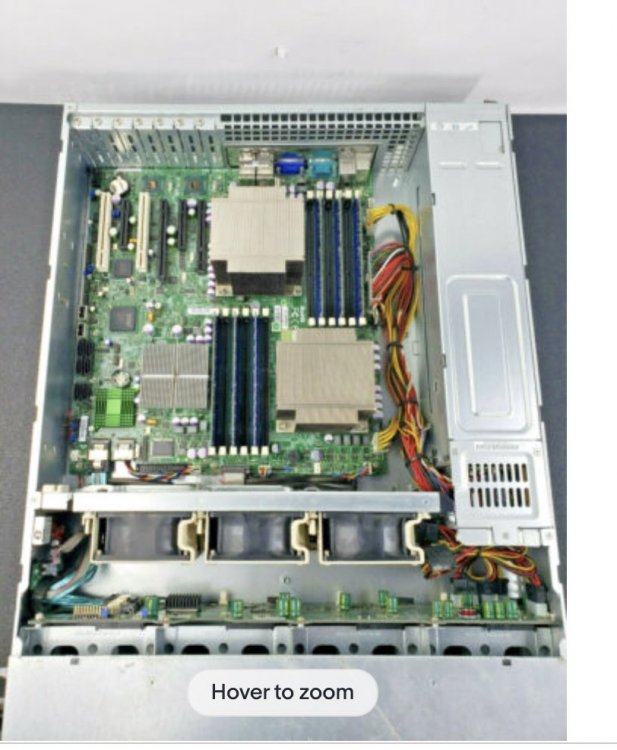
i have 5 fans? lol and i've never had issues with cooling before in the past 2 years - was my point. i have a supermicro 12 drive case with a ridic amount of fans. this is not a pic of my actual machine but it is similar. there is a fan at the back of the machine and a fan on the CPU as well as the 3 fans in the drive bay area.
-
wow. wtf happened to my machine? it worked great for like 2 years?
-
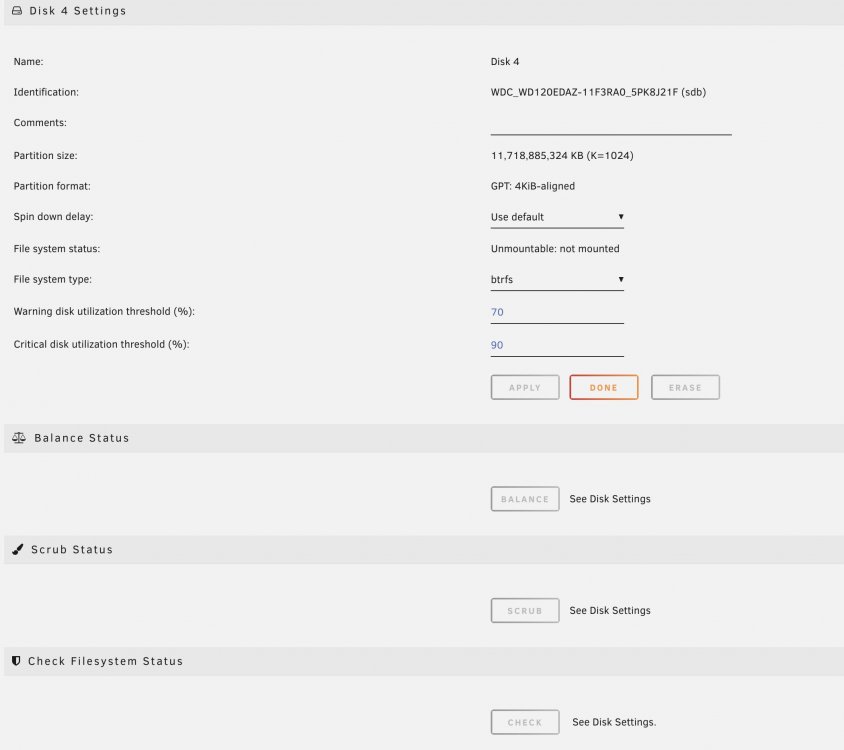
I added this disk like a month ago. i'm not sure if there's any data on it. i can't click the check button as it's greyed out. it's currently doing a parity check. i'm btrfs. so i need to restart in maintenance mode and run the check from the command line?

-
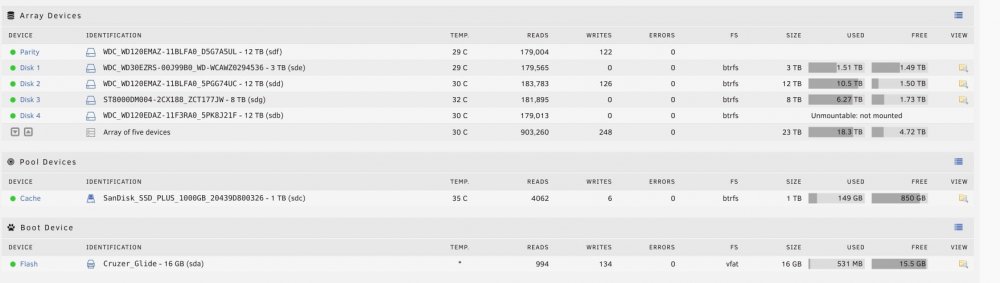
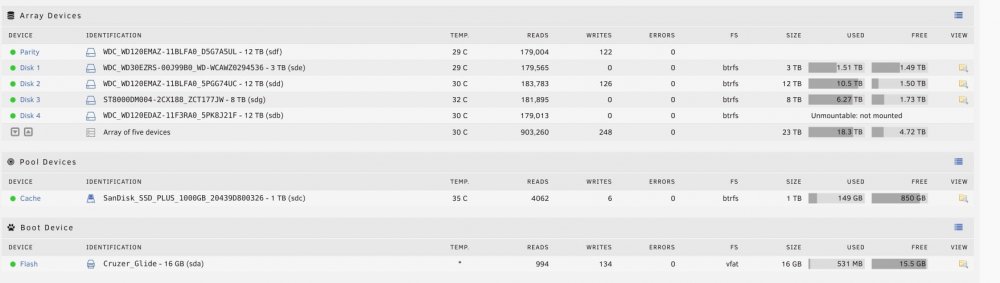
oh, now i'm able to. it's on a different IP tho. but i'm back in. thx! but now i'm seeing my newest drive i had added a month ago is showing Unmountable : not mounted that's why my free space dropped. the disk was formatted and added to the array.

-
ok. i'll force shut down the machine and open it up and take out the USB and try that. thx
-
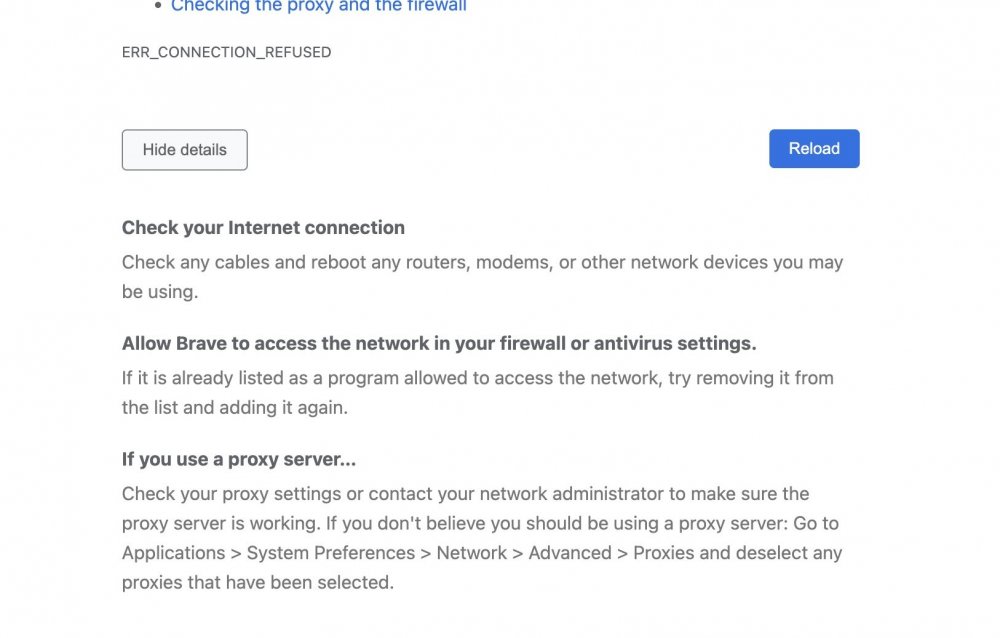
i was able to connect to it last week. i'm still able to connect to the server thru finder. i'm able to see all the folders and data and copy data to the share. i can ping the IP and i get data back. but when i type the ip in a web browser it says refused to connect. i know this has been asked countless times and i've tried reading thru the different posts but my situation seems different. i was able to connect to the GUI in the past. I am still able to connect to the share thru finder and use the share like normal. I'm just not able to access the webGUI anymore - also my free space went from 13TB to 5.69TB? which i thought was weird. thx in advance
-
gotcha. ok. so i think it's better to replace the 12TB parity w the 18TB and use the 12TB as a data disk. thx
-
i have 4 disk array - well 5 w/ the cache setup like this. Disk 1 - 12 TB parity Disk 2 - 3 TB Disk 3 - 12 TB Disk 4 - 8 TB Disk 5 - 1TB SSD cache i have a 12 drive supermicro X9SCL / X9SCM if i add an 18TB or 20TB 2nd parity drive - then can i add future data drives of 18-20TB?

View in the app
A better way to browse. Learn more.


