





Tribute2U
Members
-
Joined
-
Last visited
-
Thanks a lot, it is working now. 😀 After updating the BIOS, I was able to update and boot to 7.1.0
-
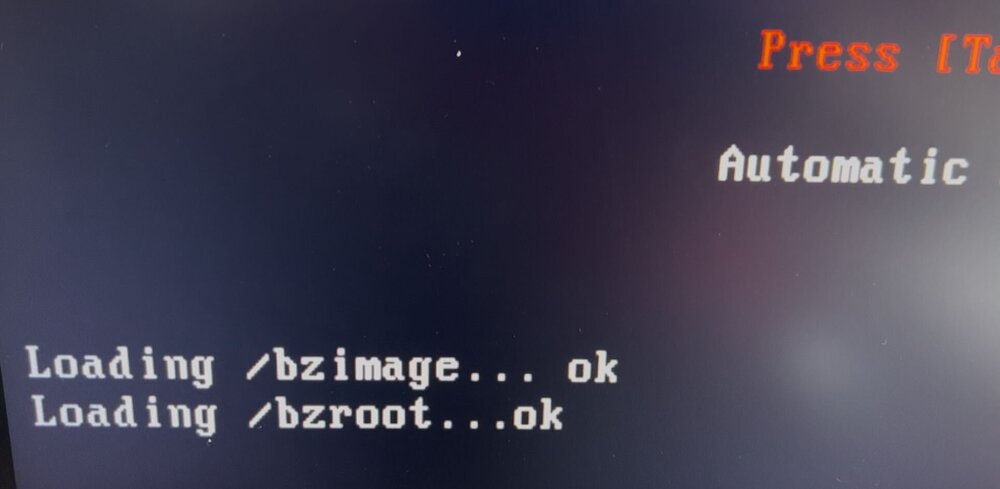
Hi, I've just tried with fresh 7.0.1 install, same issue. I still have (see attached file): Then nothing and it reboots indefinitely.
-
Hi, I'm using Unraid 6.12.15 and I'm not able to boot after an update to 7.1.0. I got the Boot Menu and when I choose Unraid OS (or wait the default option) only 2 or 3 lines appears ok and then the server reboots. Same for all boot option (Safe Mode, GUI safe mode, ...), only memtest is working. No issue at all with version 6.12.15, I've updated all my plugins I tried to make a clean install, same result so I assume it is not related to my configuration but maybe to a possible HW incompatibility. I attach the diagnostic from 6.12.15 just in case. Thanks. sefadoga-diagnostics-20250507-1824.zip

