Ladousek
Members
-
Joined
-
Last visited
Everything posted by Ladousek
-
Hi, I installed todays unraid update, implemented your code and now I could install GPU drivers 🙂 Thank you very much for your help. Win are working fine now. Next step I try to run macos with graphic.
-
I am sending diagnostics. Drivers are not installed because at VNC mode "no hardware found" so I cannot. When I switch to AMD at VM setup I cannot try to install AMD drivers because probably due to limited capacity of basic adapter I cannot run installer. The whole screen gets black every time. tower-diagnostics-20220530-1819.zip
-
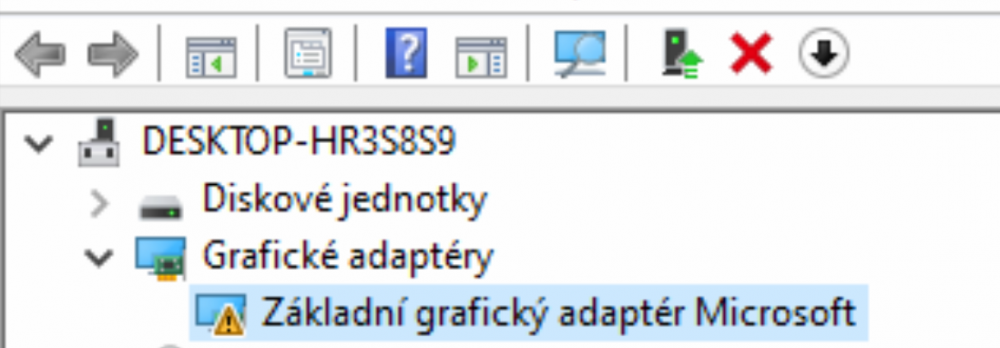
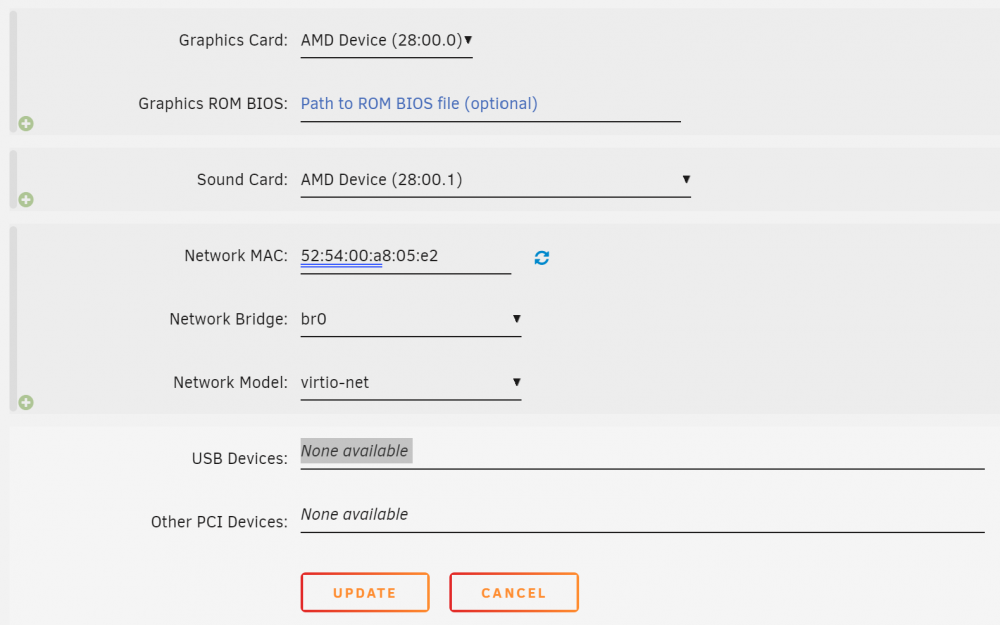
I tried but still VM does not see graphic card. Could you take a look at my config? Adding Graphic and sound card Binding 2 groups Setup WIN 10 sees Basic Graphic adapter only

-
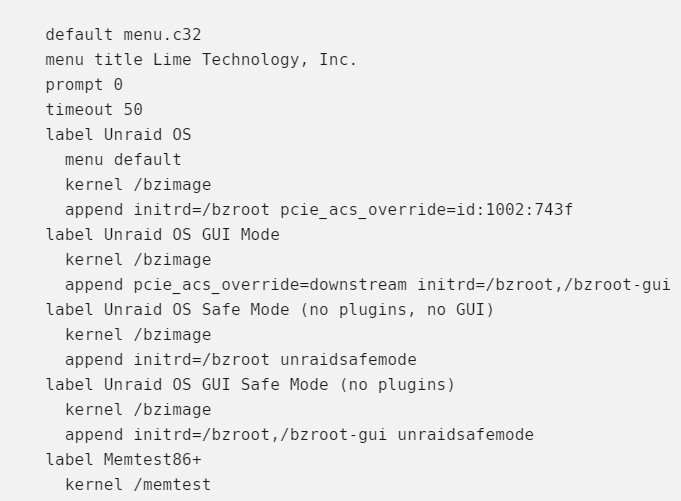
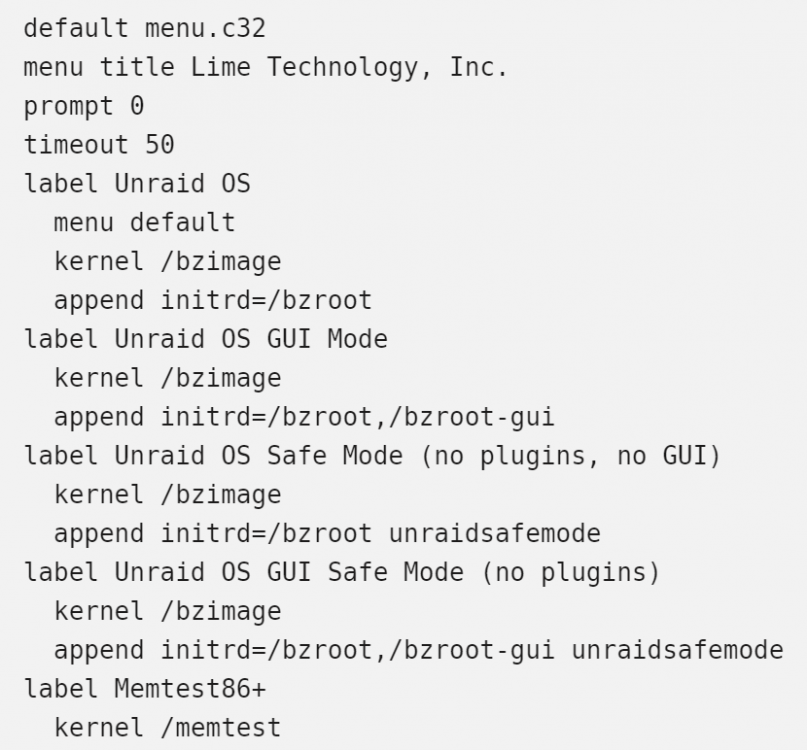
Hello all, Can I ask you for help? I cannot put my graphic card in to one IOMMU group to be able pass through it to VM. VGA and sound controller are still in other groups. I tried setup in "PCIe ACS override" all options (downstream, both, multi-function) and graphic card is still in 2 groups, and I am not able to put it on VM. I tried also code it in Syslinux Configuration as pcie_acs_override=id:1002:743f and no influence. Do you have any idea?