





dthedj
Members
-
Joined
-
Last visited
-
I managed to start Plex server by removing the setting "--device=/dev/dvb/" in extra parameter. I'll troubleshoot the tuner card issue another day. Again, many thanks for your support.
-
Yes, I have a tuner card that I removed during troubleshooting but It's now back in the PCI slot. I think that the tuner appears in the system PCI devices list: ... [109e:036e] 09:00.0 Multimedia video controller: Brooktree Corporation Bt878 Video Capture (rev 02) [109e:0878] 09:00.1 Multimedia controller: Brooktree Corporation Bt878 Audio Capture (rev 02) ... How can I reset Plex settings so it finds the tuner? PCI devices log.txt
-
I have completed restoring data from backups. Thank you all for your support, especially trurl and itimp! There is only one remaining thing to fix: my Plex server can no longer start. I tried rebooting my unRAID server but always get "Execution error - Server error" Any idea what I should do to fix this? Server Log - Plex error.txt
-
The parity sync is completed and array seams to work normally. See latest Diagnostics file attached. Now I need to restore my data from the backups. I guest the easiest would be to copy the backups from my PC to the unRAID Shares over the network. unraid-diagnostics-20260410-0915.zip
-
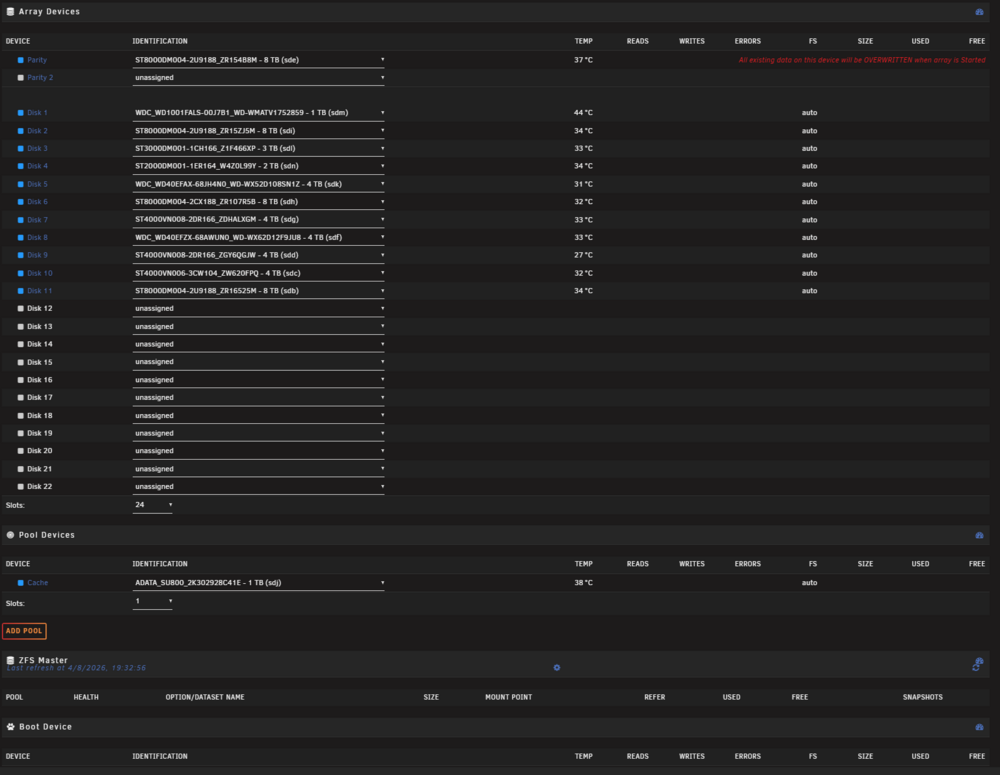
OK, then no worry about the warning "All existing data on this device will be OVERWRITTEN when array is Started" => This will only erase the parity drive, right?
-
Sorry but with what I just experienced, I'm nervous about losing the data of the other disks, for which I don't have backups. Is there a possibility that the New Config process make the data of my other disks unavailable? Should I backup data before to proceed? Thanks
-
Could you please let me know how to proceed with New Config disk 9? Thanks
-
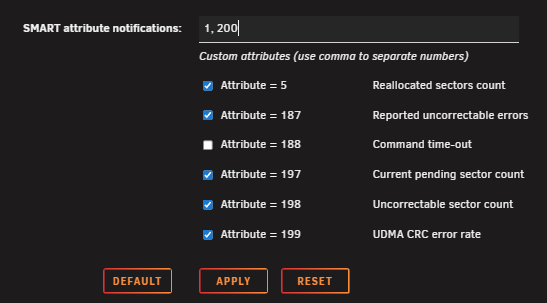
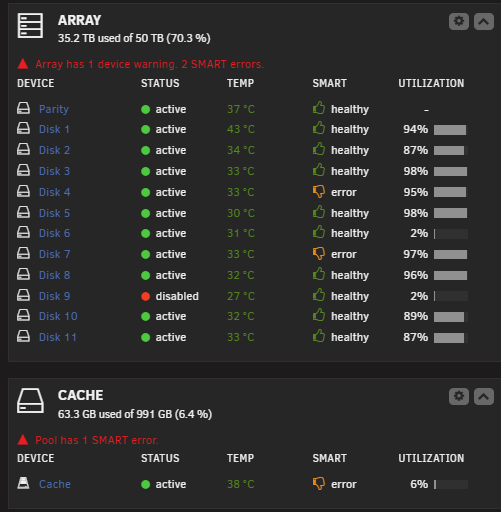
So for each of my drives, I need to add "1, 200" in SMART Attribute Notifications and click APPLY? Yes, three disks are showing errors. What should I do about this?
-
Which method is less "stressful" on the disks? Which one you recommend? Thanks
-
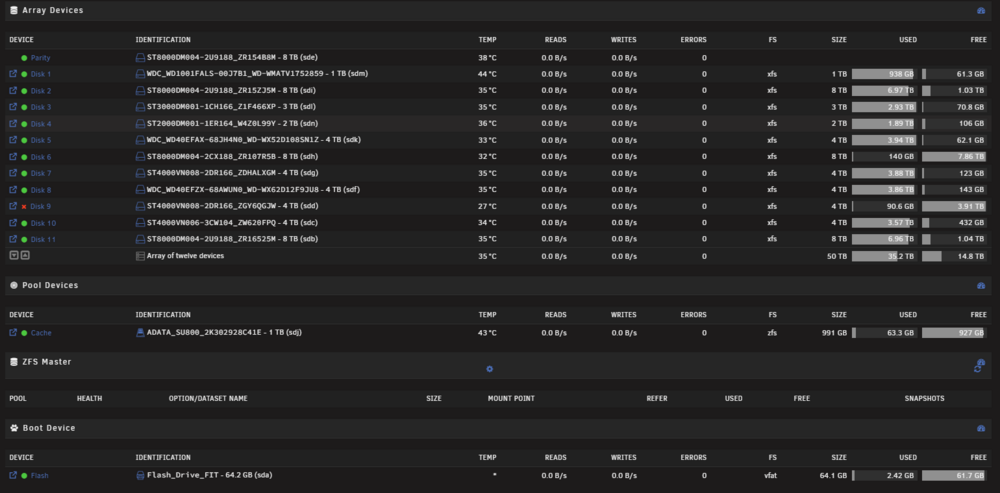
I restarted the array with disk 9 but it went back to same issue with both disk 6 and 9 showing empty and disk 9 emulated. unraid-diagnostics-20260407-1449.zip
-
Here's the latest diagnostics unraid-diagnostics-20260407-1114.zip
-
To confirm the recovery process: if I restore from a backup, do I simply reassign Disk 9 and restart the array? Will both disks then appear as empty, implying that without a backup, this data would be permanently lost? This experience is concerning, especially for a system designed for data redundancy. What are the potential root causes for this—could it be hardware-related? What should I do to ensure this doesn't happen again?" Thanks
-
yes
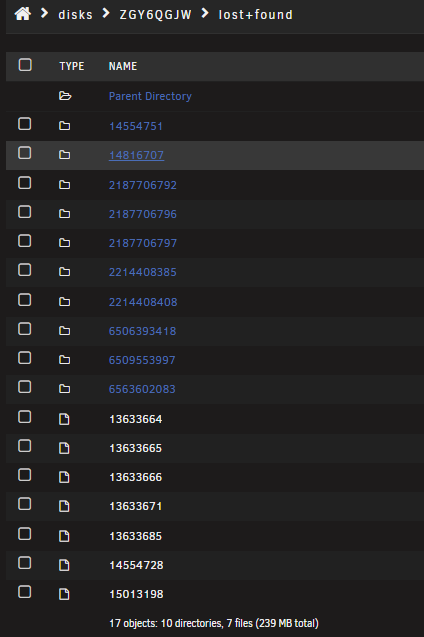
-
Done the Zeroing and got the message "File system corruption fixed!". See attached log. Now I can mount the disk 9 in UD and can browse the data which seam to be all available! What should I do next? log file zeroing log disk 9 UD.txt
-
I clicked on the button and got the attached log. Next I guess I click on "FORCE LOG ZEROING" ? (sorry for being such a nooby) log file system check disk 9 UD.txt



