Sausage
Members
-
Joined
-
Last visited
Everything posted by Sausage
-
Hi everyone, ive been using unRAID for the last few years and love it. im looking for better options for VNC or Windows Remote Desktop for streaming video, keyboard and mouse to another computer I've used the Shadow.tech the cloud gaming service in the past and was really impressed with the quality of the video/control stream they used, I'd like to try and setup a similar system on my unRAID server at home so I can play games on my high powered server at home and stream it to my much less powerful travel laptop Ive got a server at home with a Ryzen 9 5950x 128gb of ram and dual RTX3070's currently passed thru to two separate Windows10/11 VM's and would love to be able to play some games remotely, remote desktop is OK, but I miss the quality of the Shadow streams Does anyone know of anything better than VNC or Remote Desktop??
-
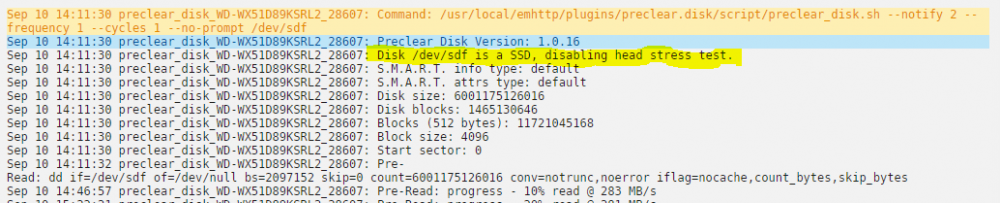
Hi everyone, I am running PreClear on a pair of WD Red 6TB drives and PreClear detected them as SSD's and disabled the head stress test. Anyone know what might cause this??