Magarac
Members
-
Joined
-
Last visited
-
so in facts I can just create new shares for appdata/domains and system, redownload libvirt and the docker image and then I'm fine again? of course just lost data but system is ready and good to work again?
-
I stopped array, put cache on "no devices" and started array: New Diagnostic attached. libvirt/vmmanager and so on still no start Thanks for the hint, diagnostics is then the all-in-one log:) tower5-diagnostics-20210912-1313.zip
-
didn't know it makes a difference. sorry. Attached the logs with started array tower5-diagnostics-20210912-1300.zip tower5-syslog-20210912-1100.zip
-
attached you can see the daignostics and also the syslog. tower5-diagnostics-20210912-1248.zip tower5-syslog-20210912-1048.zip
-
Thanks JorgeB, I will try do something with usf explorer....but if this doesn't work? How can I bring these shares running again because now I don't even see in "Shares" these folders anymore. I feel really stupid about this error....
-
please tell me if I can upload something more, thanks
-
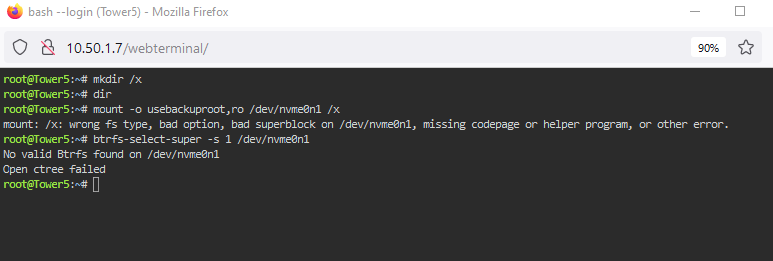
Hi there First of all, I feel somehow stupid in what I did: When I setup unraid I moved the appdata, system and domains to the cache disk(cache only) so that my array can go to sleep/spin down while it's not used. My cache is a nvme 1tb and an ssd 1tb...it automatically was joined to a raid 1. Now after some months my SSD was throwing saome failures and I couldn't write on cache (fatal error in windows and plex database only in read-only. Now where it beginns: Instead of making a backup of all these shares and file, I wanted to rebalance the cache for single use. I clicked on my working nvme and said single use and balance....during the balancing I had to restart it several times because the SSD wasn't responsive anymore. After the balancing was finshed the sdd was still member of the Pool?? then I stopped the array again and removeed the ssd. Since then I have the error on the cache that "Unmountable: No file system on cache" I tried several things from the community and faq but still no luck. Can anybody please guide me? I wished I could restore some data like the system share and appdata share.....otherwise I don't know how to newly create these shares. Many thanks for your help already
-
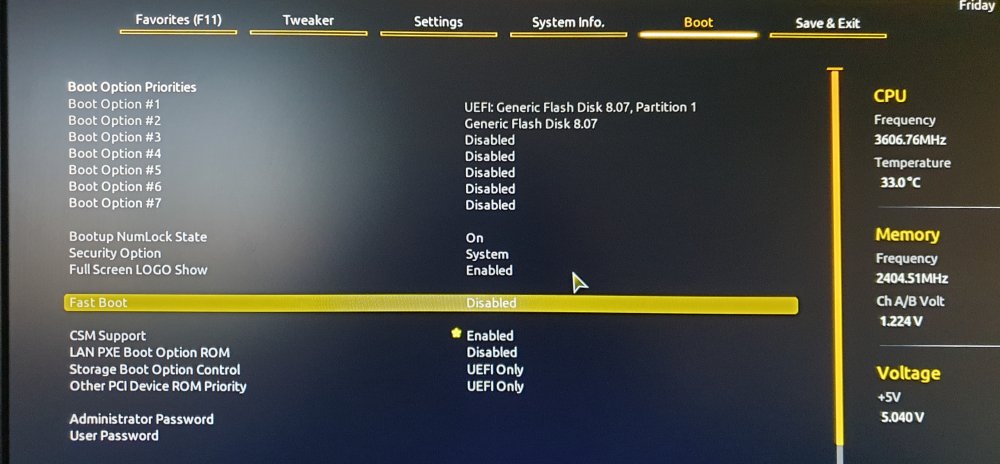
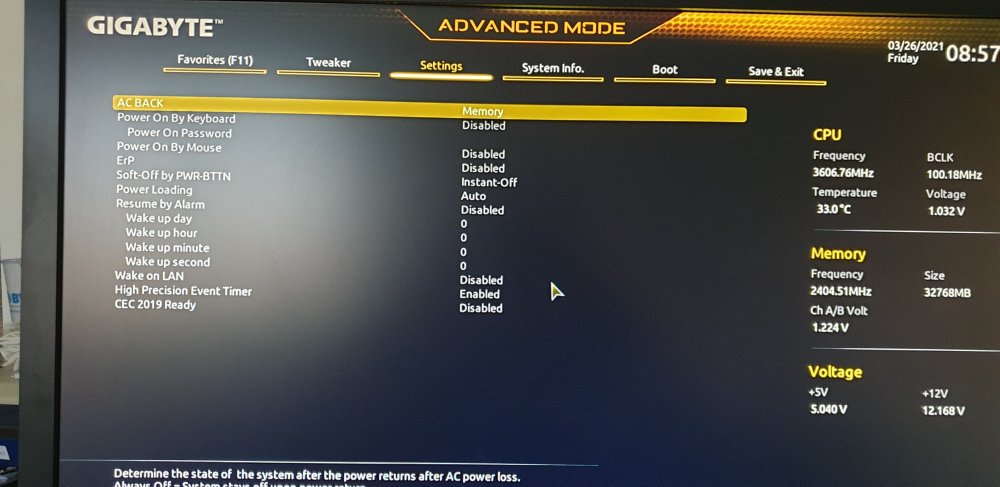
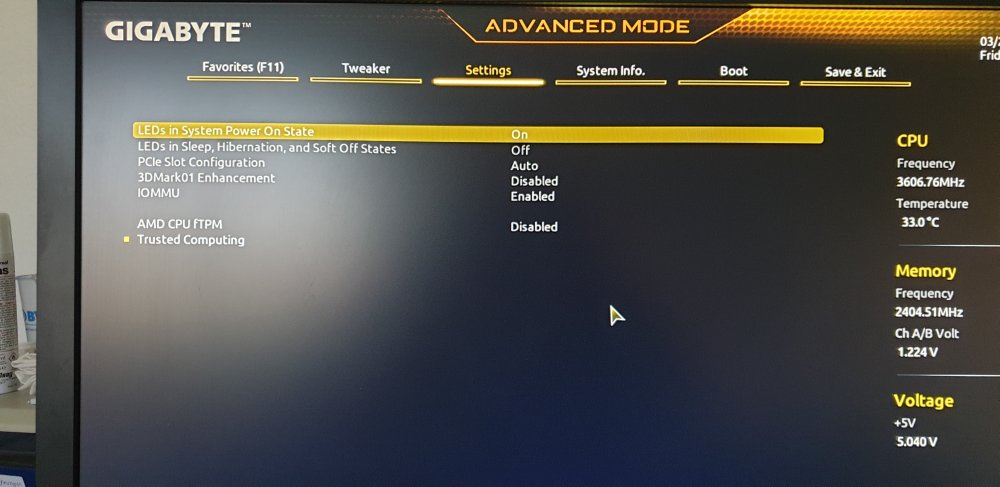
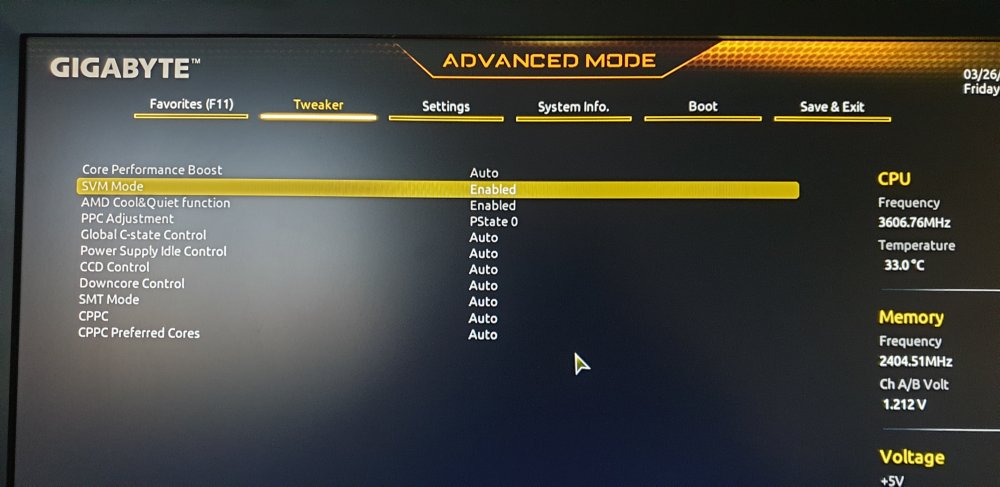
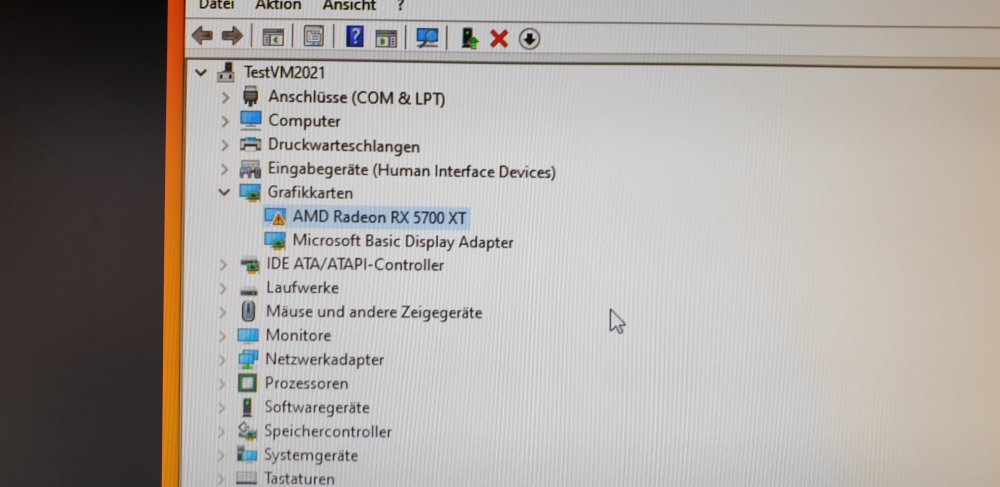
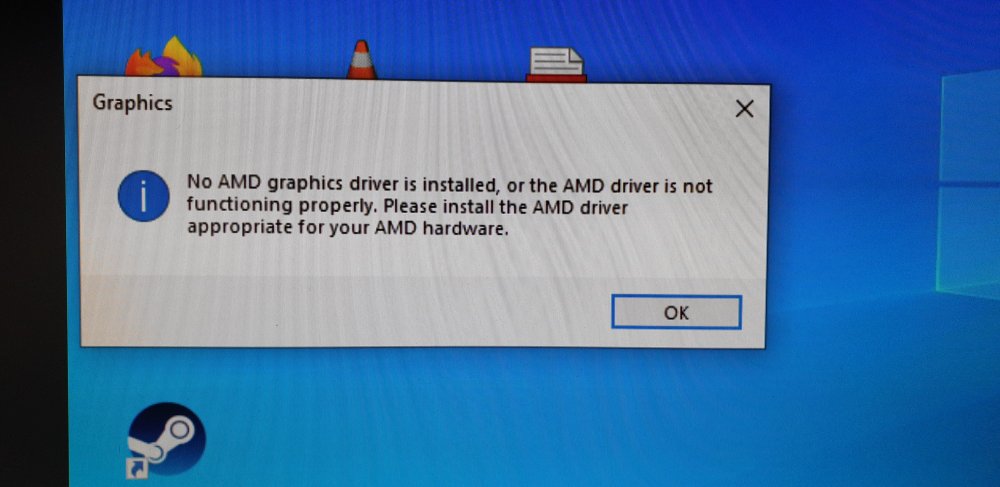
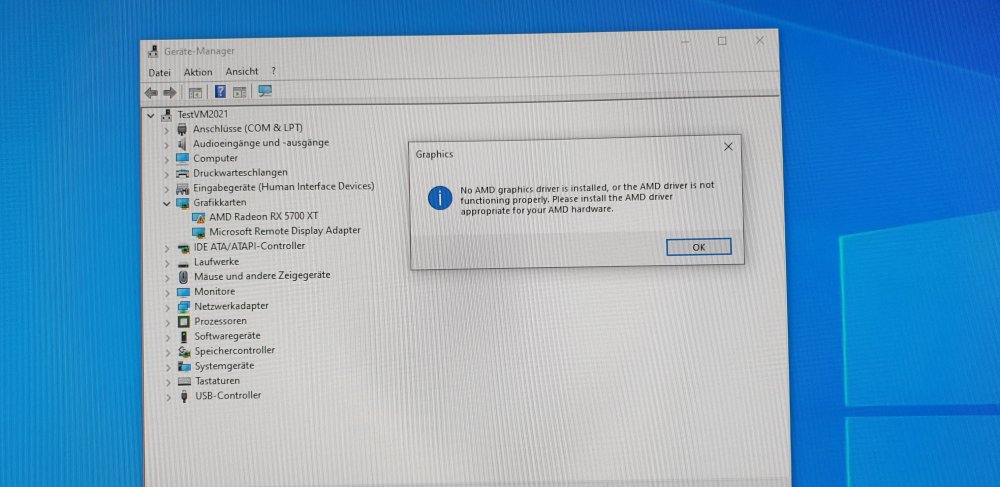
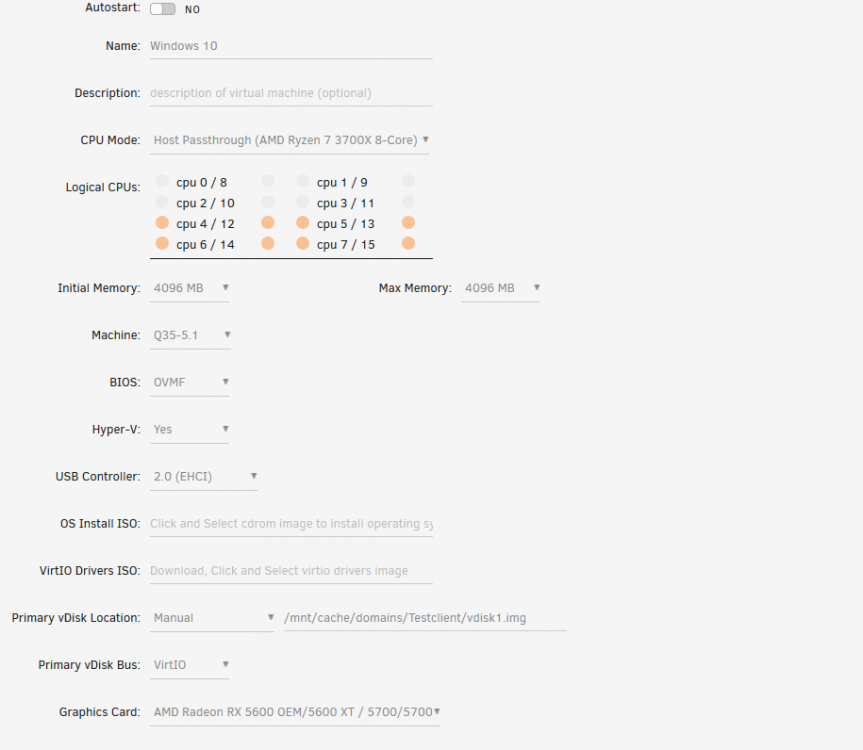
Hi there I'm pretty new to Unraid but so far... I LOVE IT:) I've setup a nice little machine(first I did with a Intel NUC but had issue with USB Ports) with a lot of disks and newly also with a graphiccard. My goal now is to add the graphiccard to a Windows machine for gaming purpose. Now my problem: Graphiccard: MSI MECH RX 5700 XT OC I managed to start the machine with the graphiccard. I've installed the Radeon driver successfully and rebooted the VM. After startup I noticed I cannot open Radeon Software and also in the device manager I see a Yellow exclamation mark on the GPU. Has anybody the same issue like I have? Attached are some Screenshots of the VM setting, BIOS and the issue from the Windows VM. Please tell me if there is some more to upload. I hope somebody can help me and don't hesitate to tell me what I did wrong:) Many thanks in advance and thanks again for this almost perfect OS:) PS: I've watched a lot of "Spaceinvaders" Youtube video but still I couldn't manage to get it working. System Devices.txt