





m7ke
Members
-
Joined
-
After playing around with the CSS for a while, I figured out what to change. /* Dashboard Tiles */ .dashboard { background-color: #1b1e2c !important; } /* Dashboard Tile Background (match the main background color) */ .tile { background-color: #24283b !important; } /* "stopgap" (horizontal space in between arrangeable tiles) */ .stopgap { background-color: #141620 !important; } Mind you, I'm pointing to a locally hosted css file that I customized from the Dracula theme. Hardly know CSS, so don't know if this is "proper" but it works for me.
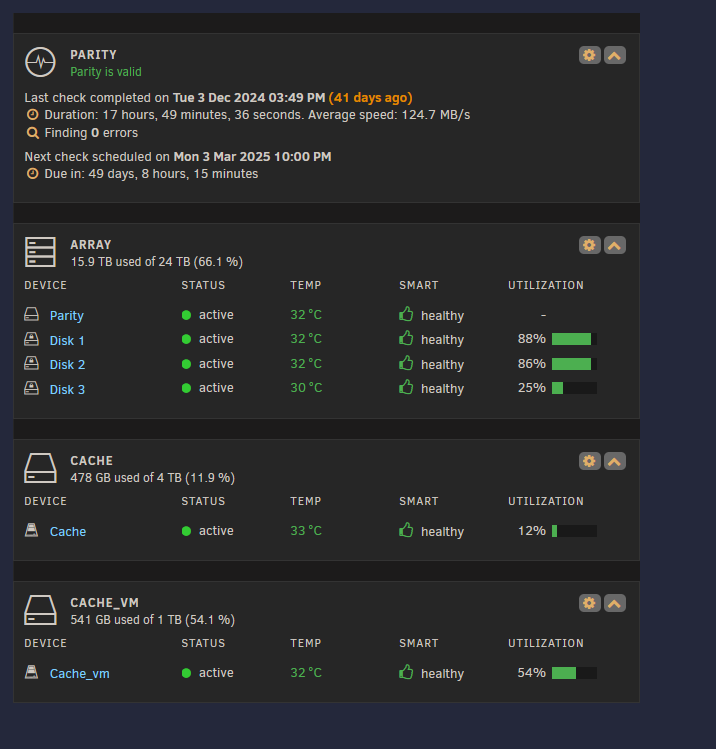
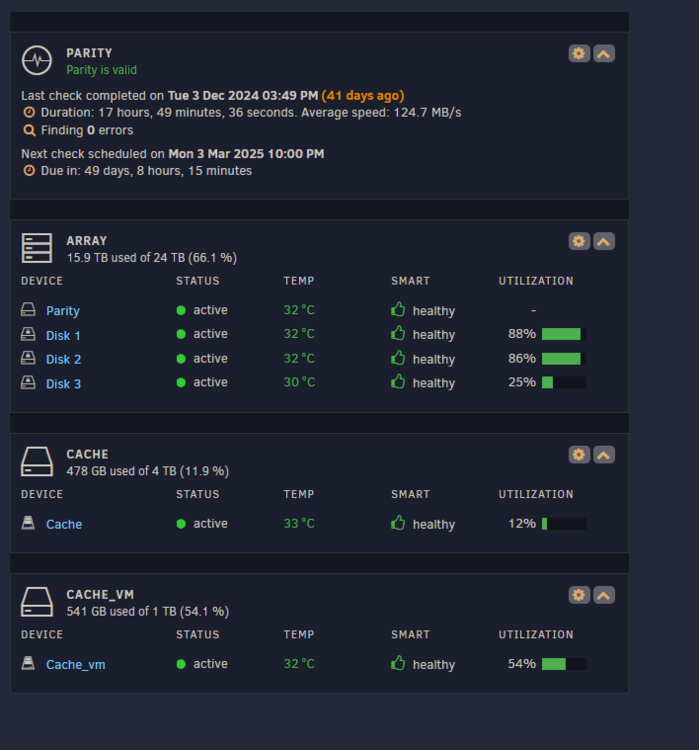
-
Fantastic work! Love the rounded corners on the dashboard with the slightly lighter boarders. I've tried doing something similar but could never get it to look right. Do you have a github with the CSS code available? I'd love to apply this and tweak the colors and background! EDIT: I guess by "share", he meant show off.


