eplang
Members
-
Joined
-
Last visited
-
thank you very much, i got the disk1 back.
-
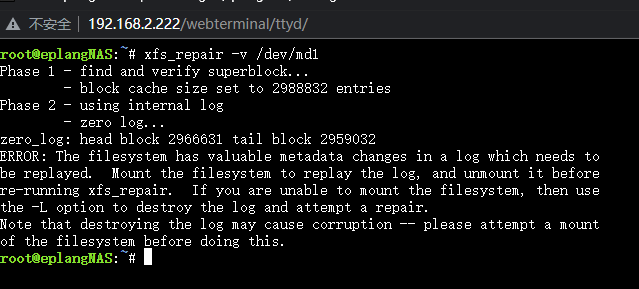
The problem still exists. I tried using this command and got a report like this, I don't know what to do next. root@eplangNAS:~# xfs_repair -v /dev/md1 Phase 1 - find and verify superblock... - block cache size set to 2988832 entries Phase 2 - using internal log - zero log... zero_log: head block 2966631 tail block 2959032 ERROR: The filesystem has valuable metadata changes in a log which needs to be replayed. Mount the filesystem to replay the log, and unmount it before re-running xfs_repair. If you are unable to mount the filesystem, then use the -L option to destroy the log and attempt a repair. Note that destroying the log may cause corruption -- please attempt a mount of the filesystem before doing this.
-
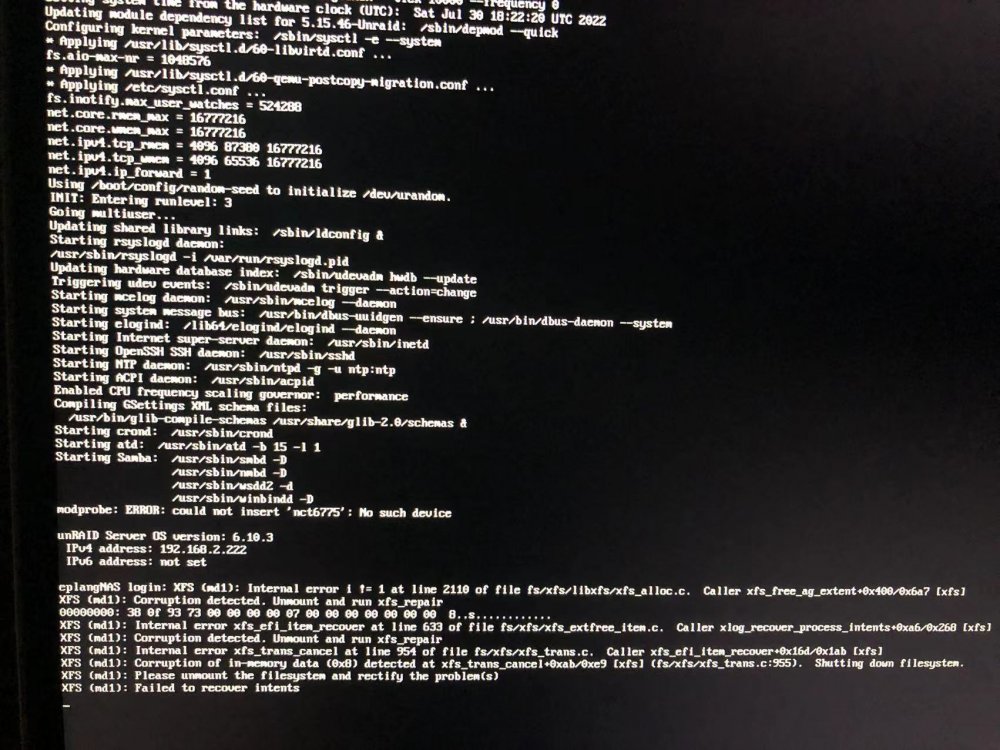
自从升级到6.10.x后,Docker和VM经常崩溃,并且有这样的提示。 实在找不到解决方法,尝试重装Unraid,重装后,第一块主硬盘显示Unmountable: Wrong or no file system 我需要怎样做才能拯救回我的数据? 我尝试在维护模式下启动了阵列,并且对disk1进行了check file system的操作, 加了-nv参数, 得到以下的报告。