





Everything posted by Giaco
-
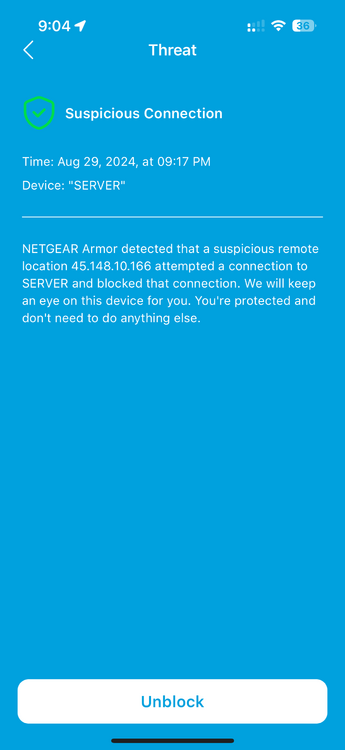
The unraid server is called SERVER on my network. No one that I know attempted to connect to it. I don't have my unraid login accessible from outside my network. When I checked it said the IP address was located in Romania.
-
unraid version 6.12.10 The other day I had a notification from my router about a suspicious connection to my unraid server. The router blocked the connection and the message says I don't need to do anything further. I currently have a cloudflare tunnel setup to access nextcloud and immich remotely. What do you guys typically monitor to identify if someone has gained access into your server or local network?
-
I have tried to set it up numerous times. I have tried UPnP and manually setting the firewall ports. I have ensured that it is UDP and not TCP. I am really at a loss here.
-
I am having trouble getting a handshake. when I go to https://www.canyouseeme.org/ and forward 80 to 8080 on my router, I can see port 8080 is open. when I forward 51820 to 51820 it does not seem to open. Is this my router or my ISP preventing me from doing this?
