





izeman
Members
-
Joined
-
Last visited
Everything posted by izeman
-
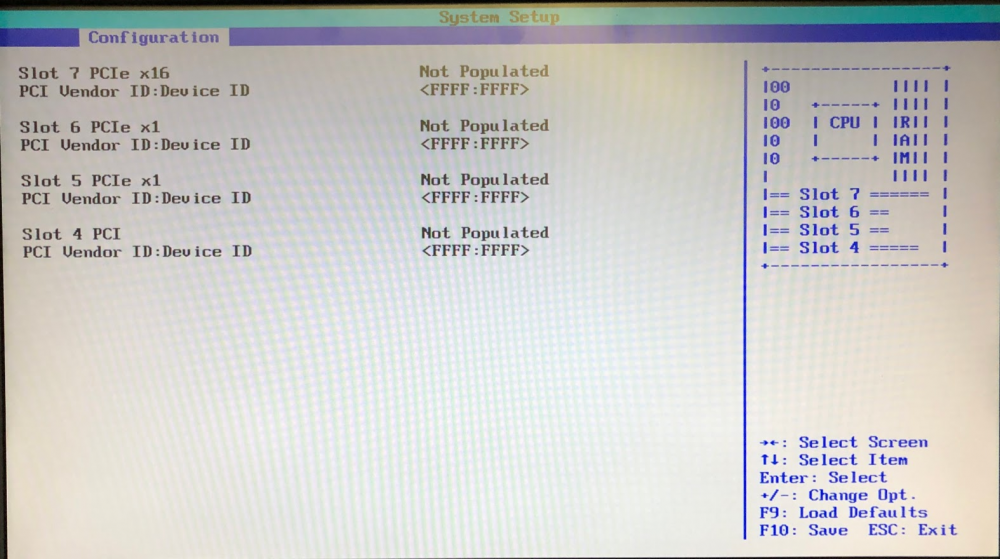
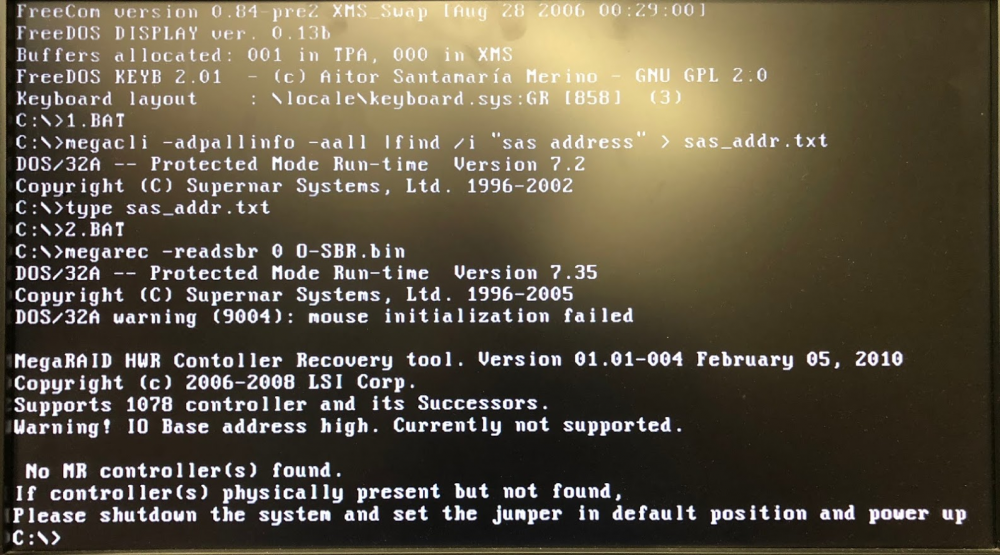
I guess I'm out of luck. The card is just not recognized:
-
Thanks. Hopefully the card get's recognized somehow. I find it strange that it's NOT SEEN in bios. Does this look reasonable to you? Maybe because the card is somehow not initialised/booted internally?!? I need to get back home to try, so it may take some time to get results.
-
Maybe someone can help me with a strange issue I have: I ordered Fujitsu D2607 from ebay for $20. It already came with IT mode enabled. Put it into my PC and could enter the card's bios and see attached disks. I then set the card's BIOS to DISABLE so there would no interference during boot and the card would work as sole HBA only. I played around a little bit, removed the card from the PC and put it in another PC. Turned it one, and NO CARD was seen be the bios. The bios shows the PCI slot as EMPTY. Put the card back into the first PC, and I can't see the card there neither. Any idea what I can do? Maybe the card was destroyed by electrostatic?

