sherman
Members
-
Joined
-
Last visited
-
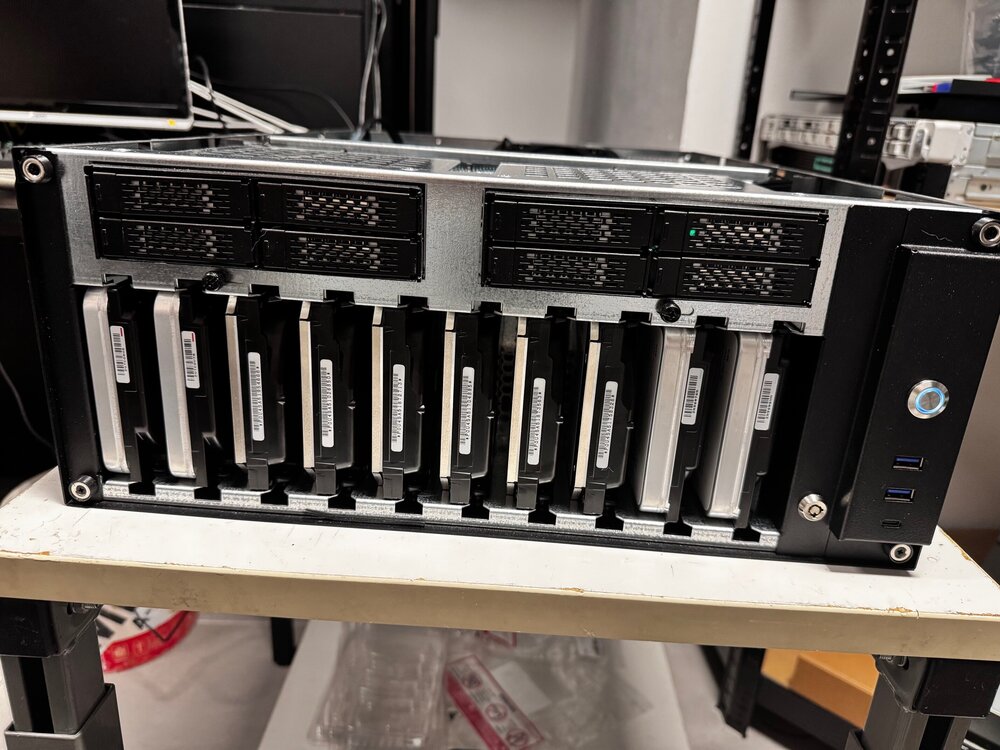
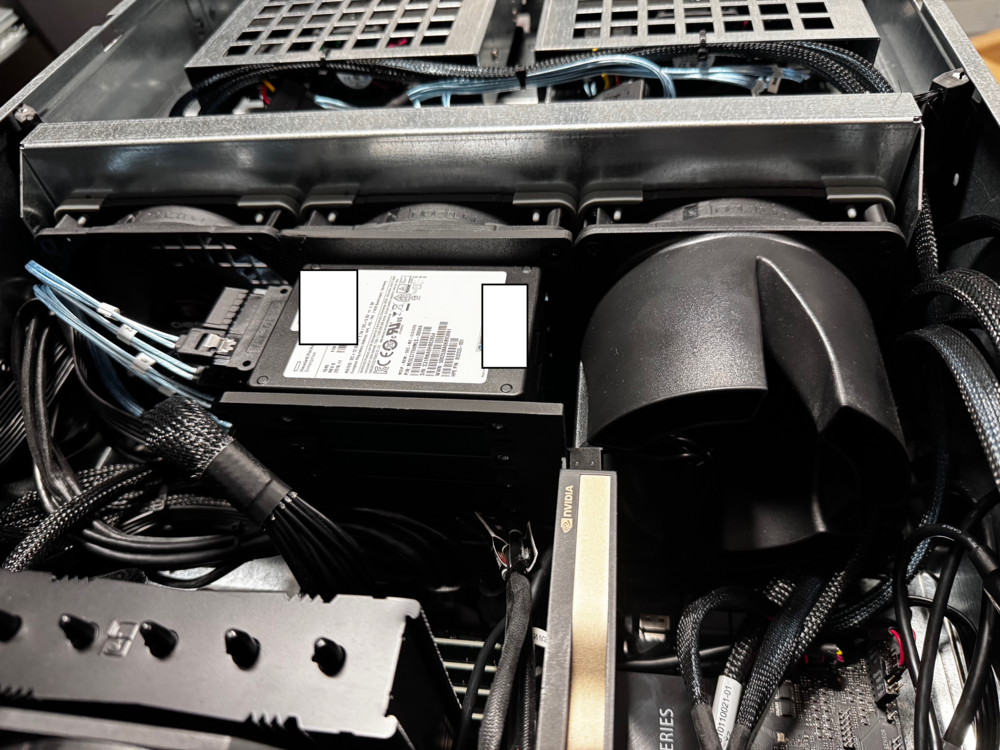
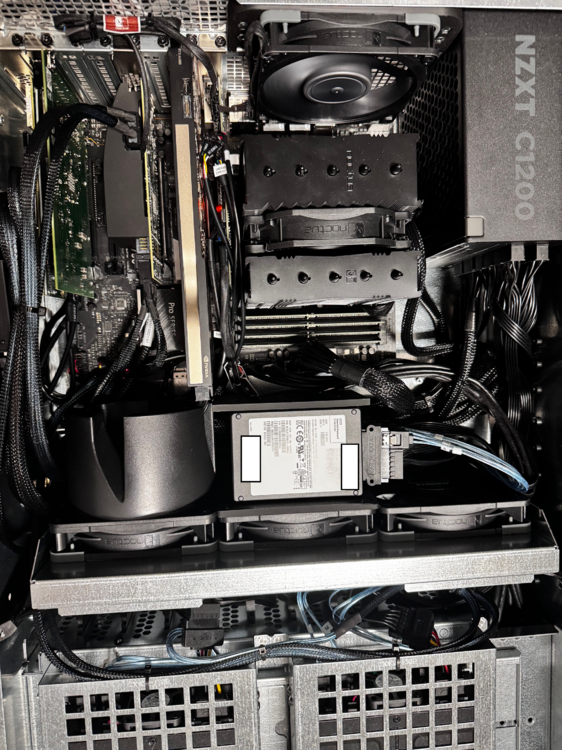
First of all thanks for sharing all these tips and hints around the WS680 board and your individiual setup. After personally spending many hours of going through hell and back, I found a working and very stable HW configuration that I would like to share. - CPU: 12th gen i7 (don't go with 13th gen or 14th gen - there are instability issues and constant freezes even without "damaged/faulty processors") - RAM: I went with 4x48GB ECC Ram (Kingstong 9965794-036.A00G), non ECC might work fine too. - HBA: this part is important - I tried several controllers and only 2 seemed to work relatively fine and stable (even after changing various settings in the BIOS: LSI/Broadcom 9305-24i (16i and 8i will work too) and DELL Perc HBA330. Amongst the stability issues the main problem with other HBAs was that those did not allow to make any configuration in the bios (e.g. change write cache on SAS SSDs, etc.). The controller is populated in PCIE5 slot 2 (Gen3 setting - 8x) - NIC: Intel X520-DA4 in PCIE4 x4 Slot - the card complains in dmesg about potential insufficient bandwidth issues but I populated all SFP ports and did some stress testing. I could notice any significant bottlenecks. I also tried 25G Cards (Broadcom BCM957414A4142CC). Those work too but started to bottleneck when stressing two SFP28 with 25G over PCIE4 x4. - GPU: I added a RTX A4000 on PCIE5 slot 1 (Gen 4 setting - 8x). Other cards will work too but space in between the slots is limited. - USB: boot device - not specific to this board but might help too. Since two USB thumbdrives died on me over the last weeks I decided to go down the mSATA route. After some research I found a working solution with unique GUID that can be used for UNRAID (Xiwai Mini PCI-E mSATA to USB 2.0 External SSD PCBA Conveter plus ORICO 128 GB mSATA SSD SATA III). If someone is interested I also have a modified STL enclosure file, specific to that USB mSATA board). - Disks: I managed to put 22 Disks (12 SSDs, 10 HDDs) in a Sliger CX4712a without major issues. The only item that bugged me for a short time was the SAS spinup with SATA breakout cables issue. (A good guide how to tackle that topic can be found here -> This might not be the silver bullet for all challenges in the context of that mainboard but in my view at least a viable start for all people that are preparing their builds or facing issues. After 2 months, I can finally enjoy a stable setup 🙂 P.S.: I have attached some pics of my BFMS (Big F*** Media Server)