





BlazingChaos
Members
-
Joined
-
Last visited
-
i am starting the server for the first time and i am trying to run unraid but for some reason it pulls the ip of 169.254.183.98 whitch dosnt help me but it has the error of b0 not found but if i try and run ubuntu it works fine and links i am just wondering why it is not linking to a ip adress version 6.9.2
-
I think i solved the problem thank you so much for the help
-
were would i find the start uo command
-
is there a way i can just pull the map and just uninstall and redownload an have it use that mapwhat is ca appi did that and it still is keeps looping and it also did not solve my problemonce I get the error it just restarts and it tryes to do it all over again so it just creates a loopi have been playing on the i have been playing on it i had to stop it for a update and then it keep popping up with the error i do have a cashe drive i customized the name and password on the server and the meteor day
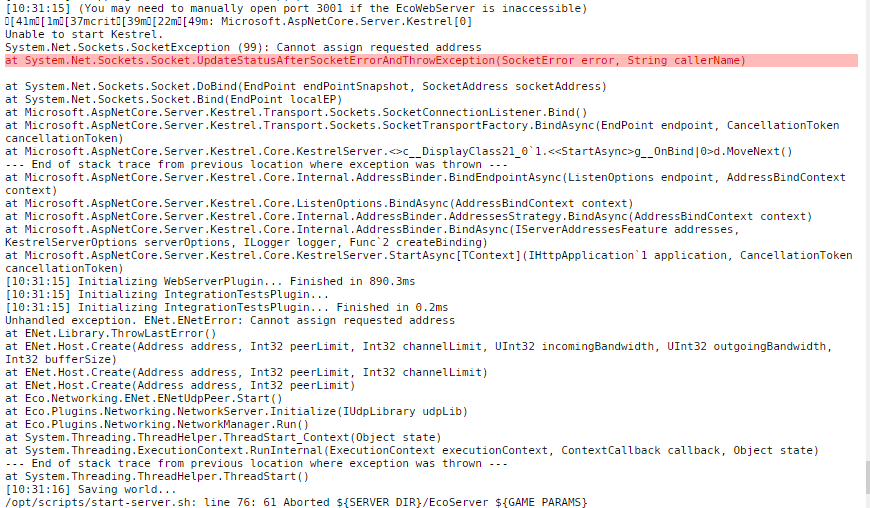 error.txtEcoI keep geting this error at System.Net.Sockets.Socket.UpdateStatusAfterSocketErrorAndThrowException(SocketError error, String callerName) then it keeps trying to lunch it but it just cycles can someone help me


