Skip to content
View in the app

A better way to browse. Learn more.

Unraid

A full-screen app on your home screen with push notifications, badges and more.

To install this app on iOS and iPadOS
  1. Tap the Share icon in Safari
  2. Scroll the menu and tap Add to Home Screen.
  3. Tap Add in the top-right corner.
To install this app on Android
  1. Tap the 3-dot menu (⋮) in the top-right corner of the browser.
  2. Tap Add to Home screen or Install app.
  3. Confirm by tapping Install.

yuii

Members
  • Joined

  • Last visited

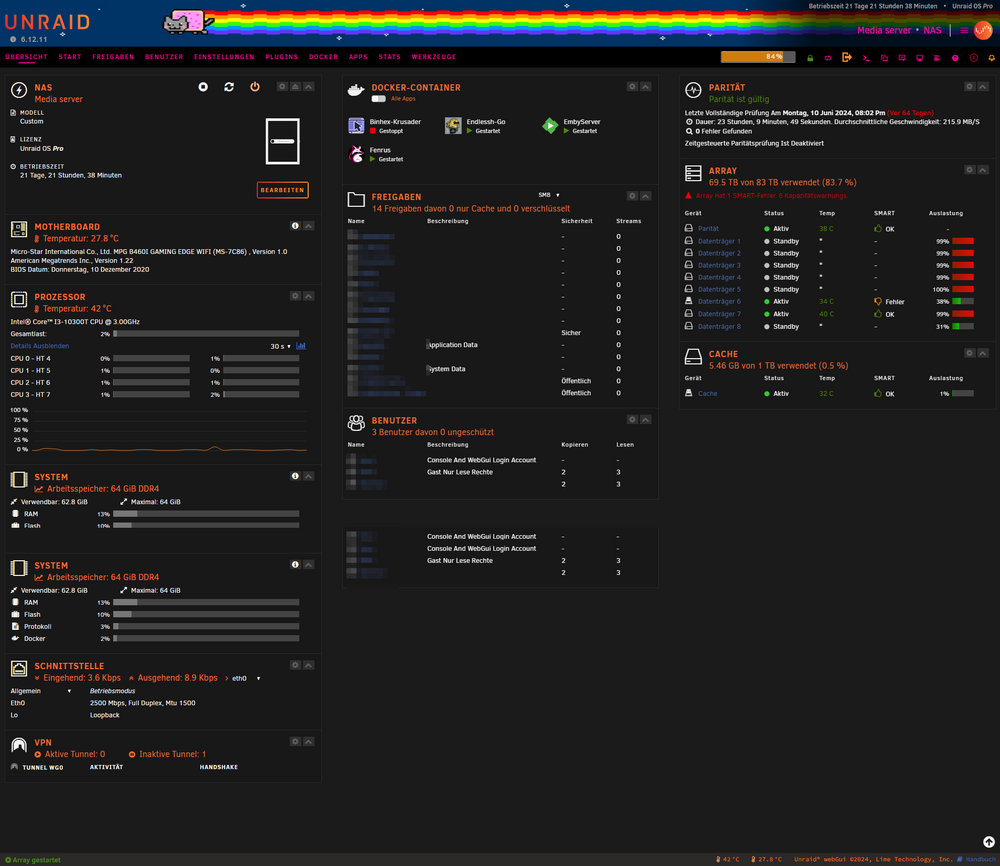
  1. Wer das gleiche Problem hat, ich habe soeben einen weg gefunden das Problem zu beheben. Im Appstore die App suchen "GPU Statistics" von "b3rs3rk" danach sollte alles wieder gehen. Somit das Problem erledigt.
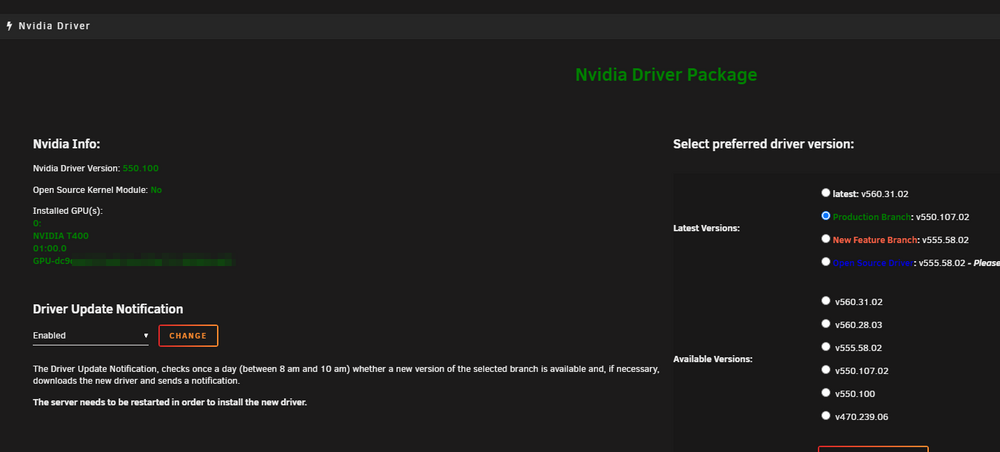
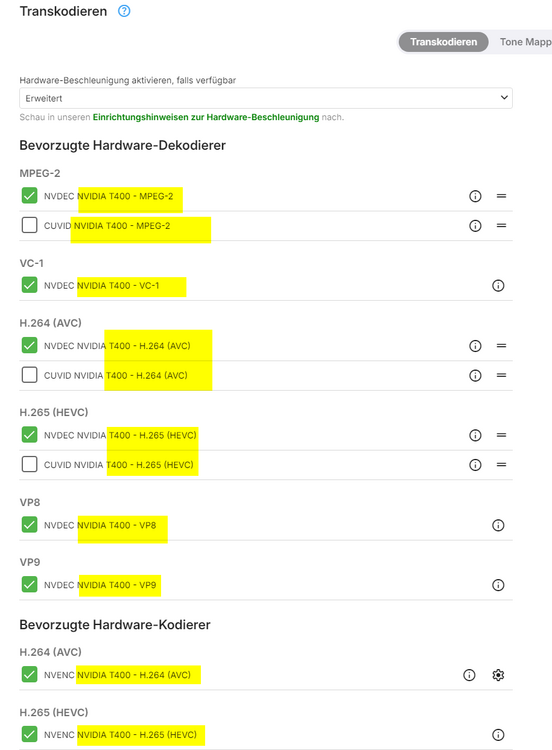
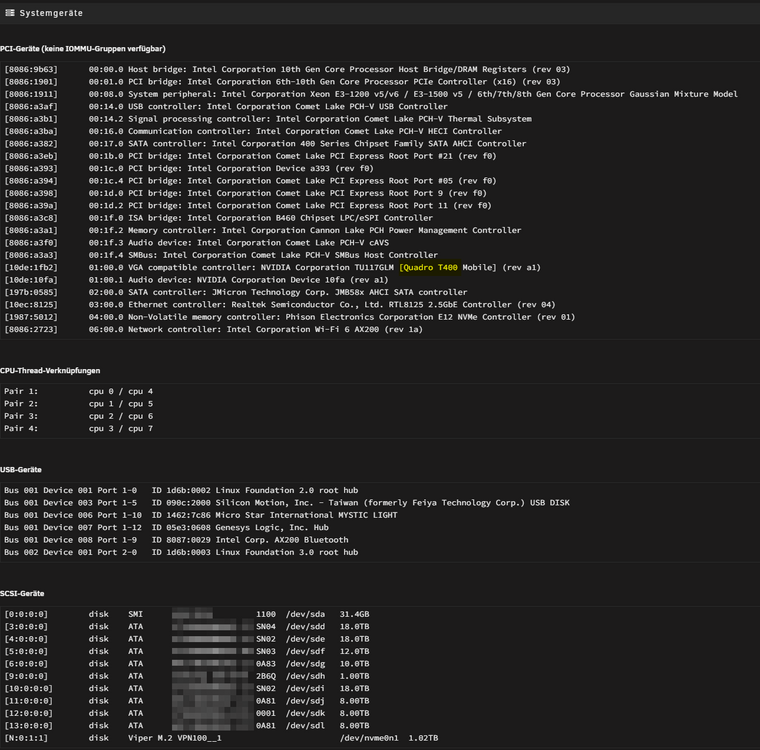
  2. Also Seit dem Update auf Version 6.12 wird die GPU nicht mehr angezeigt. Jedoch wird sie genutzt. Ist das jetzt in einer Einstellung versteckt? Oder was hat sich so geändert, dass die GPU nicht mehr angezeigt wird. Früher war sie im Reiter Übersicht, jetzt ist da nix mehr.
Account

Navigation

Search

Search

Configure browser push notifications

Chrome (Android)
  1. Tap the lock icon next to the address bar.
  2. Tap Permissions → Notifications.
  3. Adjust your preference.
Chrome (Desktop)
  1. Click the padlock icon in the address bar.
  2. Select Site settings.
  3. Find Notifications and adjust your preference.