





jump1e
Members
-
Joined
-
Last visited
-
Seems to be working for me on unRaid 6.9.2 using latest LinuxServer, Plex ver 1.25.0.5282 with no config/modprobe.d/i915.conf Just had three streams going https://gyazo.com/97bf9ad80cd27404c924d8aadfcfe0d1 https://gyazo.com/c35ddbd35d92c489d0ca73cb0b37de89 https://gyazo.com/4c4093c4063f0a36bf8cf386404a70b4 So far no errors..
-
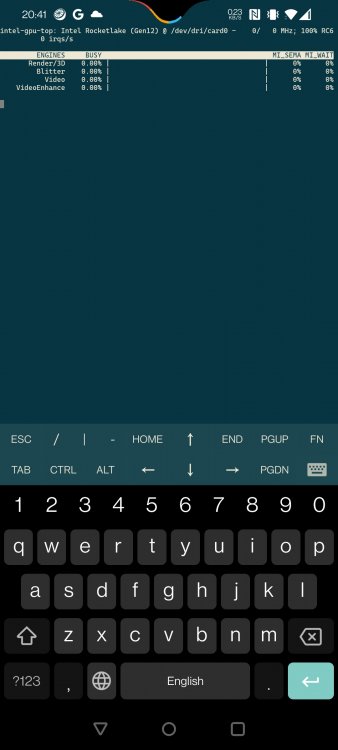
Yup, I have the plugin installed and get an output from it in terminal, I think the attached is the correct output?
-
I checked that, it's set to Enable on a Gigabyte mobo and the iGPU info shows up under the terminal command, just not seen in GPU stats, only 0: NIVIDA is listed
-
Hi all, I recently upgraded to a 11400, I installed the Intel GPU Top plugin and is working from terminal however when I go to GPU Stats plugin, only my 1050 is listed. Do I have to remove the 1050 for the iGPU to show up?
