shorty_
Members
-
Joined
-
Last visited
-
ah ok, thought you might have any insides when this would be integrated. Is there a way to send some kind of feature request to them?
-
@primeval_god is there any plan to integrate that label setting in the templates of docker in UnRaid? Would like to use this together with crowdsec to improve security
-
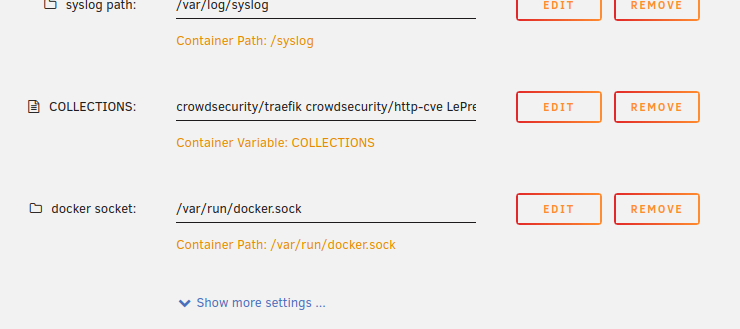
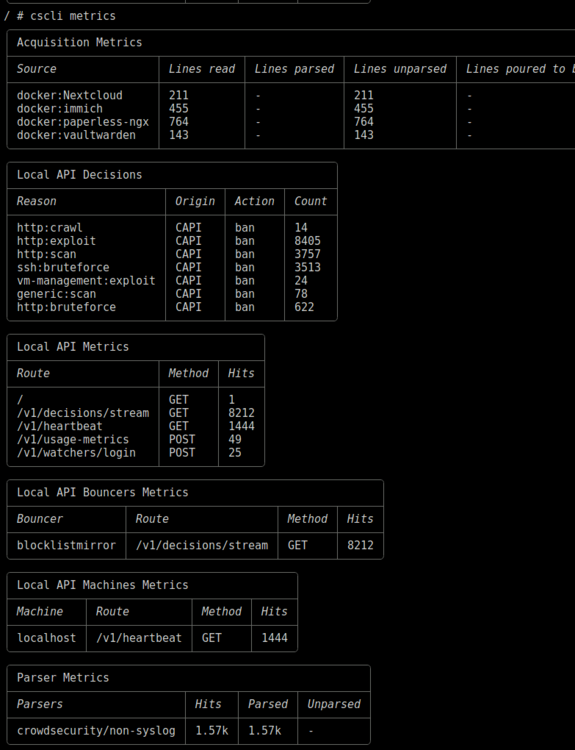
Hi there, I do have a problem with a running crowdsec docker container. I got everything set up except the ability to parse the docker logs. I create a new variable in docker for the docker.sock of Unraid. I manually added in /mnt/user/appdata/crowdsec/acquis.yaml and modified the content to parse docker logs: When I now run cscli metrics from within the crowdsec container it will show: So it looks like that the crowdsec container can't parse the other docker containers but how can I achive that crowdsec can parse the other docker container logs? Regards Shorty_