garbageac124
Members
-
Joined
-
Last visited
-
I re-installed 6.11.3 and the Coral wasn't detected. I then ran the modprobe gasket and modprobe apex and then it was found. Thanks for your help!
-
Here's the diagnostics from when I was on 6.11.3 The only thing I could think of was that when I was on 6.9.2, I was running frigate in HA rather than in unraid Docker. In order to get passthrough, I had to manually edit the xml for the HA VM to passthrough the coral. Since then, I've moved frigate to unraid docker... but I'm not sure if that would've caused this problem? Thanks for your help jupiter-diagnostics-20221111-2104.zip
-
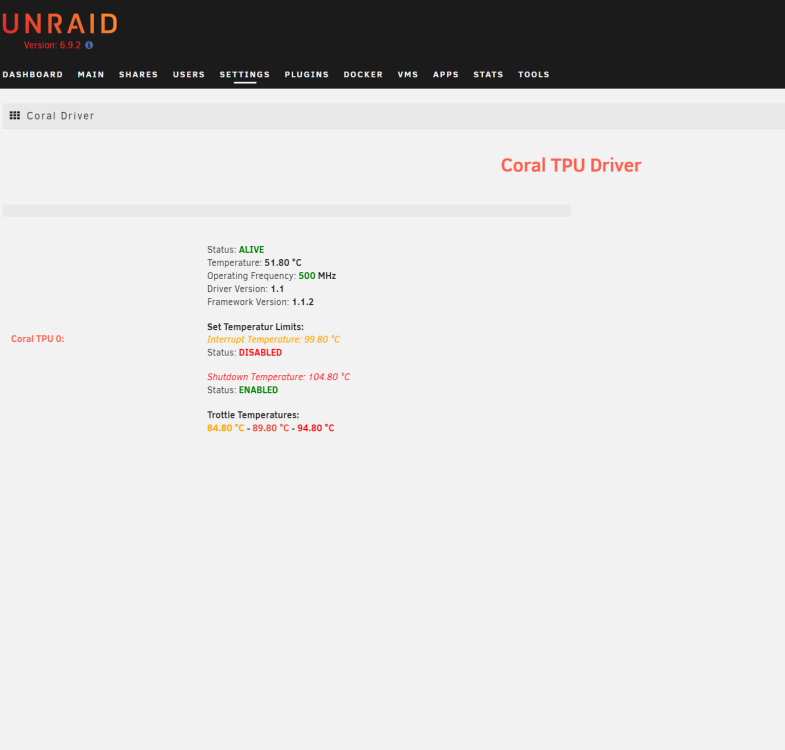
yes, downgrading brings it back
-
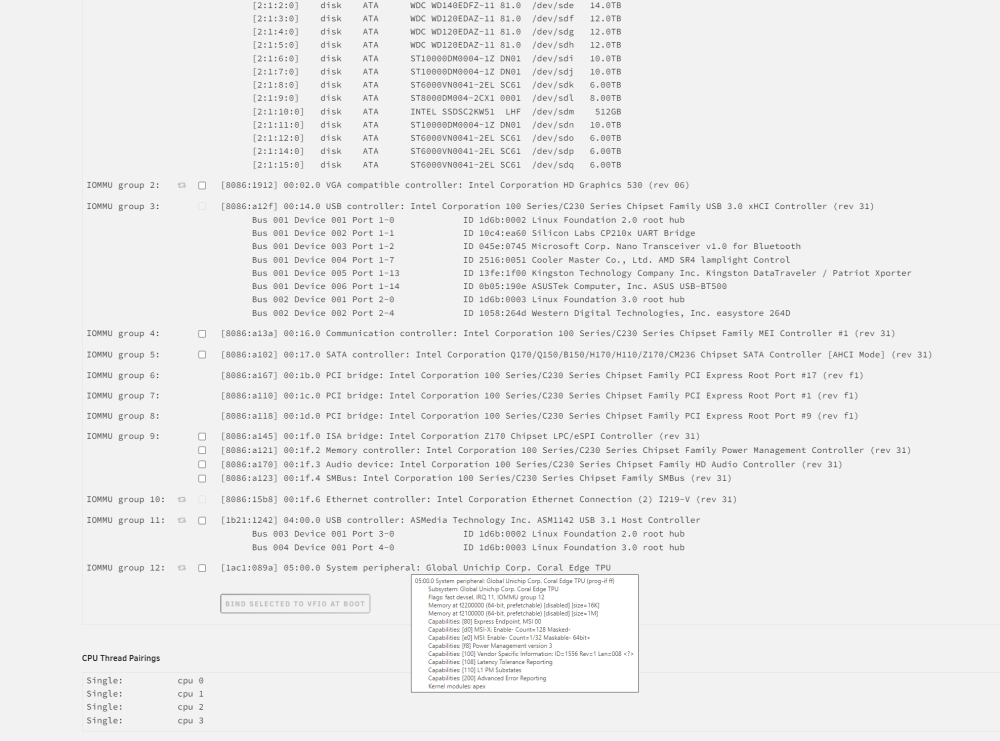
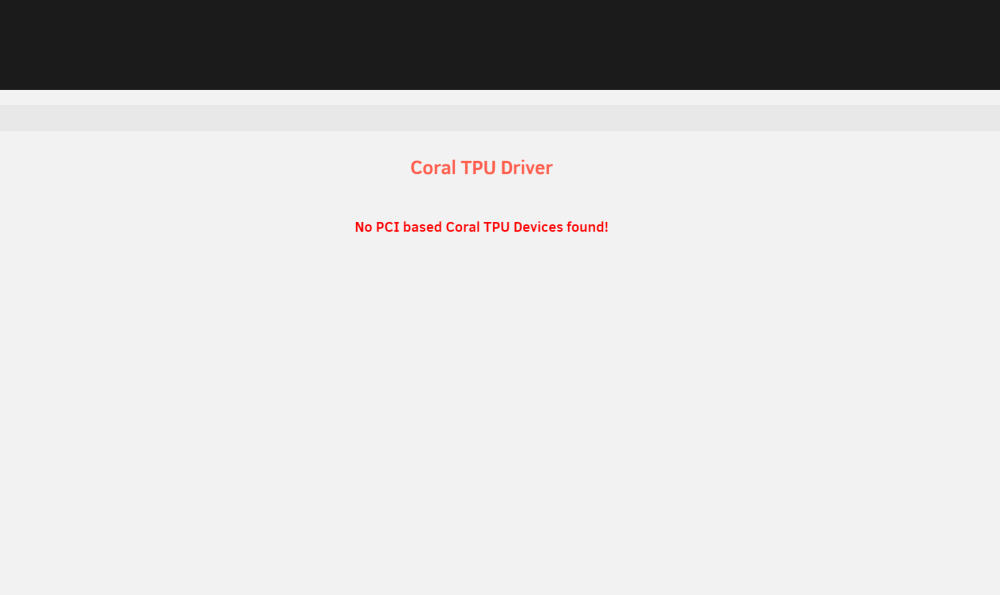
I have a similar problem to tigga69, except I'm using a m.2 Coral. It was working fine until I updated from 6.9.2 to 6.11.3. I can see the coral in my system devices, but it the TPU driver says "No PCI based Coral TPU Devices found!" I don't know what the solution to this would be... I run frigate in an unraid docker and use the frigate proxy intergration in Homeassistant. Everything was working fine for months until I upgraded. Thanks for any help