



Skip to content
View in the app

A better way to browse. Learn more.

Unraid

A full-screen app on your home screen with push notifications, badges and more.

To install this app on iOS and iPadOS
  1. Tap the Share icon in Safari
  2. Scroll the menu and tap Add to Home Screen.
  3. Tap Add in the top-right corner.
To install this app on Android
  1. Tap the 3-dot menu (⋮) in the top-right corner of the browser.
  2. Tap Add to Home screen or Install app.
  3. Confirm by tapping Install.

JuStAdsor

Members
  • Joined

  • Last visited

  1. The router mess up the second connection and I can not get the public IP to update automatically on GSM. That why I am trying to have it done directly thru unraid. I don't think that someone will try to hack me on 5 minutes on mobile 😂
  2. Hi! I am planning to use it as a backup connection for the entire unraid system. I do not use VM, just docker on unraid.
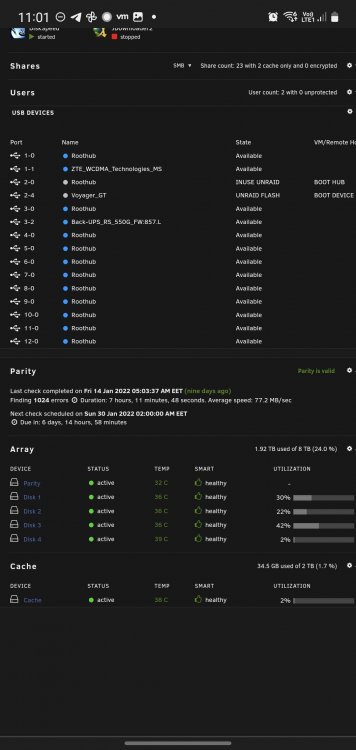
  3. Hi! I am trying to install an usb GSM modem as a backup for my main connection, but i can not fire it out how to have it shown in my network list. I have installed the USB manager and I can see the device listed: ZTE_Incorporated_ZTE_WCDMA, but i van not get it to work. Can someone help me please? 🥺 Thank you!
Account

Navigation

Search

Search

Configure browser push notifications

Chrome (Android)
  1. Tap the lock icon next to the address bar.
  2. Tap Permissions → Notifications.
  3. Adjust your preference.
Chrome (Desktop)
  1. Click the padlock icon in the address bar.
  2. Select Site settings.
  3. Find Notifications and adjust your preference.