NixonInnes
Members
-
Joined
-
Last visited
-
@lnxd Maybe worth mentioning it's an 8 GB model of the RX 570 in here
-
@lnxd yeah, after some google-fu people seem to be able to get a bit more juice. I'm gonna take a look into how I can tweak the card settings (without having Windows & the Radeon performance tuning window) - you got any steers? I've done some mining on the RX 580, but since it's on my desktop which i'm using all day for work video calls and all night being a nerd it's a bit awkward. Might end up switching the cards around. I'll at least have a look into a way to setup something to throttle mining during the day on the desktop if I do start using it.
-
Ah, that was for a different card (RX 580 in my desktop). The Unraid box has a MSI RADEON RX 570 ARMOR 8G OC. Don't think that option did much 😅
-
@lnxd ooh, no I don't think I do. I've done it on Windows boxes with the Radeon GUI, how do I do that for an Unraid box?
-
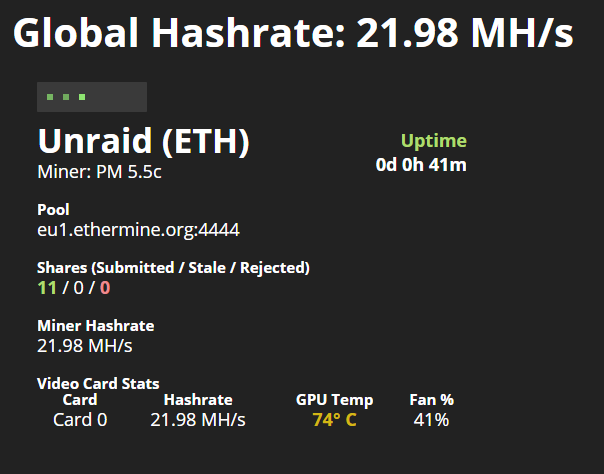
Hey man, thanks! Got the miner & stats up and running pretty easily with my meagre RX 570 👍