acez7
Members
-
Joined
-
Last visited
-
Thanks @trurl ... UR server lives again.. everything is good.
-
Ok so parity check and a read check are 2 different things altogether. Will have to run a parity re-build this weekend, as my only parity disk runs pretty darn hot. I will update as i have more results.
-
Thank you for some great feedback..! i am getting to this late, as i am still on work hours.. will test it out for sure during free time @trurl Learning more about unraid this week than most others.. which is always a win.
-
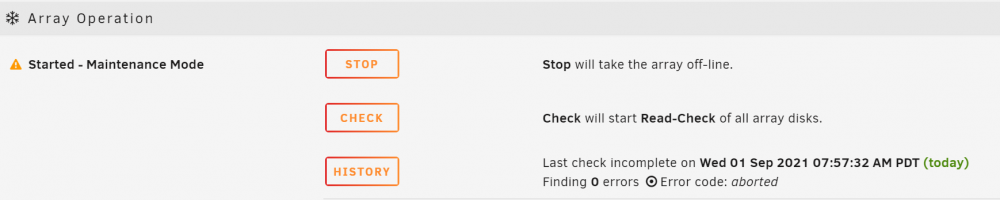
Real-time logging appears to be disabled while in Maintenance mode..? Additionally: I cannot run a parity check (Read-Check) in this current mode. Any way to force a parity check without SSH working?

-
Good point! I completely overlooked that function in Unraid. I will have to do that once I can officially stop this array. A reboot or shudown 'feels' risky though at this point. I was able to run a 'Flash backup' just right now but unsure if that will even be helpful if I were to reboot. How risky is it to restore from a flash backup that is much older and has the Disk 2 info ? I tried enabling SSH from management access but that is not going either.
-
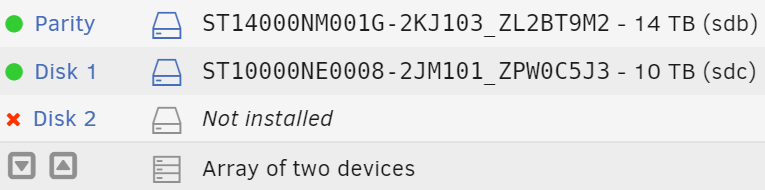
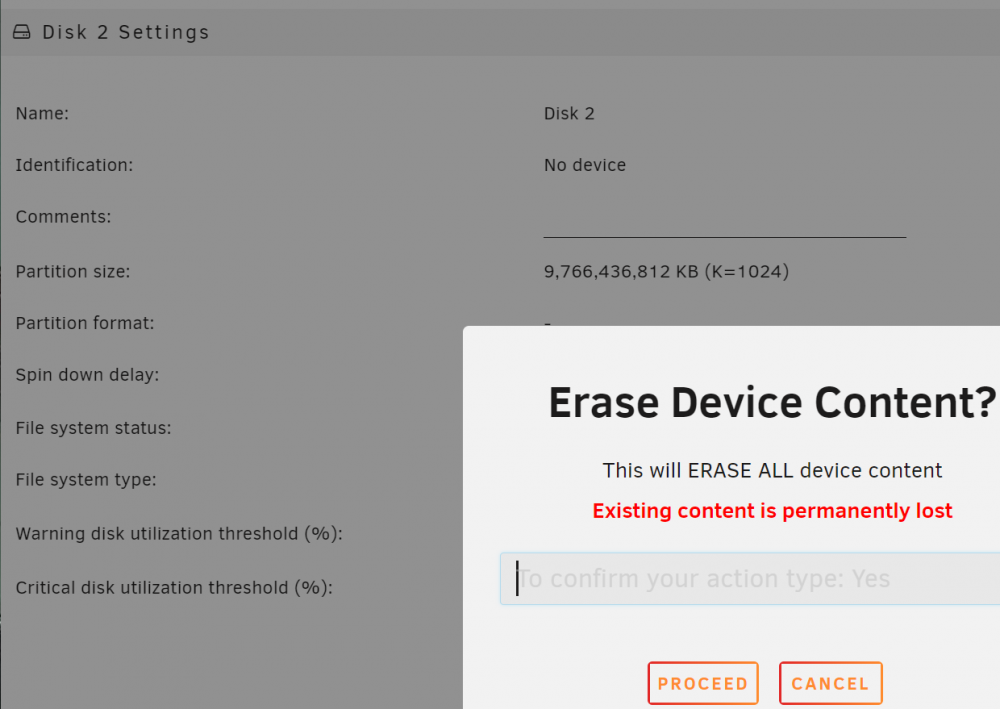
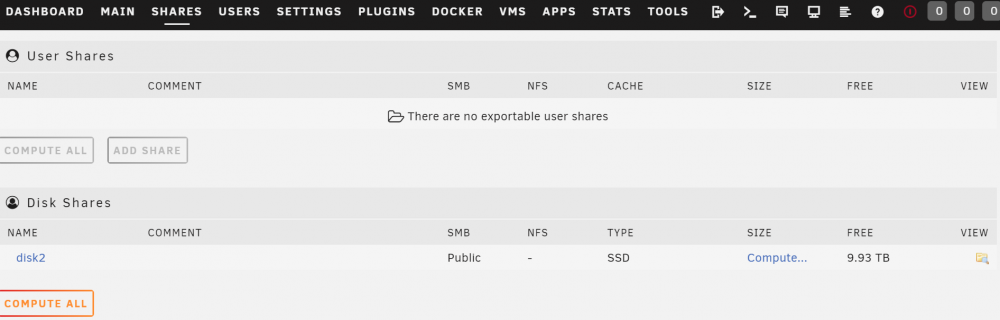
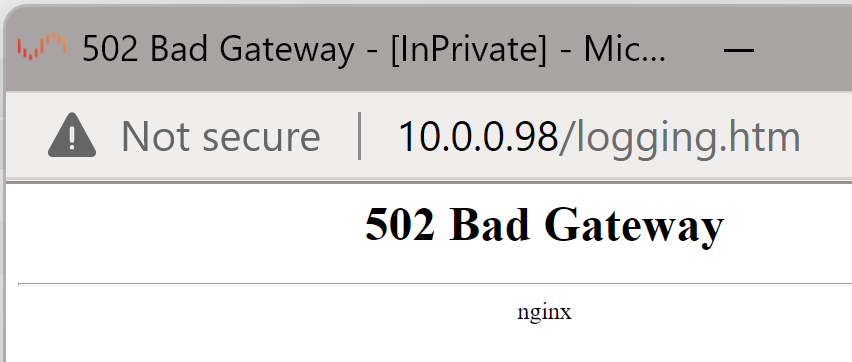
Hello all. Its not fun being stuck in Unraid limbo, as we all know. Maybe there is an easy workaround/solution that I am just not seeing. Let me explain. I have attached a diagnostics file and a syslog. ================================================================================================================= Initially I shrunk an array of 2 disks to one disk. That disk was taken out last week and currently in use in a whole different project. I had moved all my data to Disk 1 using krusader, prior to removing Disk 2. After that I did not know how to get rid of Disk 2 from Unraid config. I tried the following while array was in maintenance mode. This did not change anything on GUI ( I still have that Disk 2 with a red X mark under array devices. The main issue now is that I cannot stop the array (just hangs and does nothing) . Now stuck in 'Maintenance Mode' and not sure what to do next. Lastly this is also pretty concerning. Not sure if i should be seeing this when i click on 'Shares' while in maint. mode. ========================================================================================================================== How should I proceed? I have a backup USB settings file somewhere but that is over 3 weeks old and would rather not go down that road unless absolutely necessary. Thanks for reading and have a good rest of your day.