JackDavies
Members
-
Joined
-
Last visited
-
Found the answer from a previous post of yours, thank you, I missed the checkbox. Cheers
-
thanks for those steps @JorgeB, This is the first approach I tried, but couldn't get past the last step of starting the array. I've repeated these steeps again now but I'm unsure how to proceed after unassigning the Crucial SSD, as I can't start the array, 'Stopped. Missing Cache disk' and it doesnt present an option to change the number of drives from 2 to 1. Is this just a matter of making a new pool with the one nvme drive? as Last time I tried that I believe I started getting an error about the drive missing its cache or parity. Cheers
-
Sorry for missing diagnostic, it slipped my frazzled mind at the end of my attempts, please find attached officetower-diagnostics-20221117-1606.zip
-
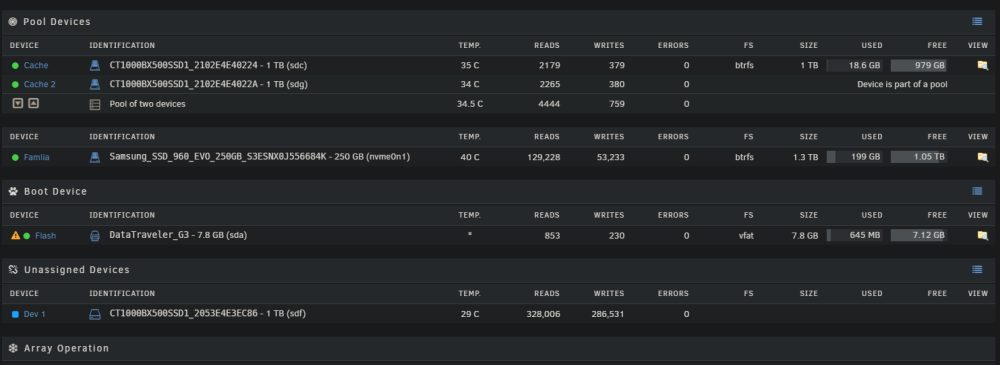
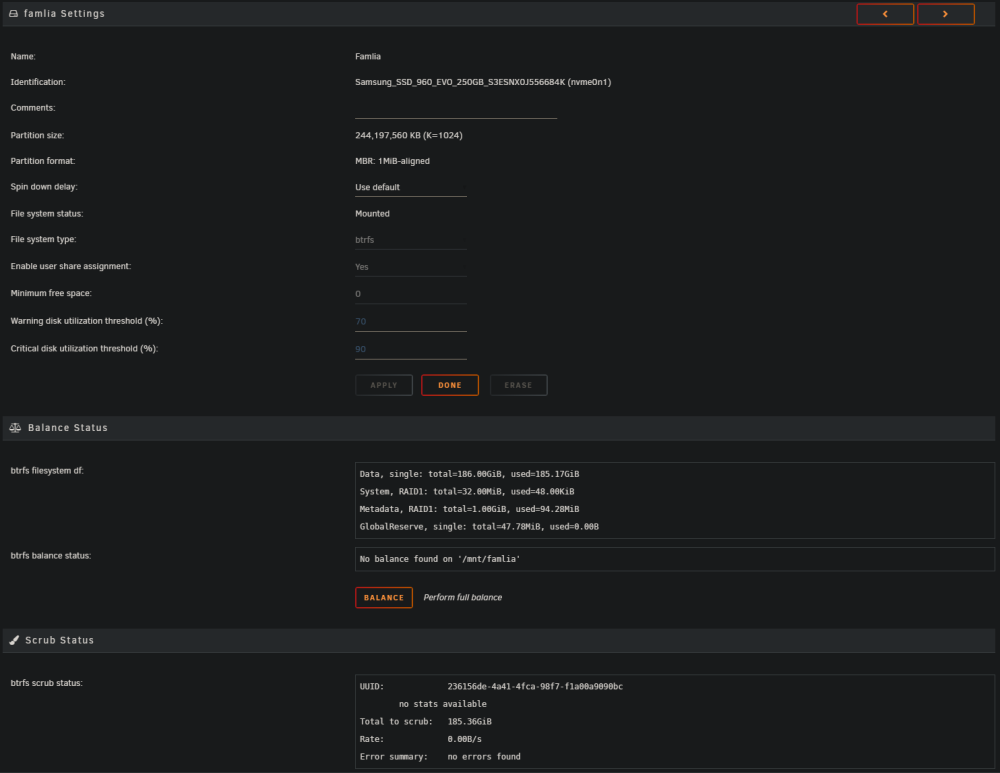
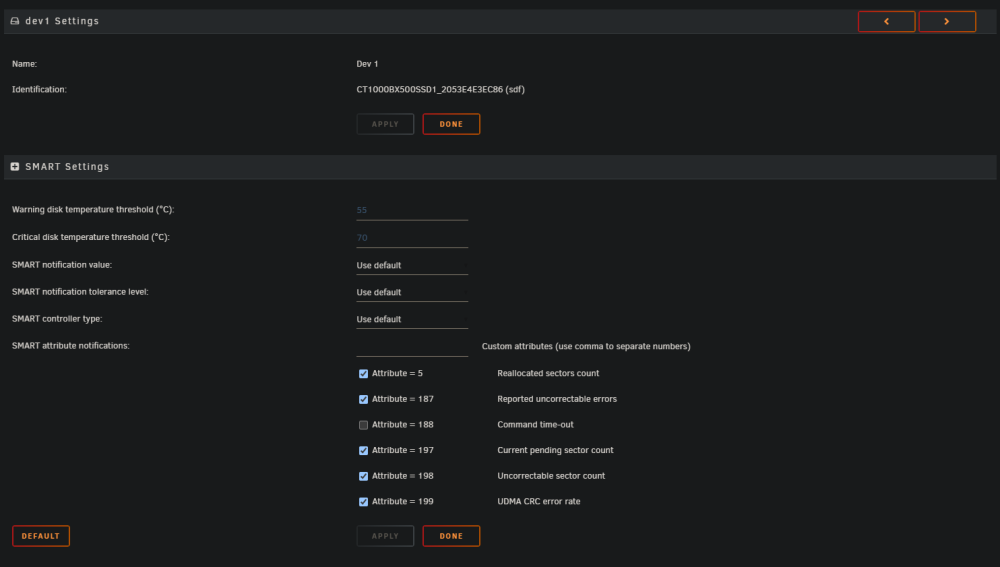
Hi, Firstly I'm sorry, I'm not really sure how my config got to this state. I've played around a bunch trying different forum post but can't figure it out so here I am. The tl:dr of it: I had the 'famlia' pool originally set up with just the one nvme drive, that drive just had a single 240gb vdisk image on it that was being passed to my windows VM for my C drive. I wanted to pass in an additional 1tb sdd (the unassigned drive in the picture) to my vm so I originally added that drive to the pool without stopping to think this would change it to a raid1 pool with the same total space. I then followed a few different guides and tried to try remove the second drive, things like deleted the pool and create a new ones, rebalance ect. Somehow I now have the pool with one drive showing as 1.3tb, which it never did when I originally had the two drives in one pool, but did happen when creating a new pool with both trying to fix things. I'm now also noticing that vdisk image is showing as 267gb, so my plan to just back it up, delete everything and copy back onto the drive has seemingly become a little difficult... Any advice on what to do in this situation? Cheers,