CyanLyan
Members
-
Joined
-
Last visited
Everything posted by CyanLyan
-
Ha, that makes sense as an explanation. I kinda forgot about the switch. That's what I get for looking for a technical solution to a simple problem. Thanks.
-
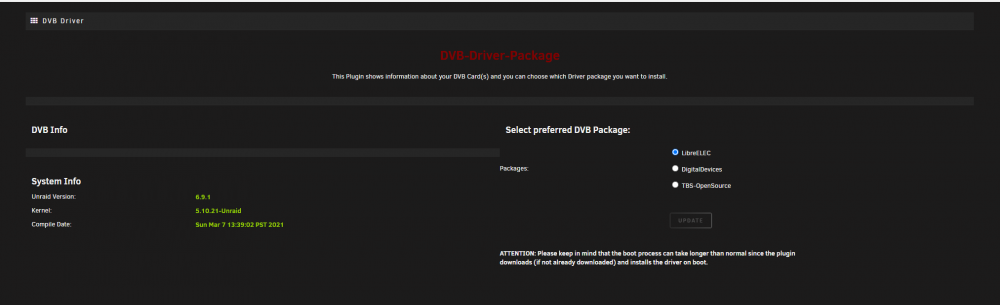
Hi, I've found an old TV Tuner and I was curious to see if I could get it to work with my Plex Pass. So far, I haven't had success getting the plugin to detect the card. It is an Asus FM/TV 7134. It appears via lspci. Thusfar I have tried only openELEC and DigitalDevices. My assumption is that it should work with openELEC since it is not an DigitalDevices or TBS card, although I'm happy to be told otherwise. I have attempted `modprobe saa7134` which should be the relevant module according to this but nothing appears on the plugin page. I'm aware that this is quite a niche case, appreciate any help but also, what can you expect from tech that's been in a box for 10+ years. I'll happily accept advice to spend a bit of money on this before I continue unless there's something you think I can try. Thanks in advance. dmesg.txt lspci.txt ziptie-diagnostics-20210420-1830.zip