





wallbasher
Members
-
Joined
-
Last visited
Everything posted by wallbasher
-
This looks to be resolved, it was tied to the Metadata refresh of a Plex music library.
-
I was able to keep it online for more than 24 hours by disabling Plex Docker. Re-Enabled Plex Docker and it seemed to freeze up while doing a Metadata refresh on the music library. I removed my music library from Plex to see if it is isolated to this library, manual refreshes of other libraries ran without issue. I will post again if I get 48 Hours of stability, or this does not pan out.
-
I am running it headless, logging in via IPMI gives me nothing. Nothing in the IPMI Logs This was a Board/CPU/Ram replacement of a SuperMicro X9 based system. When the X9 would crash it at least would have information in the IPMI Logs. I am not even seeing events for Power On/Off. I did check the BIOS to see if it is enabled and it looks like it is. Running MemTest now
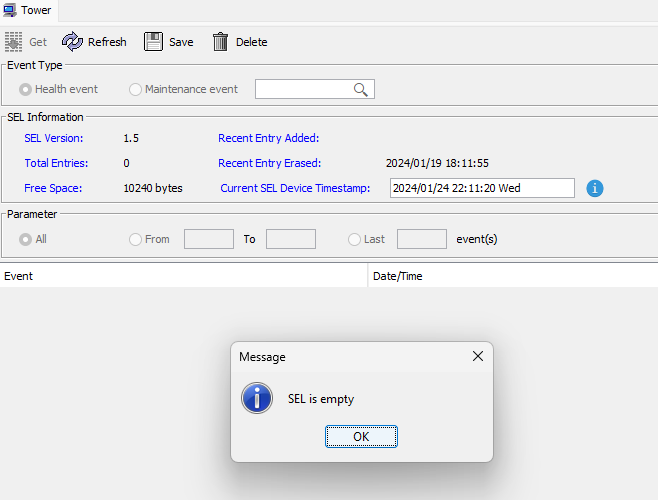
-
Diagnostics Attached tower-diagnostics-20240124-1245.zip
-
I attached the logs, there are more than one crash in that file. My system stays up around 20 hours then becomes unresponsive. I modified the macvlan to ipvlan. syslog-10.0.0.52.log
