Skip to content
View in the app

A better way to browse. Learn more.

Unraid

A full-screen app on your home screen with push notifications, badges and more.

To install this app on iOS and iPadOS
  1. Tap the Share icon in Safari
  2. Scroll the menu and tap Add to Home Screen.
  3. Tap Add in the top-right corner.
To install this app on Android
  1. Tap the 3-dot menu (⋮) in the top-right corner of the browser.
  2. Tap Add to Home screen or Install app.
  3. Confirm by tapping Install.

hkcharles

Members
  • Joined

  • Last visited

Everything posted by hkcharles

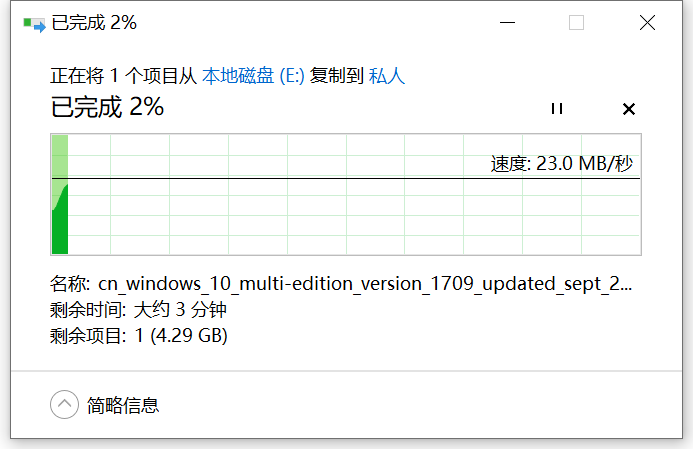
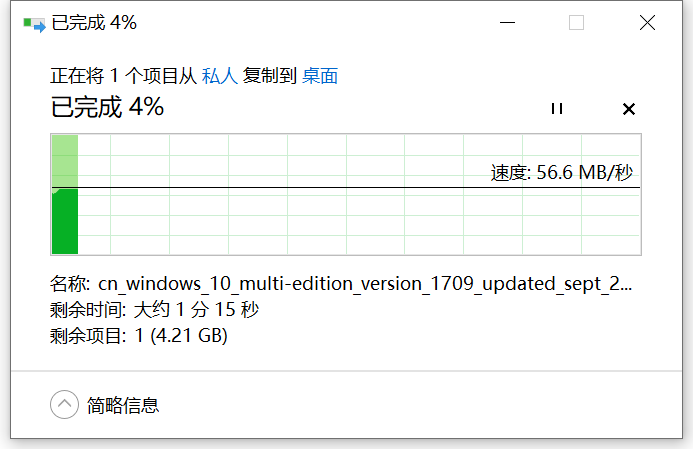
  1. 最新版的6.9.2已经集成最新的驱动了。速度还是那样,不管是单硬盘写入还是加装SSD缓存读取都是50+,写入20+
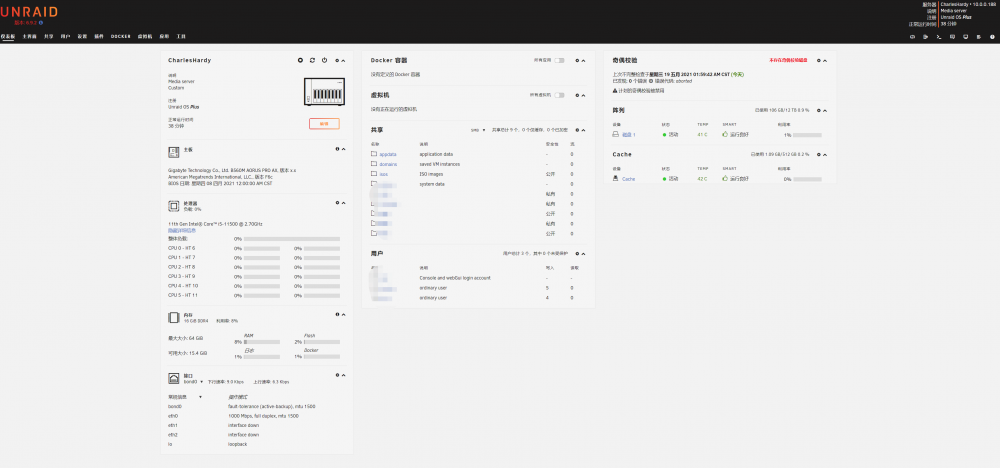
  2. 我的电脑没什么问题,之前群晖和Freenas使用的也是有线接入,一点问题都没有,唯独上新硬件和新系统后出现这个问题,我的主板自带的i225网卡跑的速度写入是20+,读取50+,换到intel的X540-T2万兆网卡也是写入20+读取50+,这个怎么是什么原因啊,大神帮帮忙吧
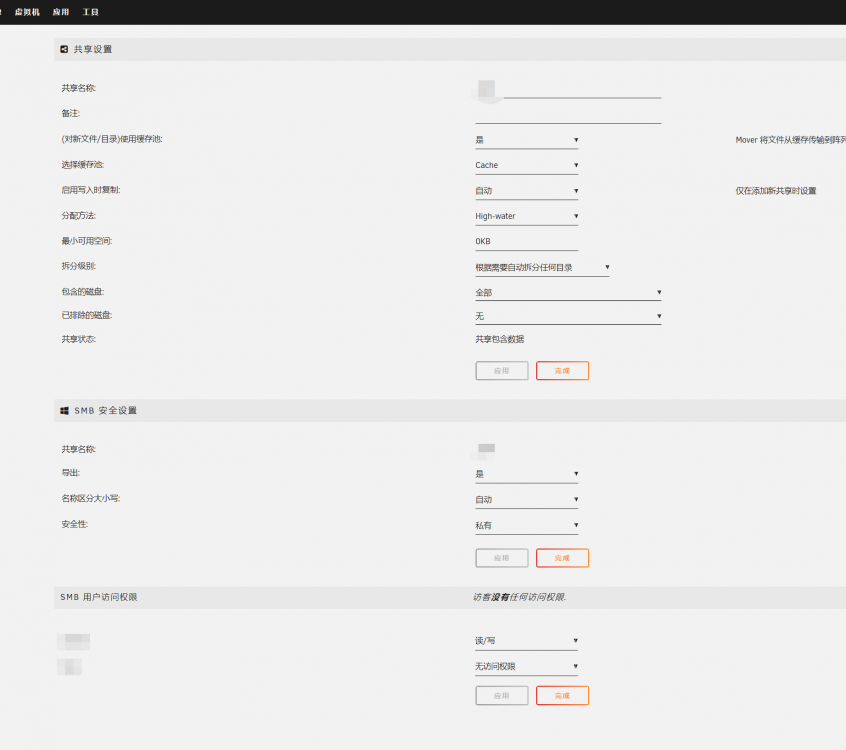
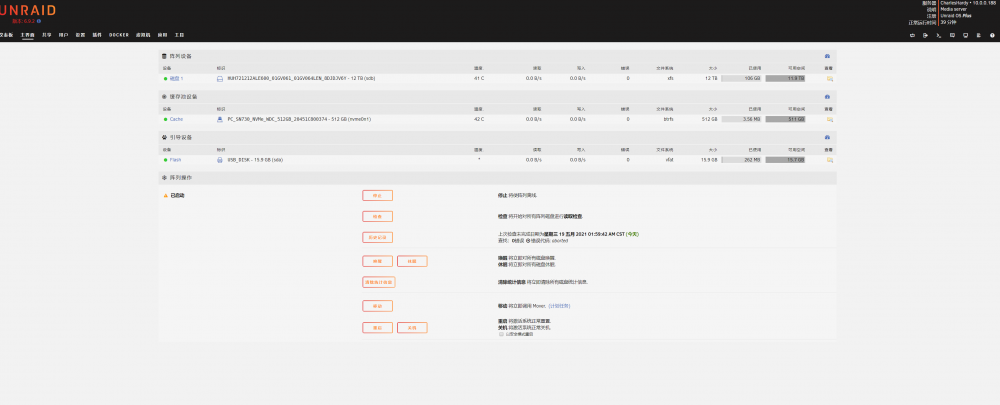
  3. 昨晚刚购买了正版UNRAID,但在实际安装种遇到个问题,就是写入速度很慢很慢,就算加装了SSD固态硬盘来做缓存都一样,写入只有20+MB,读取有50+MB,看过接口都正常,唯独速度上不去,系统是6.9.2. 不知是否是我设置错误。 管理员能否解决一下。
Account

Navigation

Search

Search

Configure browser push notifications

Chrome (Android)
  1. Tap the lock icon next to the address bar.
  2. Tap Permissions → Notifications.
  3. Adjust your preference.
Chrome (Desktop)
  1. Click the padlock icon in the address bar.
  2. Select Site settings.
  3. Find Notifications and adjust your preference.