





hkcharles
Members
-
Joined
-
Last visited
-
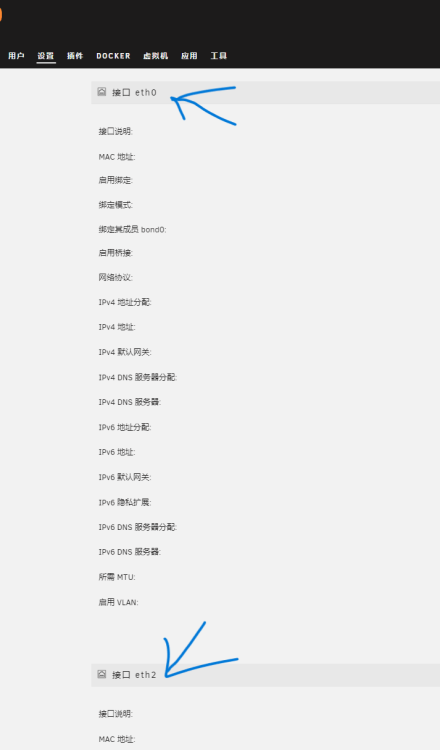
正常来说,在网络接口处是以eth0后接eth1,但不知为啥却跳过了eth1
-
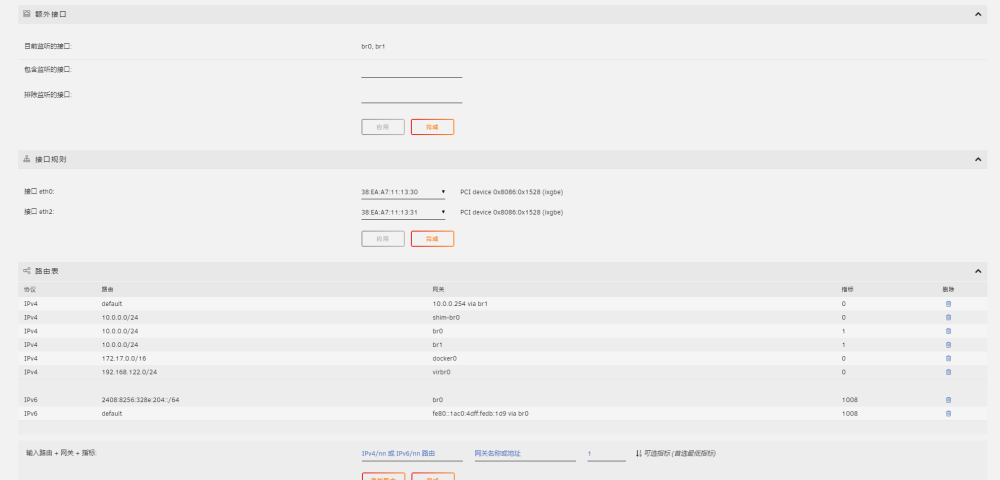
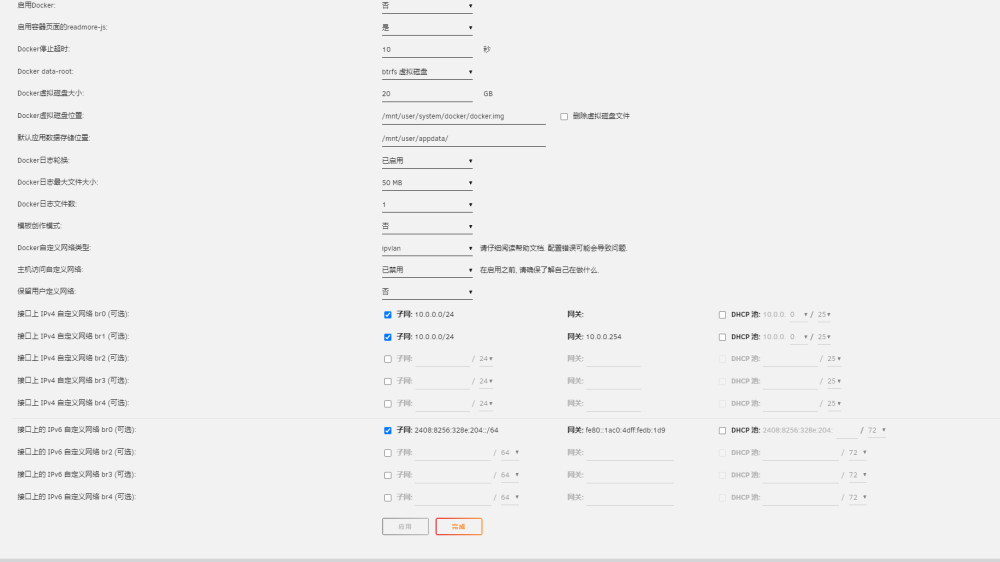
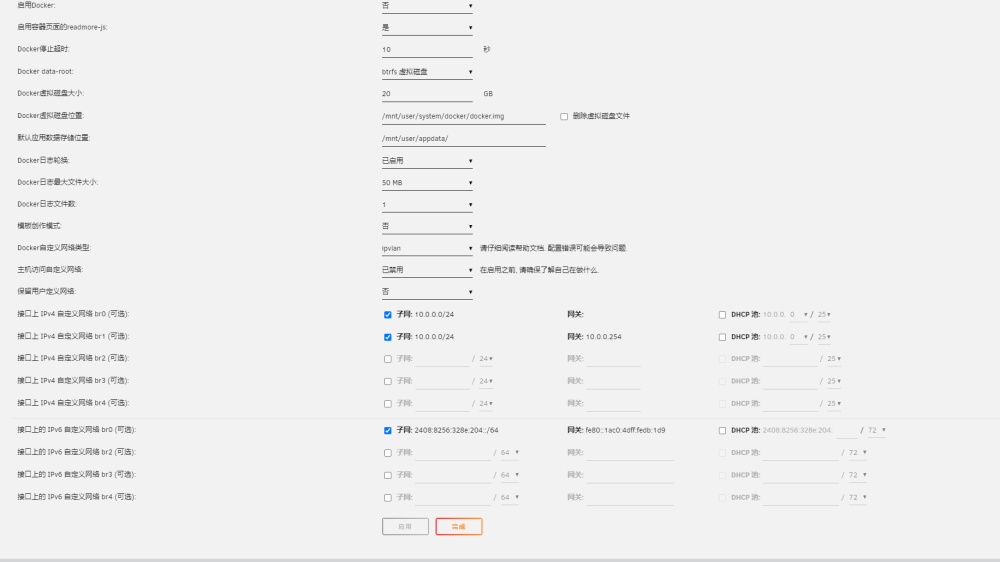
还有个奇怪的现象,以前我在第二个网卡也绑定了一个固定IP,造成每次开机都要15分钟以上后面你告诉我方法解决了 当有多个网口的情况下,除了管理口(eth0),其他网口如果需要设置 IP 地址,那么请不要设置与管理口同网段的 IP 地址,不然会引发 ARP Flux 问题。 你可以尝试把除了 eth0 之外网口的 IP 地址分配取消,然后再看看是否还会出现你所说的问题。 但我后面又发现就算我按照你说的把第二给网口设置了自动分配,我现在去PING以前那个IP却依然能ping通,很离谱 tower-diagnostics-20240320-2258.zip
-
tower-diagnostics-20240320-2258.zip
-
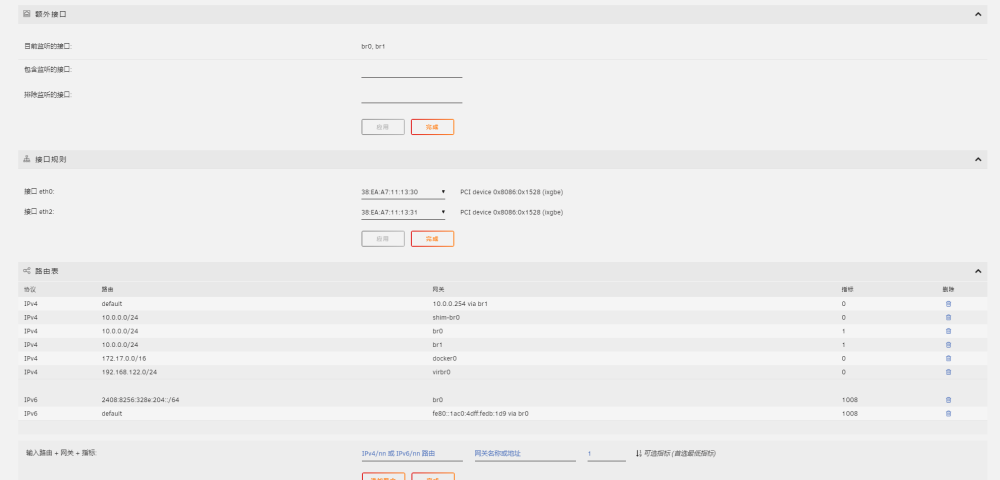
按照你说的去操作还是一个样子,完全无法获取
-
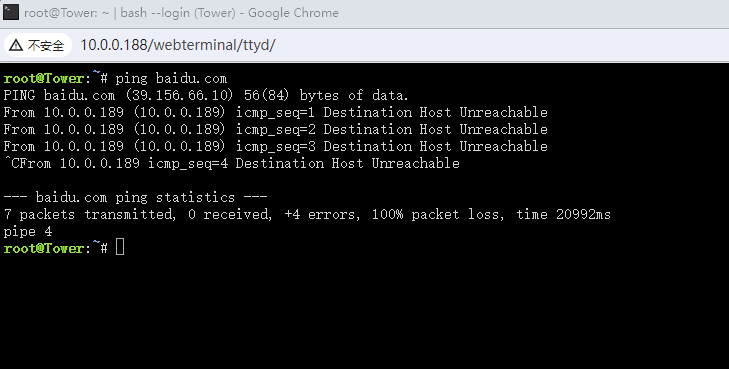
尝试过了,没区别backup-iStoreOS-2024-03-19.tar.gztower-diagnostics-20240318-2257.zip在unraid虚拟机上安装openwrt作为主路由然后接台交换机提供家里的机器上网,但发现unraid下的docker和应用中心都无法访问网络,在openwrt下已经将eth0桥接到openwrt上了,但不知为什么无法正常访问网络,openwrt配置的网口下接的机器都可以正常访问,唯独unraid的出问题,在终端后台上ping baidu.com也不正常,有大神教教怎么解决吗

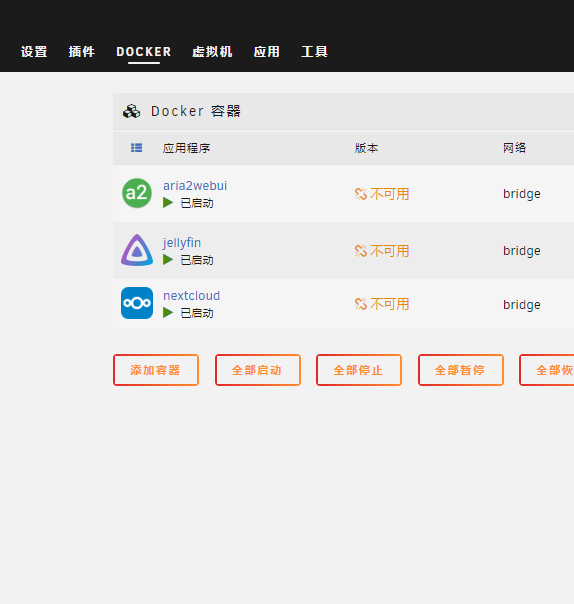 经过尝试问题已解决,谢谢管理的帮助好的,我尝试一下。tower-diagnostics-20240309-1818.zip我遇到的问题和你差不多,但我的unraid重启会非常慢。每次都需要15分钟,而且unraid系统收不到任何更新unraid直通网卡安装openwrt。openwrt作为主路由,unraid桥接到openwrt上网,但有个问题是应用商店无法打开,每次都提示 “应用程序资源文件下载失败” Community Applications requires your server to have internet access. The most common cause of this failure is a failure to resolve DNS addresses. You can try and reset your modem and router to fix this issue, or set static DNS addresses (Settings - Network Settings) of 208.67.222.222 and 208.67.220.220 and try again. (按照这个操作,改了unraid上的DNS没用,通过openwrt添加DNS也不行) 电脑能正常连接到unraid,在unraid下通过ping的命令也能ping通外网网络,但docker和应用商店却始终无法访问。 unraid系统也无法更新 请问这个怎么解决啊,有大神教出来一下吗?最近家里把软路由功能搬到unraid上,电脑自从插了万兆网卡后出现一个问题,电脑每次启动或重启都需要至少12分钟,ping通网卡开始计算,不知为什么,希望大神帮我看看怎么回事,每次网络ping通后,在浏览器上打开网页会提示拒绝登陆。 tower-syslog-20240309-0705.zip


