Zoakivoor
Members
-
Joined
-
Last visited
-
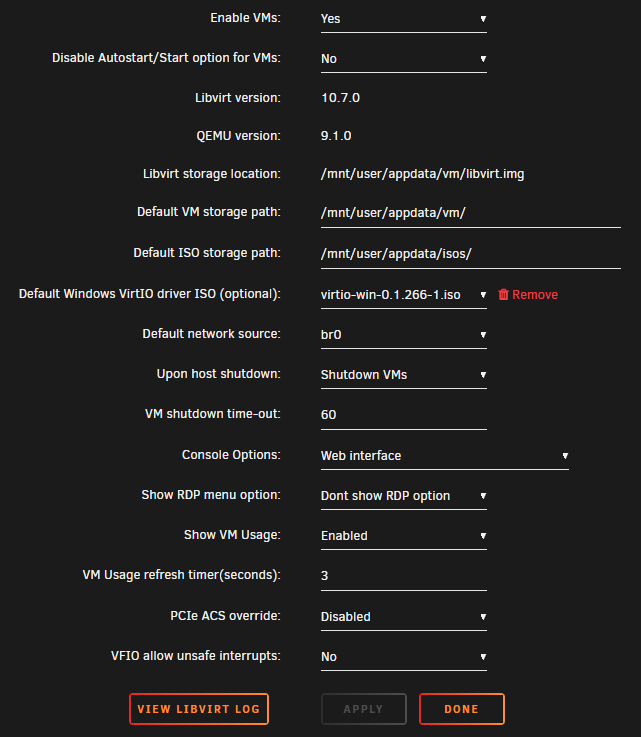
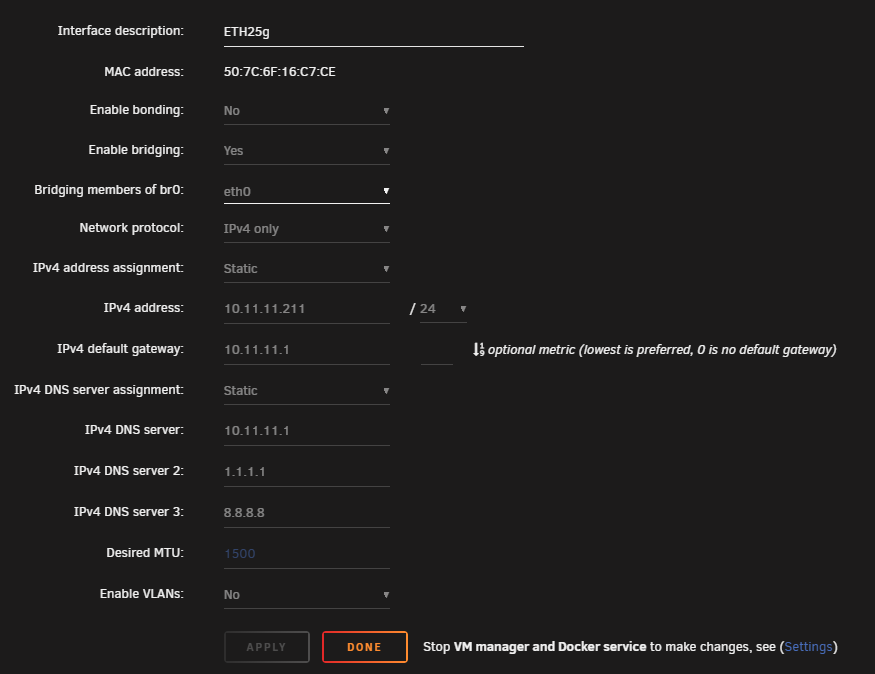
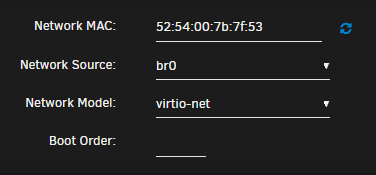
I updated mi Unraid Server from version 6 to version 7.0.0. After this, i wasn't able to connect to the network within my virtual machines. Docker still works without a problem. I have the following specs: Network Card: Intel E810-XXVDA2 SFP28 (25gb MM Fiber) Mainboard: ASUS Pro WS W680-ACE IPMI CPU: 14900K RAM: 4x Micron 32GB DDR5-4800 ECC UDIMM Rx8 CL40 Switch: Unifi USW-Pro-Aggregation Router: Pfsense if i switch from br0 to virbr0 it works but for me it isn't practical because I want to acces my AMP Gameserver (debian), Windows 10/11 and Homeassistant by reverse proxying over pfsense HAProxy. At the moment i can't replace the network Card, because im not at home. I have a second server (Supermicro H12SSL-CT, AMD EPYC 7402 24-Core, Broadcom BCM57414 NetXtreme-E 10Gb/25Gb) that works without a hitch. I can add aditional Information but I don't know what's important in my case. I'd be grateful for any help you can give me. I sucks to not have a game server durring my hollidays (I don't want to go outside Network Settings global VM settings global