





ZIngoooooo
Members
-
Joined
-
Last visited
Everything posted by ZIngoooooo
-
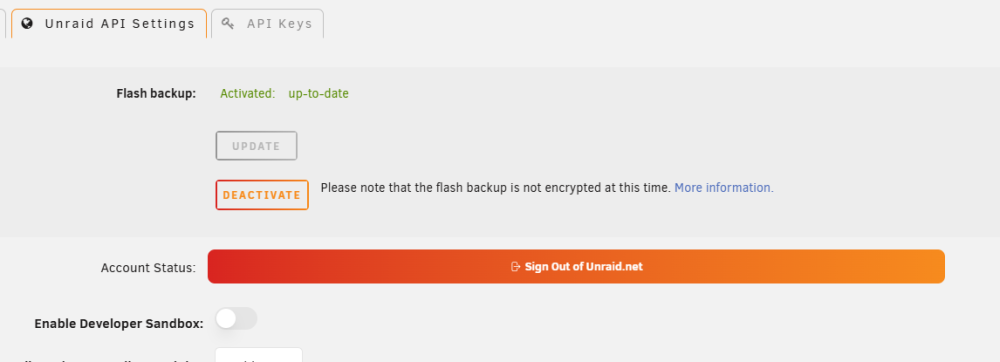
It seems to have started working now, I didn't touch anything.
-
Its up to date after manual backup
-
My USB died on one of my servers, no backups existed on Connect, not even the initial one that is done when activating. The documentation says: "After activation, any configuration changes are automatically backed up to the cloud within 1–2 minutes" That has never happened. Checked my other server, backups activated but no backups on connect. What do I have to do for this to work automatically? A complaint, beside this, that I have is that only latest backup is available to restore, so if the automatic works and backups up a failed config you can't restore to lates working configuration.
-
I changed the port on NextClod to 2443 and now thay are listed as used by the container I mantioned above. How are this connected?
-
I am using an OpenVPN client and are directing another docker via that container. (--net=container:OpenVPN-Client) When I look in the port mapping column in the docker view it shows "172.18.0.5:443/TCP192.168.1.130:443", the container is not configured to use that port and docker is not mapping it to it. Why is this happening? This leads to me not being able to start NextCloud because port 443 is already in use. Edit: I'm on version 6.12.2
