R1ver
Members
-
Joined
-
Last visited
-
Agree, maybe it would be great to mention this specifics somewhere - as users like me would do the testing with 'fake' files and then would complain :)) Apologies once again.
-
Hi, I got what`s a problem is. No matter if 'Update Recycle Bin Size in Background' set to Yes or No: - if I create empty test.txt file and then delete it - nothing happens - If I put some text into test.txt an then delete it - it works So, when testing the service it is necessary to delete files with the contents, otherwise it would not work. Thanks a lot for support and apologies for so dummy issue
-
Through Windows SMB, by pressing "Delete" button on \\nas\Trainings\test.txt
-
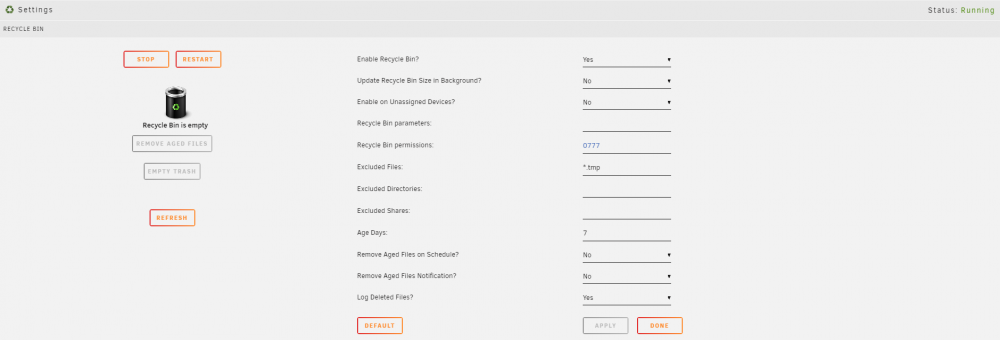
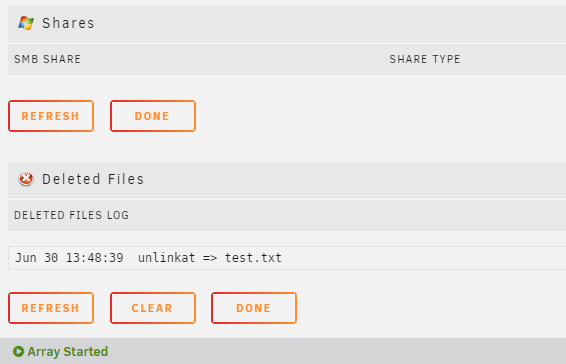
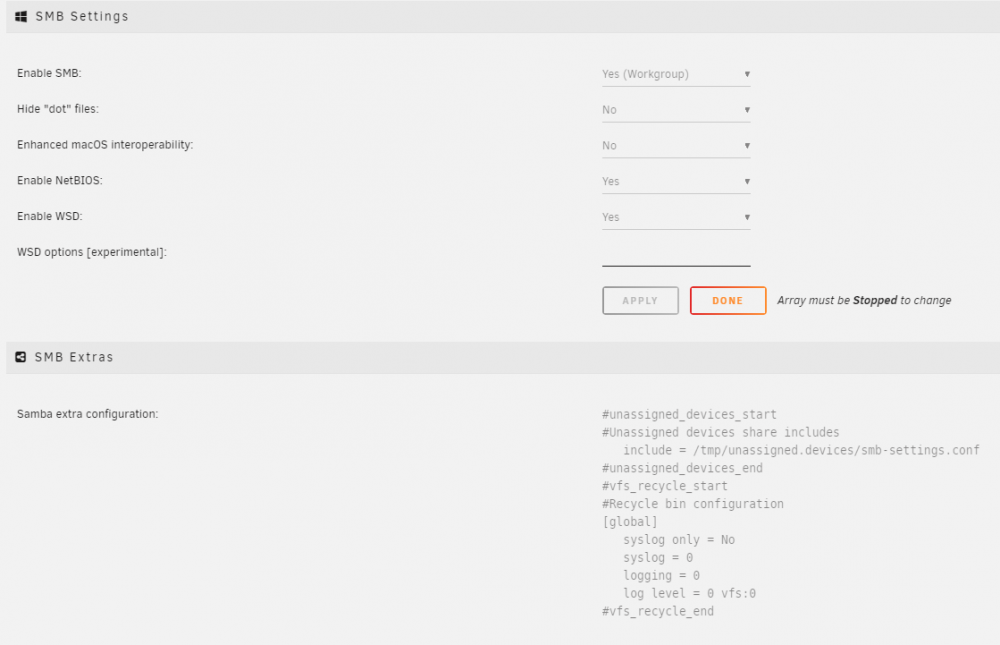
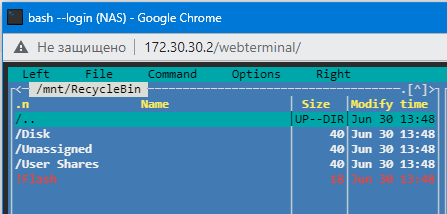
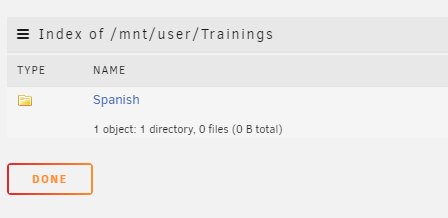
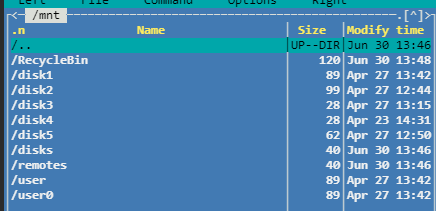
Hi, I have same problem as Arby mentioned before - RecycleBin was installed properly but does not work for me... No .recycle.bin folders created, nothing is happening after deleting the files.. Please see screenshots below: I have created and then deleted the file test.txt, but have not seen any recycle.bin folder created afterwards: Please see my configurations below: There is some RecycleBin folder exists in /mnt, but has no any deleted files: Please kindly suggest what to do and how to resolve the issue. Thank you very much! nas-diagnostics-20210630-1402.zip